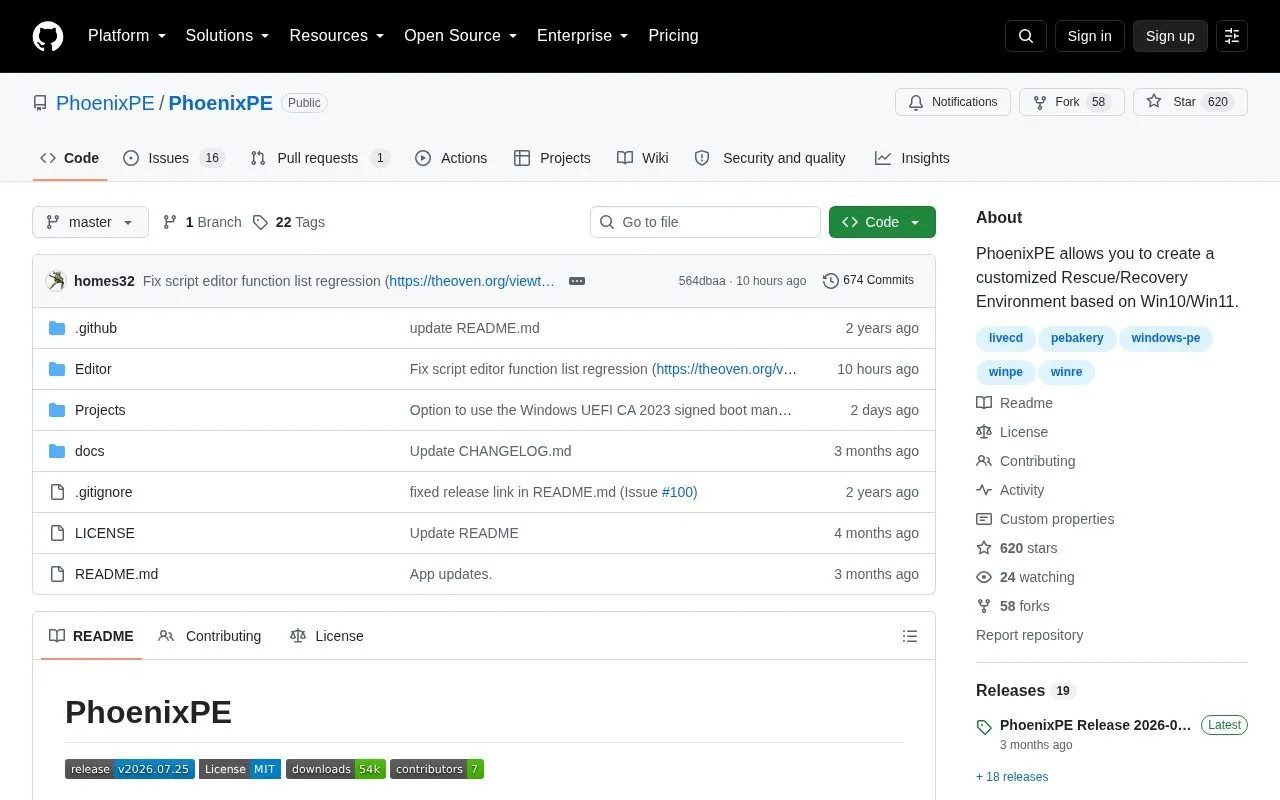
PhoenixPE is a project for building a customized Windows rescue and recovery environment based on Windows 10 or Windows 11. Builds are created with the PEBakery build engine from a boot.wim or WinRE.wim source and can be written to a USB drive, CD/DVD, hard disk, or served over PXE for network boot. The resulting environment bundles tools for drive backup, cloning and imaging, file and password recovery, offline OS repair, malware removal, forensics, secure disk wiping, partitioning, benchmarking, and hardware diagnostics.
Building requires a Windows 10 or 11 host machine, a compatible Windows source, and internet access for the initial build; PEBakery downloads required tools from the Windows ADK on the first run and caches them locally, so later builds do not need internet access. Scripts and the PhoenixPE API allow adding applications, configuring settings, and registering shell extensions. Pricing is not stated in the source material.
Key features
Builds a WinPE recovery environment from Win10 or Win11 boot.wim or WinRE.wim sources
Boots from USB, CD/DVD, PXE network, or hard disk
PEBakery build engine with an API and scripting for adding apps and settings
Bundled tools for backup, cloning, imaging, file recovery, and password recovery
Includes malware removal, forensics, and secure disk wipe utilities
Hardware tools for partitioning, benchmarking, diagnostics, and system information
Best for: Users and developers who want to build a tailored Windows recovery environment rather than download a prebuilt ISO.
Good for
Customizable through PEBakery scripting, the PhoenixPE API, and project variables
Downloads required Windows ADK tools on the first build and caches them locally for later offline builds
Supports several boot media: USB, CD/DVD, PXE, and hard disk
Watch out for
Requires a Windows 10 or 11 host machine, a compatible Windows source, and internet access for the initial build
Some bundled recovery tools can be flagged by antivirus software, which the project describes as known false positives
A Windows 10 or Windows 11 host machine, a compatible Win10/Win11 source, and internet access for the initial build.
Is internet access required for every build?
No. PEBakery downloads the required tools from the Windows ADK on the first run and caches them locally, so subsequent builds do not need internet access. App installers can also be pre-cached per script.
Why does antivirus flag some software in PhoenixPE?
The project describes this as a known false positive: recovery tools often use low-level system access that antivirus software flags incorrectly.
Is something wrong or out of date?
Tell us and an editor will check it.
Own this website?
Claim the listing and suggest updates yourself. An editor checks every claim first.