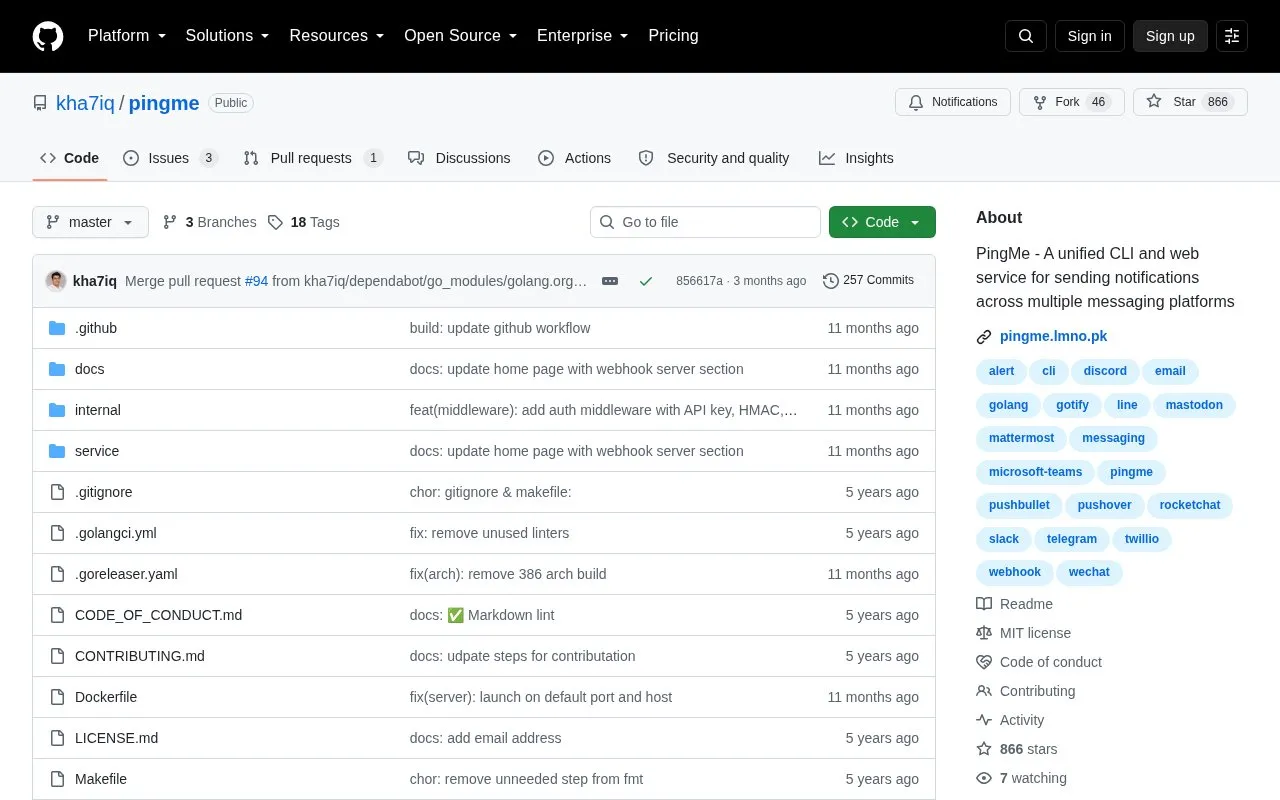
PingMe is an open source command-line tool and webhook server for sending notifications to several messaging platforms from one interface. The project's author built it to call from backup scripts, cron jobs, CI/CD pipelines, and other scripts that need to send a message with specific information.
The tool is configured through environment variables. It can send exported logs or messages as the message body. It can also run as a webhook server (pingme serve) that receives HTTP POST requests with a JSON payload and forwards notifications to a chosen service. Authentication for this endpoint is optional and can use an API key, HMAC, or basic authentication. The source describes PingMe as a personal project. Pricing is not stated.
Key features
Supports Discord, Email, Slack, Telegram, Microsoft Teams, Mattermost and other listed services
Command-line tool that can be called from scripts, cron jobs, and CI/CD pipelines
Configuration through environment variables
Sends exported logs or message text stored in a variable as the notification
Webhook server mode that receives HTTP POST requests and dispatches notifications
Optional API key, HMAC, or basic authentication for the webhook endpoint
Best for: Developers and system administrators who want to send alerts from scripts, scheduled jobs, or CI/CD pipelines to one or more messaging platforms.
Good for
Provides one tool for several messaging platforms instead of a separate integration for each
Open source, with a public repository on GitHub
Available through several install methods, including Homebrew, Docker, and Scoop on Windows
Watch out for
The source describes PingMe as a personal project
Webhook authentication is optional and must be configured separately
The shell-script installer installs to /usr/bin by default and requires sudo unless a custom path is given
Set the credentials for the service you want to use, then run `pingme serve`. The default address is 0.0.0.0:8080, and a custom host and port can be given with flags. Requests are sent as HTTP POST to /webhook with a JSON body that names the service, message, and optional title.
How is PingMe configured?
Settings are provided through environment variables. For example, Telegram uses TELEGRAM_TOKEN and TELEGRAM_CHANNELS.
Is something wrong or out of date?
Tell us and an editor will check it.
Own this website?
Claim the listing and suggest updates yourself. An editor checks every claim first.