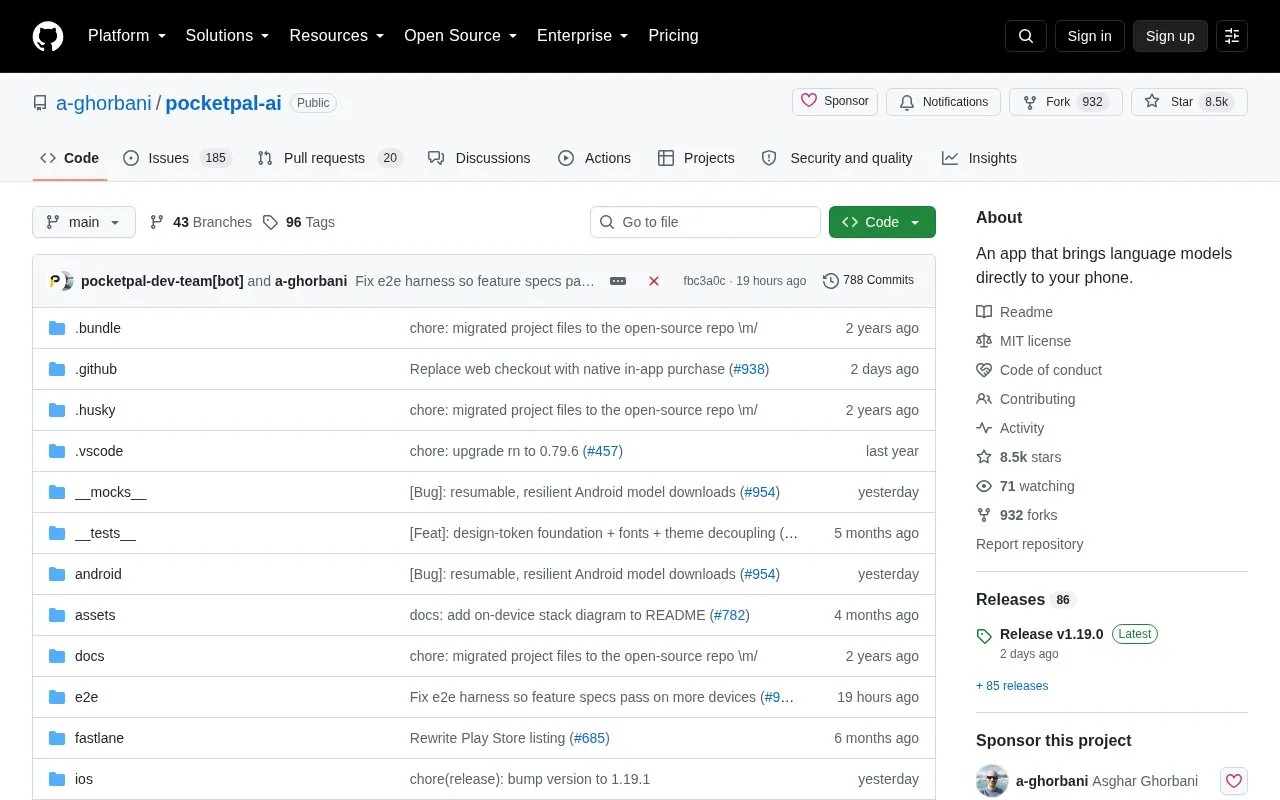
PocketPal AI is an open source mobile app for running language models directly on a phone. Users can chat with models, give an assistant a voice with on-device text-to-speech, and let certain assistants use built-in tools. The project describes conversations as staying on the device by default. Uploads and sharing are limited to what the user chooses to send, such as optional leaderboard benchmark results and feedback submitted through the app.
The app runs GGUF models, so users download a model to their phone before using it offline. Hugging Face model downloads, including gated models, require an access token. Models should be chosen to fit the phone's hardware. Premium community assistants on PalsHub are available through in-app purchase.
Key features
Runs GGUF language models such as Gemma, Qwen, Phi, and Llama on the device
On-device text-to-speech using Kokoro and other engines, without cloud calls
Custom assistants (Pals) with their own model, system prompt, and personality
Built-in tools, such as a calculator and date/time, for assistants that support tool use
Search and download GGUF models from Hugging Face, including gated models with an access token
Hardware acceleration paths for CPU, GPU, and NPU, with fallback when unavailable
Best for: People who want to run language models on their own Android or iOS phone and use them without an account or a constant internet connection.
Good for
Described as free and open source, with the code released under the MIT license
Chat works offline after a model has been downloaded
Available on both Android and iOS, including iPad support
Watch out for
Premium community assistants on PalsHub are sold through in-app purchase
Model downloads from Hugging Face require an internet connection and, for gated models, an access token
Model performance depends on the phone's hardware, so users must choose models that fit their device
Does PocketPal AI send my conversations to a server?
The project states that prompts, responses, and documents stay on the device and are not uploaded or stored on external servers. The only data that leaves the device is what the user chooses to share, such as leaderboard benchmark results or feedback submitted through the app.
How do I start my first chat?
Install the app from the App Store or Google Play, open the menu (☰) and go to Models, then download a model that fits the phone. After the model loads, you can start chatting.
Do I have to pay for premium assistants?
Some community assistants on PalsHub are premium and are unlocked through in-app purchase. The source does not state prices.
Is something wrong or out of date?
Tell us and an editor will check it.
Own this website?
Claim the listing and suggest updates yourself. An editor checks every claim first.