

MajorGeeks Windows Tweaks bundles more than 200 registry, PowerShell, Visual Basic, shortcut, and batch files for Windows versions 7 through 11.
Registry-Finder
Registry Finder is a Windows registry editor with installer and portable versions listed on its download page.
About Registry-Finder
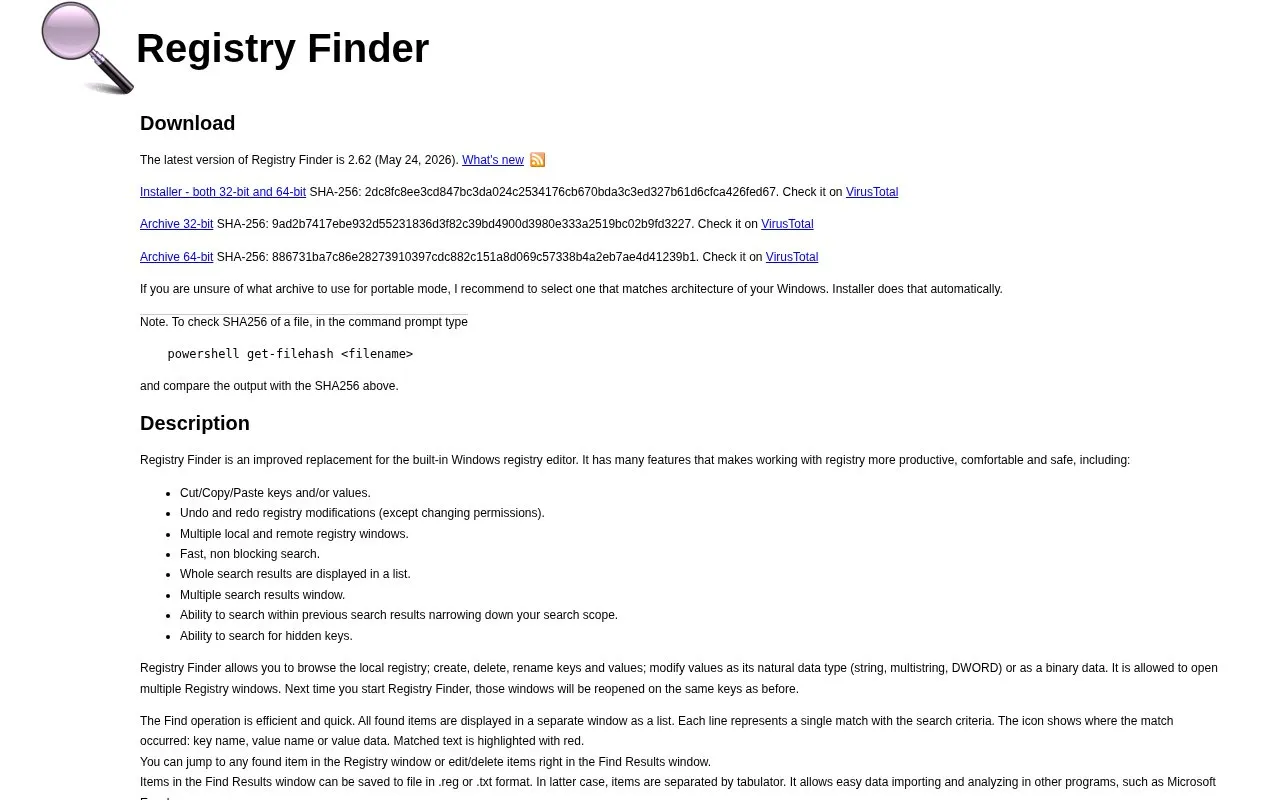
Registry Finder is a Windows registry editor presented as an improved replacement for the built-in Windows registry editor. It lets users browse the local registry and create, delete, rename and modify keys and values, with cut/copy/paste, undo and redo of registry modifications, and multiple local and remote registry windows that reopen on the same keys next time. Search runs without blocking the interface and lists every match in a separate window, where results can be jumped to, edited, deleted, replaced, or saved to .reg or tab-separated .txt files. The current release is version 2.62 (May 24, 2026), offered as a 32-bit/64-bit installer or as portable archives. Undo and redo do not cover permission changes, and the program runs with limited privileges by default even for administrators, which can produce access-denied errors until it is restarted with elevated rights.
Key features
- Cut, copy and paste registry keys and values
- Undo and redo registry modifications, excluding permission changes
- Multiple local and remote registry windows, restored on restart
- Fast, non-blocking search with matches listed in a separate window
- Search within previous results and locate hidden keys
- Replace matches and export results as .reg or .txt
Best for: Windows users who want a more productive alternative to the built-in Registry Editor and are comfortable working with elevated privileges when needed.
Good for
- Registry changes including deletion and replacement can be undone and redone via the History window
- Can run without installation from a hard drive or USB drive, storing settings in a config file rather than the registry
- Search is non-blocking and reports all matches in one list with highlighted text
Watch out for
- Undo and redo do not apply to permission changes
- Runs with limited privileges by default, so some changes fail with access denied unless launched as administrator
- Replace acts only on items currently present in the Find Results window
Registry-Finder at a glance
- Website
- registry-finder.com
- Category
- Software & Utilities › System Utilities
- Type
- Website
- Pricing
- Not confirmed. Check the site
- Platforms
- Web, Windows
- Open source
- Not stated
- Language
- English
- Last checked
- Oct 5, 2026 · Online when checked
- Listed
- Oct 5, 2026
Registry-Finder alternatives
Tools and sites you could use instead, ranked by how closely they match.
Popular in System Utilities
Well-known listings from the same topic.
Phone Linkmicrosoft.com/windows/sync-across-your-devicesMicrosoft SDmicrosoft.com/en-us/software-downloadPowerToyslearn.microsoft.com/en-us/windows/powertoysWinWorldPCwinworldpc.comGeekUninstallergeekuninstaller.com0Install0install.net


Registry-Finder FAQ
Can Registry Finder be used without installing it?
Yes. Download the archive with binaries, unpack it into any folder on a hard drive or USB drive and run the executable. In portable use the program does not store data in the registry; settings are kept in RegistryFinder.config in the same folder as the executable.
Why do changes fail with an access denied error?
By default Registry Finder runs with limited privileges even when the user is an administrator. To avoid access denied errors, restart it through File | Restart as Administrator, or create a shortcut and enable the Run as administrator option.
Which download should I choose?
The installer includes both 32-bit and 64-bit binaries and can deploy in Normal mode or Portable mode. If you use an archive for portable mode, pick the one matching the architecture of your Windows.
Is something wrong or out of date?
Tell us and an editor will check it.
Own this website?
Claim this listing
Claim the listing and suggest updates yourself. An editor checks every claim first.