
ripgrep-all
ripgrep-all extends ripgrep-style search to PDFs, e-books, office documents, ZIP files, and other formats.
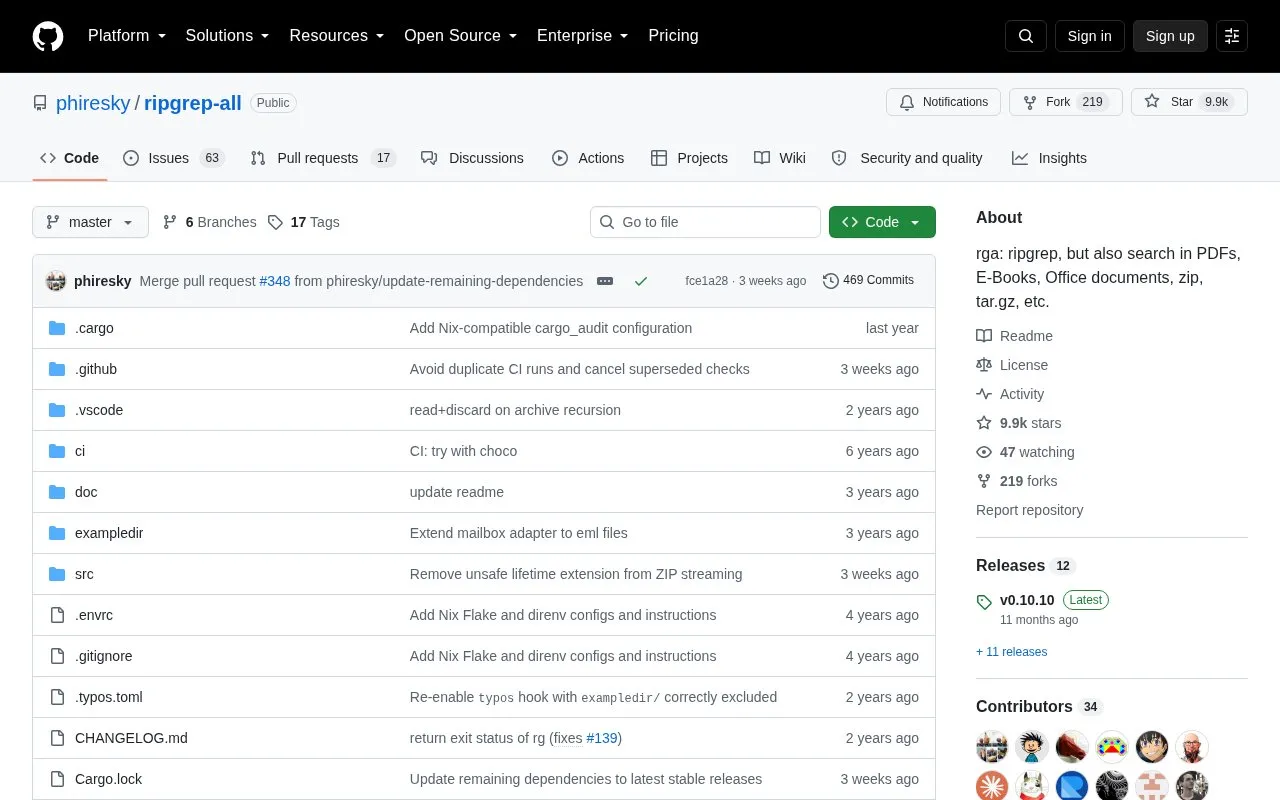
About ripgrep-all
ripgrep-all (rga) is a command-line search tool that extends ripgrep to search inside many file formats, including PDFs, e-books, Office documents, ZIP and tar archives, SQLite databases, and video subtitle files. It uses adapters that call external tools such as pandoc, poppler, and ffmpeg to extract text, and it can recursively descend into archives. A key limitation is that it relies on those external dependencies for certain formats; on Windows, only installations via Chocolatey or Scoop include them, while manual binary downloads do not.
Key features
- Searches PDFs, e-books, Office documents, and SQLite databases.
- Recursively searches inside ZIP, tar, and compressed archives.
- Extracts text from video subtitles and metadata via ffmpeg.
- Uses adapters for pandoc, poppler, ffmpeg, zip, tar, and sqlite.
- Allows custom adapters for additional file formats.
- Integrates with fzf for interactive search.
- Extends ripgrep to many file types beyond plain text.
- Recursively searches nested archives and compressed files.
- Available on Linux, macOS, and Windows.
- Requires external dependencies (pandoc, poppler, ffmpeg) for certain formats.
- On Windows, manual binary downloads lack dependencies like pdftotext.
- Mail adapter is disabled by default and must be enabled manually.
ripgrep-all at a glance
- Category
- Software & Utilities › System Utilities
- Type
- Open-source project
- Pricing
- Not confirmed. Check the site
- Open source
- Not stated
- Language
- English
- Last checked
- Oct 6, 2026 · Online when checked
- Listed
- Oct 5, 2026
Popular in System Utilities
Well-known listings from the same topic.


ripgrep-all FAQ
What file formats can rga search?
How do I install rga?
Does rga work on Windows?
Tell us and an editor will check it.
Claim the listing and suggest updates yourself. An editor checks every claim first.