

Rsync
rsync transfers files incrementally and provides features for backup and restore, according to its project description.
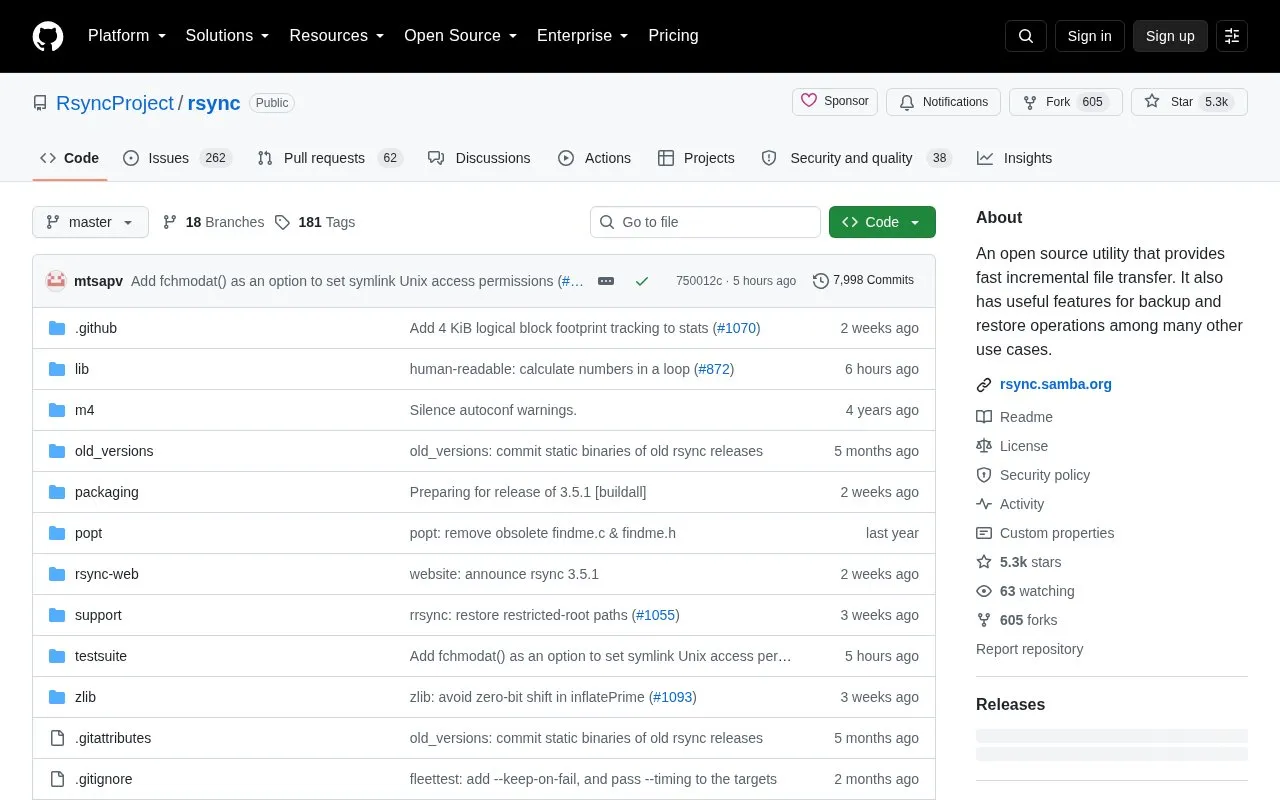
About Rsync
Rsync is a file copying tool for remote and local files. It uses a delta-transfer algorithm that sends only the differences between files to bring remote files into sync.
It provides features for backup and restore operations and is used in a similar way to scp with additional options. It normally uses ssh or rsh for remote communication and can also run in daemon mode for file distribution with authentication and access control.
Key features
- Copies both remote and local files
- Sends only file differences using delta-transfer algorithm
- Supports backup and restore operations
- Communicates with remote systems over ssh or rsh
- Runs in daemon mode for public file distribution
- Provides authentication and access control in daemon mode
Best for: People who need to copy local and remote files, synchronize file differences, and handle backup and restore tasks.
Good for
- Sends only file differences across the link
- Works with both local and remote files
- Requires no special privileges for installation
Watch out for
- Requires a working ssh or rsh system for remote communication
Rsync at a glance
- Category
- Software & Utilities › File Utilities
- Type
- Open-source project
- Pricing
- Not confirmed. Check the site
- Open source
- Not stated
- Language
- English
- Last checked
- Oct 5, 2026 · Online when checked
- Listed
- Oct 5, 2026
Guides for File Utilities
Popular in File Utilities
Well-known listings from the same topic.
SDeletelearn.microsoft.com/en-us/sysinternals/downloa…PowerRenamelearn.microsoft.com/en-us/windows/powertoys/po…robocopylearn.microsoft.com/windows-server/administrat…VERTvert.shNanaZipnanazip.orgPhotonphotondev.netlify.app


Rsync FAQ
How do I see available options?
Type rsync --help for a list of options and see the manpage for more detailed information.
How does rsync connect to remote systems?
It normally uses ssh or rsh, with ssh recommended for security, or it can run in daemon mode listening on a socket.
How do I build rsync from source?
Run the configure script to create a Makefile and config.h appropriate for the system, then type make.
Is something wrong or out of date?
Tell us and an editor will check it.
Own this website?
Claim this listing
Claim the listing and suggest updates yourself. An editor checks every claim first.