

Achievement Watcher parses achievement files and provides real-time notifications for game achievements.
Open source
24 alternativesBack up and manage game saves, including Steam and Minecraft saves, with SaveState.
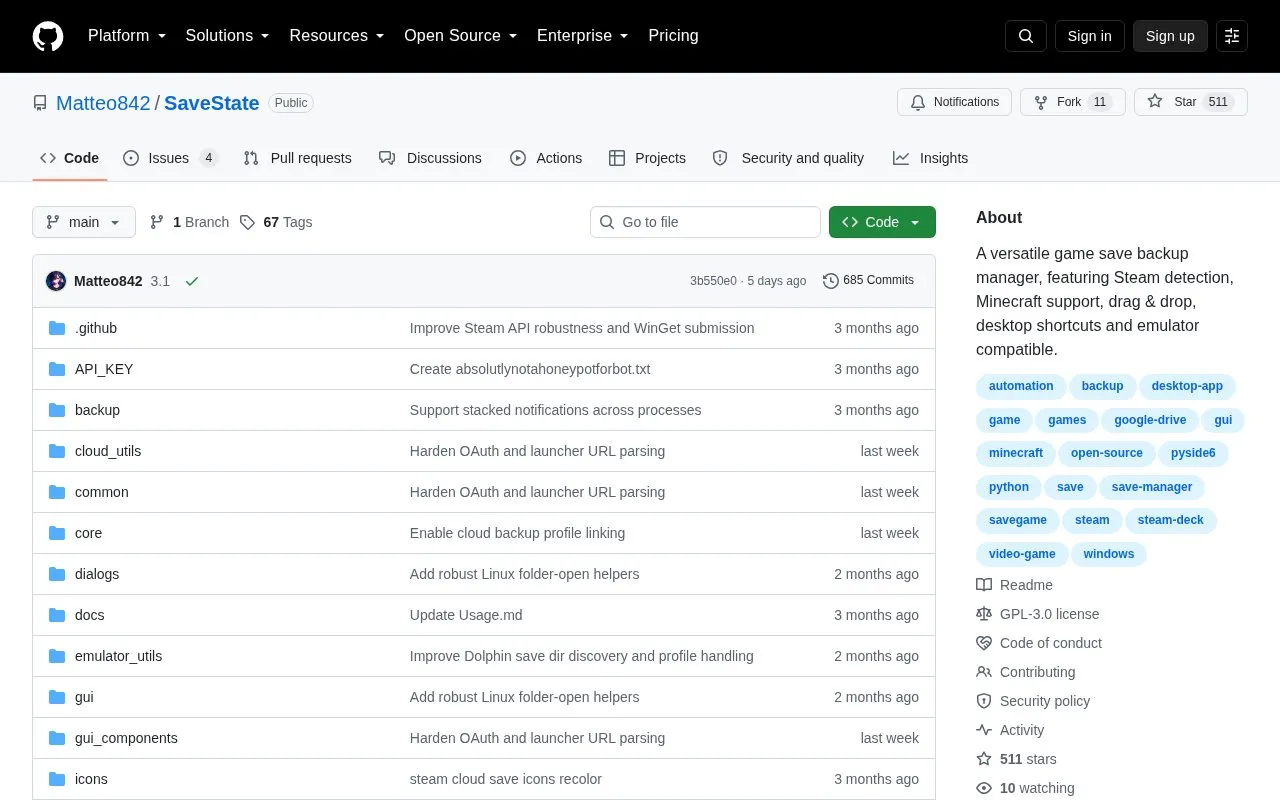
SaveState is a desktop program for Windows and Linux that backs up and restores video game save files using per-game profiles and compressed .zip archives with automatic rotation. Users add games by dragging launcher shortcuts onto the window, with Steam detection, deep scan and fuzzy matching to locate save folders.
It supports Minecraft saves and save locations for emulators such as RetroArch, Dolphin and ares, with optional cloud sync through external services including Google Drive, WebDAV, FTP/FTPS, SMB/NAS or Git. No account is required and it does not need administrator privileges.
Tools and sites you could use instead, ranked by how closely they match.
Achievement Watcher parses achievement files and provides real-time notifications for game achievements.
Track PC game achievements, playtime, and screenshots with Achievement Watcher, including games from Steam and emulators.
Redirect Steam Input configurations to the system level, locally or across a network, with SISR.
Translate DualSense controller inputs into XInput so a PC can use the controller with compatible software.
Run a community-built server implementation for Diablo III through the open-source DiIiS project.
BlueStacks runs Android applications on desktop computers through an emulator, bringing mobile apps to a larger screen.
Well-known listings from the same topic.
Tell us and an editor will check it.
Claim the listing and suggest updates yourself. An editor checks every claim first.


