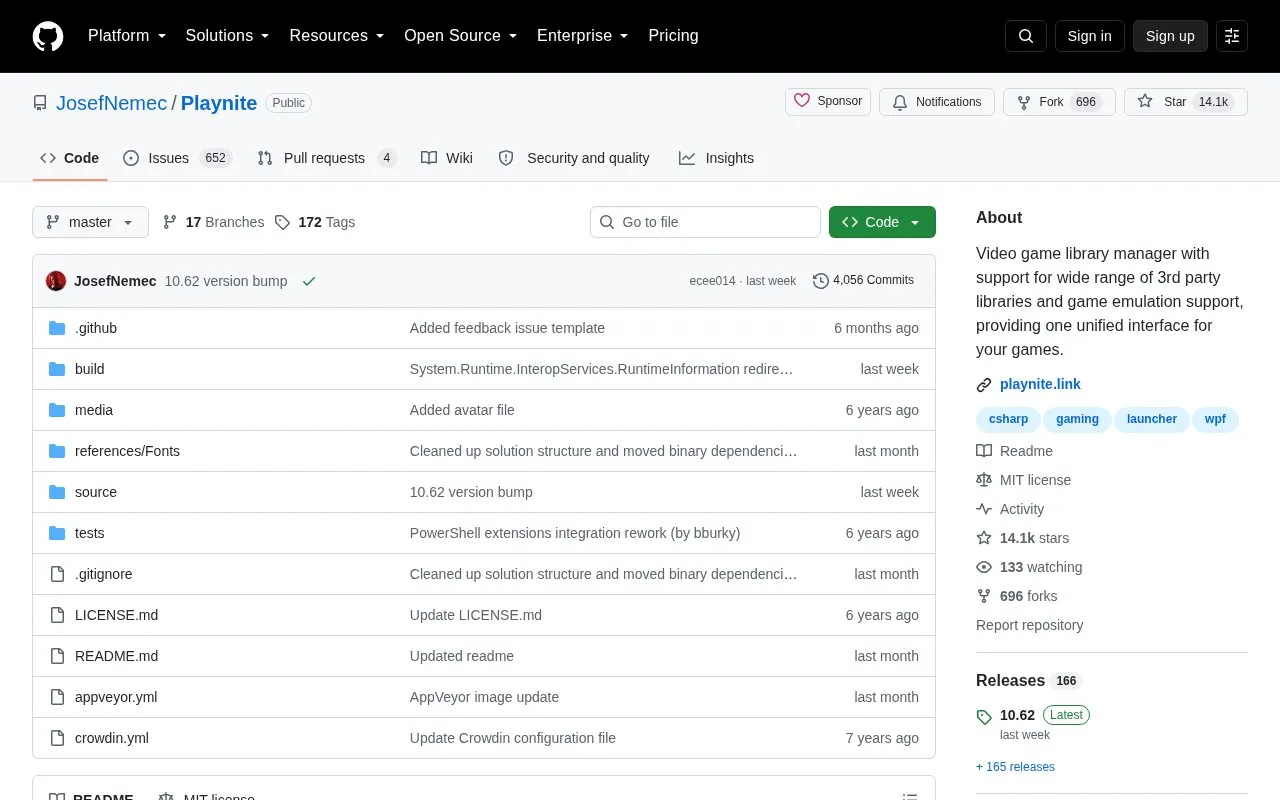
Playnite is an open source video game library manager and launcher for Windows 10 or 11. It provides one interface for games from third-party libraries such as Steam, Epic, GOG, EA App and Battle.net, along with game emulation support. It is offered as an installer or portable package, stores game library data locally on the PC, and can be extended with plugins, PowerShell scripts and interface themes.
Key features
Combine libraries such as Steam, Epic, GOG, EA App, Battle.net
Manage emulated games in the same interface
Available as installer or portable package
Notify automatically when a new version is released
Extend with .NET plugins, PowerShell scripts and themes
Store game library data locally on PC
Best for: Windows 10 or 11 users who want games from multiple stores and emulators in one local library.
Good for
Open source under MIT license
Supports multiple third-party libraries and emulation in one interface
States library data is stored locally on the PC
Watch out for
Requires Windows 10 or 11
Account connection process depends on library plugin implementation
Game library data is stored locally on the PC. Account connection depends on the library plugin, but is usually done through official login forms with only session cookies or tokens stored.
How do I install and update Playnite?
Download the latest installer or portable package from the download page. Playnite automatically notifies about a new version upon release.
Is something wrong or out of date?
Tell us and an editor will check it.
Own this website?
Claim the listing and suggest updates yourself. An editor checks every claim first.