

ScribePal
ScribePal provides contextual insights, summaries, and browsing assistance through an AI browser extension.
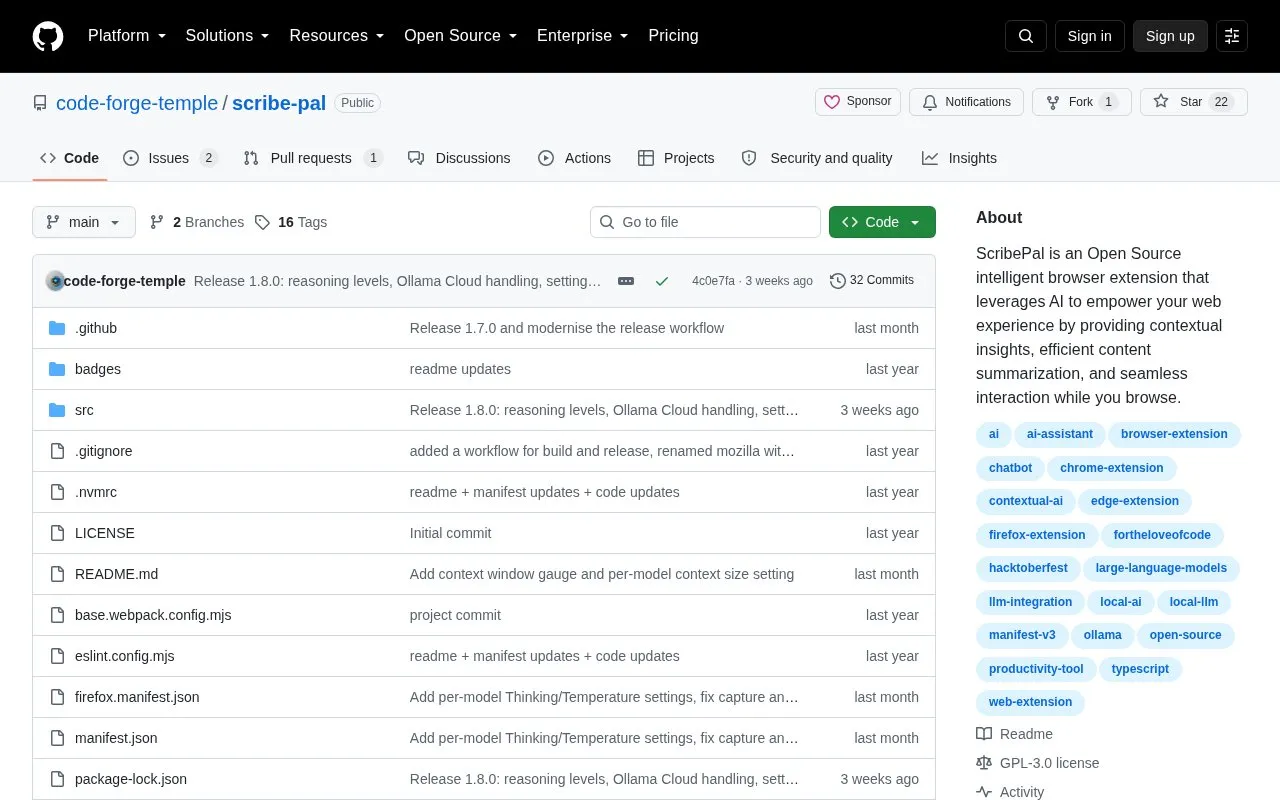
About ScribePal
ScribePal is an open source browser extension that connects to Ollama to provide contextual insights and content summarization while browsing. It offers a draggable chat box, prompt customization, page text and image capture, and file attachments referenced with special tags.
It requires an Ollama host installed on the local machine or available on the local network. The project describes AI processing as staying within the local network, and lists compatibility with Chromium and Gecko-based browsers.
Key features
- Summarize web content and provide contextual insights while browsing
- Draggable chat box for sending and receiving AI responses
- Select, refresh, download, and delete Ollama models
- Per-model temperature, context size, and thinking settings
- Capture page text and images into chat with special tags
- Upload files and reference them with @attached-files tag
Best for: People who browse with Chromium or Gecko browsers and want to use local Ollama models for summaries and page assistance.
Good for
- Open-source extension with code available on GitHub
- Designed to use local Ollama models on the local machine or LAN
- Compatible with Chromium and Gecko-based browsers such as Chrome, Firefox, and Edge
Watch out for
- Requires installing and configuring an Ollama host before use
ScribePal at a glance
- Category
- Development › Developer Tools
- Type
- Open-source project
- Pricing
- Not confirmed. Check the site
- Platforms
- Browser extension
- Open source
- Yes · Source code
- Language
- English
- Last checked
- Oct 5, 2026 · Online when checked
- Listed
- Oct 5, 2026
Guides for Developer Tools


ScribePal alternatives
Tools and sites you could use instead, ranked by how closely they match.

Responsive Viewer previews, screenshots, annotates, and compares website layouts across multiple screen sizes.

Claude Usage Tracker is a browser extension for viewing Claude usage information.
Open source
24 alternativesUse LLM, a command-line utility and Python library, to interact with large language models.

Coders Tool offers browser-based utilities for JSON, SQL, text, encoding, networking, time conversion, and data formatting.
Code Beautify offers online tools for formatting, validating, viewing, and converting developer files and data.

CodeImage helps developers organize code snippets and create shareable screenshots of source code.
Popular in Developer Tools
Well-known listings from the same topic.
AppDevToolsappdevtools.comCommand Not Foundcommand-not-found.comTestFlighttestflight.apple.com/join/A8GwCnq8Sourcegraphabout.sourcegraph.comProject Wallaceprojectwallace.comCarbon Calculatorwebsitecarbon.com


ScribePal FAQ
How does ScribePal process AI requests?
According to the project, it communicates with an Ollama service on the local machine or LAN, with processing conducted within the local network.
What setup is needed before using the extension?
An Ollama host must be installed and configured on the local machine or available on the LAN.
How do captured content and files appear in chat?
Captured text uses @captured-text, captured images use @captured-image, and uploaded files use @attached-files.
Is something wrong or out of date?
Tell us and an editor will check it.
Own this website?
Claim this listing
Claim the listing and suggest updates yourself. An editor checks every claim first.