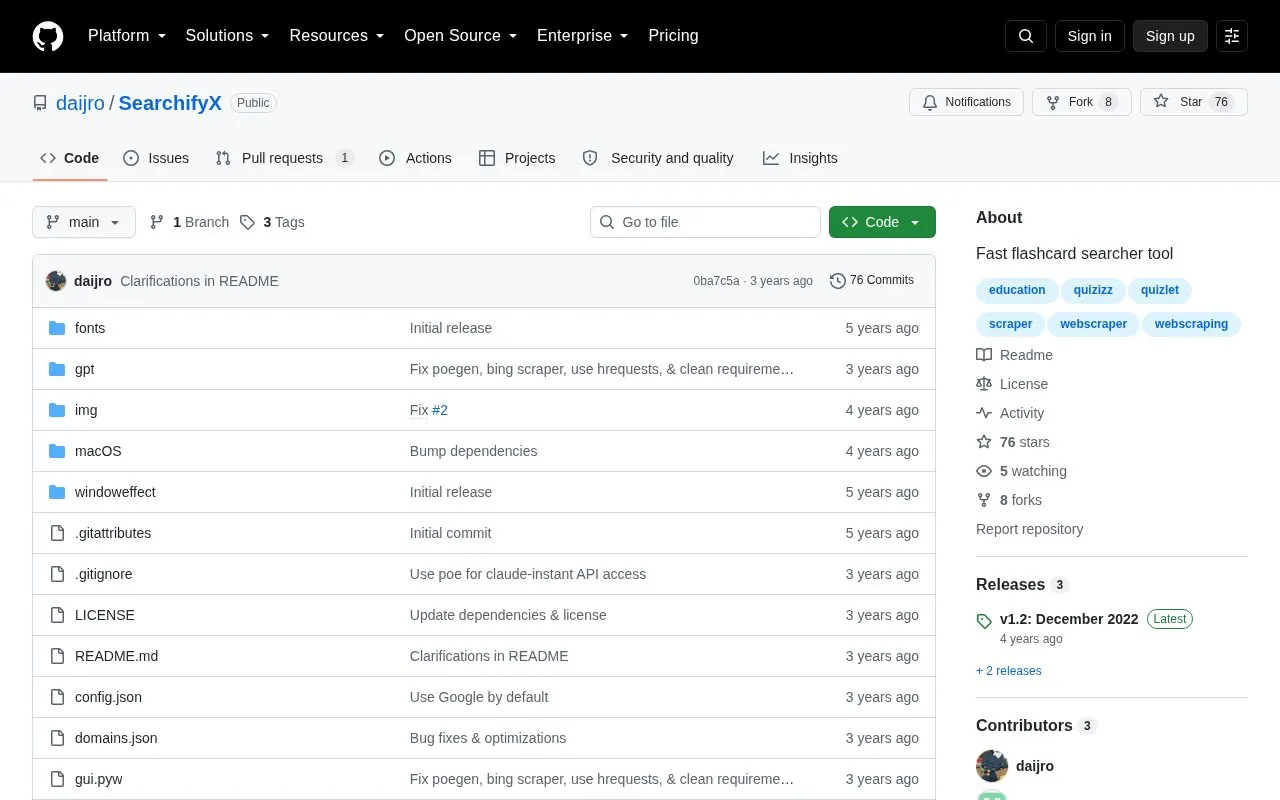
SearchifyX is a desktop tool that searches Quizlet and Quizizz for questions matching a user query and sorts results by similarity to the query. It provides a graphical interface with dark and light themes, a screen OCR scanner to capture on-screen questions, global hotkeys, and window display controls.
Windows binaries are provided, while Linux and macOS use is described through Python 3.8 source code and a command-line script. The OCR function requires a separate Tesseract installation, and the repository states the tool is for educational purposes only.
Key features
Search Quizlet and Quizizz for questions matching input
Sort results by similarity to the query
Capture on-screen text with OCR scanner
Run searches from command line with selectable search engine
Use global hotkeys for search and window actions
Adjust window opacity and taskbar visibility
Best for: Students who need to query flashcard questions from Quizlet and Quizizz on a desktop computer.
Good for
Provides both a graphical interface and a command-line script
Lets users choose search engine and question sources in CLI mode
Includes dark theme, light theme, and settings page
Watch out for
OCR function requires separate Tesseract installation or portable archive
Running from source requires installing Python 3.8 dependencies
Download described as Windows binaries, with source-code use for Linux and macOS