
Silicio
Silicio provides widgets and a mini player for Apple Music, Spotify, and iTunes on Mac.
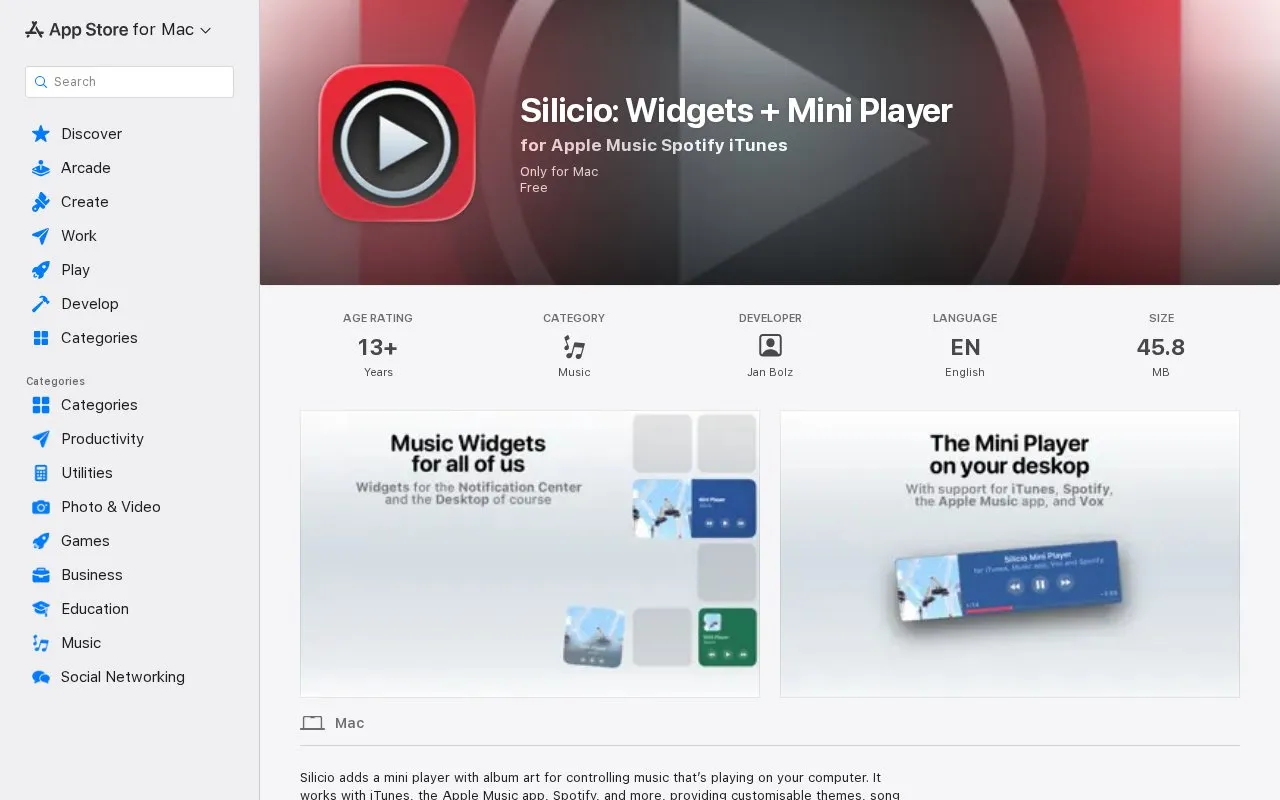
About Silicio
Silicio adds a desktop mini player with album art for controlling music playing on a Mac. It works with iTunes, the Apple Music app, Spotify, and more, and includes themes, song-change notifications, and global keyboard shortcuts.
It also provides desktop widgets showing album art and song information, which require macOS Sonoma and newer. Other functions include Last.fm scrobbling, podcast fast-forward and rewind in iTunes and Spotify, and links to song and artist information on Wikipedia and other sites.
Key features
- Desktop mini player with album art for playback control
- Desktop widgets showing album art and song information
- Customisable themes for the mini player
- Notifications when a new song starts playing
- Global keyboard shortcuts to control music playback
- Scrobble played songs to Last.fm profile
- Works with iTunes, the Apple Music app, and Spotify
- Combines mini player, widgets, notifications, and keyboard shortcuts
- Includes Last.fm scrobbling and links to song and artist information
- Only for Mac
- Desktop widgets require macOS Sonoma and newer
- Podcast fast-forward and rewind limited to iTunes and Spotify
Silicio at a glance
- Category
- Software & Utilities › Mac Apps
- Type
- Website
- Pricing
- Not confirmed. Check the site
- Platforms
- iOS, macOS, Web
- Open source
- Not stated
- Language
- English
- Last checked
- Oct 5, 2026 · Online when checked
- Listed
- Oct 5, 2026
Popular in Mac Apps
Well-known listings from the same topic.


Silicio FAQ
Which players does Silicio support?
What is required for the desktop widgets?
Can Silicio control podcasts?
Tell us and an editor will check it.
Claim the listing and suggest updates yourself. An editor checks every claim first.