
TablacusExplorer
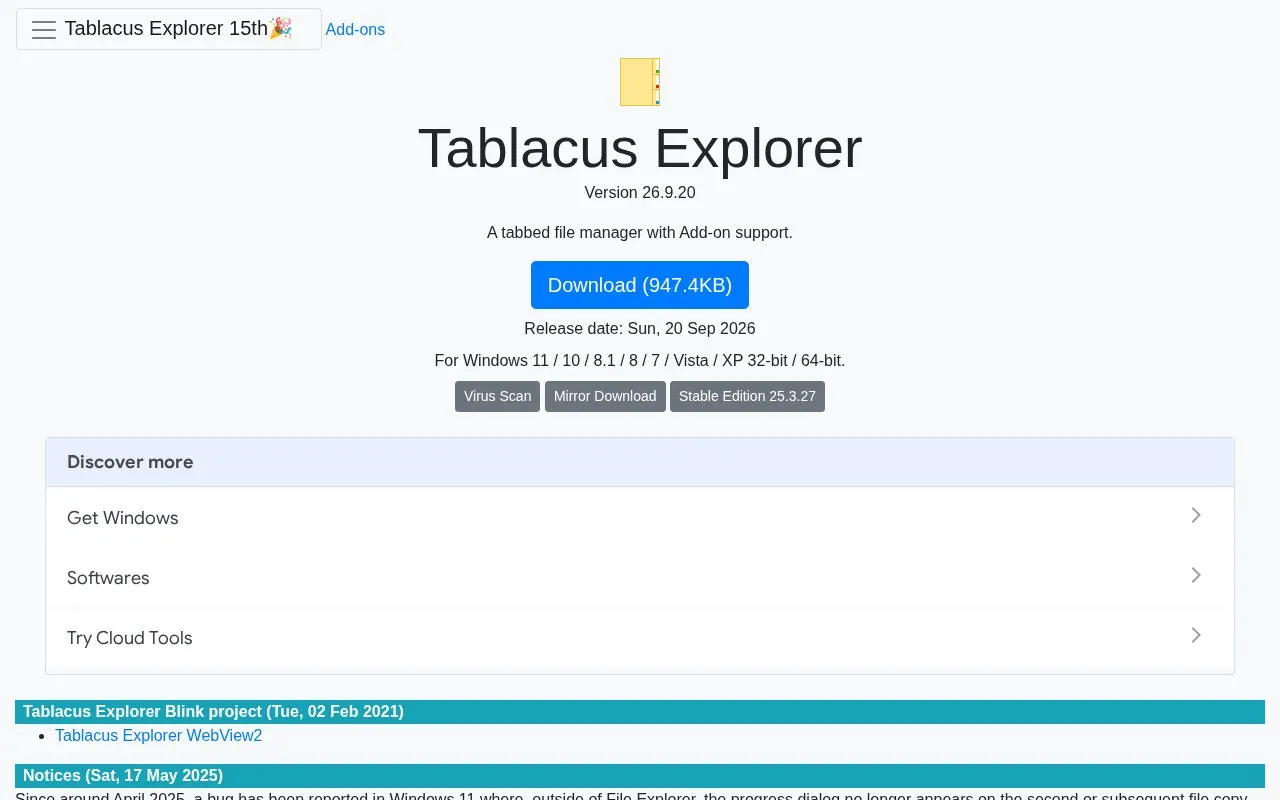
Tablacus Explorer is a tabbed file manager with add-on support, according to its download page.
About TablacusExplorer
Tablacus Explorer is a tabbed file manager for Windows. Its homepage describes it as a file manager with add-on support. It can be run without installation, and it supports customization of file associations, menus, keys, mouse gestures, and aliases. Add-ons are installed from the Options dialog.
The homepage lists two notices. A vulnerability in version 17.3.30 and earlier allowed script execution when opening a malicious FTP site, and the developer advises updating. A Windows 11 bug, first reported around April 2025, prevents the progress dialog from appearing on second and later copy operations outside File Explorer. The developer says it can be worked around by disabling the "Multi-thread" add-on and installing the "Multi-process" add-on. The developer says the issue does not appear on Windows 10 and earlier.
Key features
- Tabbed file manager interface
- Add-on support, with add-ons installed from the Options dialog
- Portable operation with no installation required, per the homepage
- Customizable file associations, menus, keys, mouse gestures, and aliases
- Columns for total file size and label
- Multiple language and Unicode support
Best for: Windows users who want a tabbed file manager that can be extended with add-ons and customized in detail.
Good for
- Can be run without installation, according to the homepage
- Extensible through add-ons and a set of listed add-on packages
- Customizable menus, keys, mouse gestures, and file associations
Watch out for
- Windows only, according to the listed platforms
- Windows 11 progress dialog bug outside File Explorer, with a workaround that changes add-ons
- Versions 17.3.30 and earlier have a reported script injection vulnerability, so the developer advises updating
TablacusExplorer at a glance
- Category
- Software & Utilities › File Utilities
- Type
- Website
- Pricing
- Not confirmed. Check the site
- Platforms
- Web, Windows
- Open source
- Not stated
- Language
- English
- Last checked
- Oct 6, 2026 · Online when checked
- Listed
- Oct 5, 2026
Guides for File Utilities
Popular in File Utilities
Well-known listings from the same topic.
SDeletelearn.microsoft.com/en-us/sysinternals/downloa…PowerRenamelearn.microsoft.com/en-us/windows/powertoys/po…robocopylearn.microsoft.com/windows-server/administrat…VERTvert.shNanaZipnanazip.orgPhotonphotondev.netlify.app


TablacusExplorer FAQ
How do I install add-ons?
The homepage says add-ons can be installed from the "Get Add-ons..." button in the options. For extracting archives, the homepage says to get 7-Zip, enable the "Extract" add-on, and set it to use 7-Zip or Lhaz.
Where are settings stored, and how do I uninstall it?
The homepage says settings are saved in "%AppData%\tablacus\explorer\config". To uninstall, delete the tablacus folder. If it was installed to Program Files or a write-protected directory, the homepage also says to delete "%AppData%\tablacus".
Is something wrong or out of date?
Tell us and an editor will check it.
Own this website?
Claim this listing
Claim the listing and suggest updates yourself. An editor checks every claim first.