
Taskbar Hide
Taskbar Hide lets users hide Windows applications, windows, programs, and the taskbar, according to the product description.
About Taskbar Hide
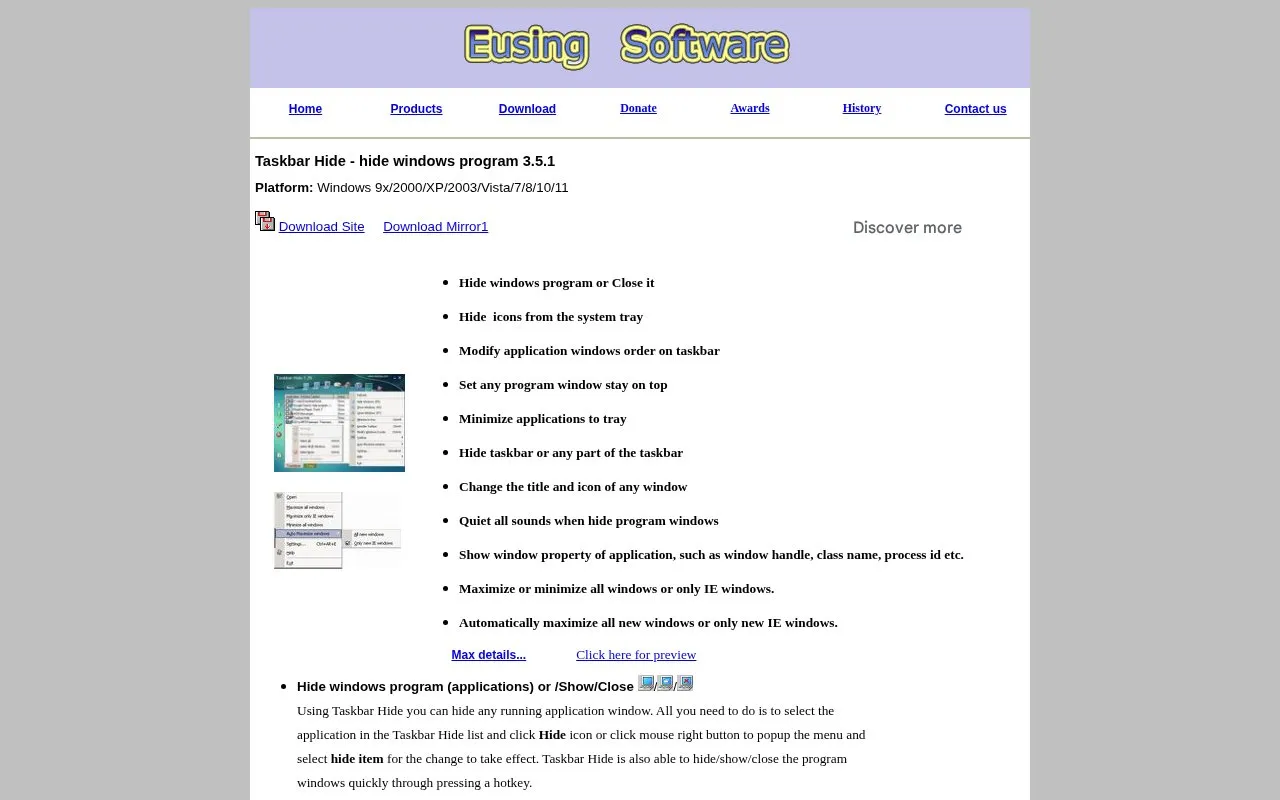
Taskbar Hide is a Windows utility for hiding, showing, and closing running application windows from a list or with a hotkey. It can hide system tray icons, minimize windows to the tray, reorder taskbar windows, set a window to stay on top, and hide the taskbar or parts such as the start button, task window, tray, and clock.
It can also change a window title and icon, quiet sounds when hiding windows, maximize or minimize groups of windows, and show window properties such as handle, class name, and process ID. It lists support for Windows 9x/2000/XP/2003/Vista/7/8/10/11.
Key features
- Hide, show, or close running application windows via hotkey
- Hide unused icons from the system tray
- Minimize application windows to the system tray
- Reorder application windows on taskbar with Up/Down controls
- Set selected window to stay on top of others
- Hide taskbar, start button, system tray, or clock
- Hide, show, or close windows quickly with a hotkey
- Can hide full taskbar or individual parts such as clock and start button
- Shows window handle, class name, process ID, and thread ID
- Designed for Windows, with listed support for Windows 9x through Windows 11
Taskbar Hide at a glance
- Category
- Software & Utilities › System Utilities
- Type
- Website
- Pricing
- Not confirmed. Check the site
- Platforms
- Web, Windows
- Open source
- Not stated
- Last checked
- Oct 5, 2026 · Online when checked
- Listed
- Oct 5, 2026
Popular in System Utilities
Well-known listings from the same topic.


Taskbar Hide FAQ
How do I hide a running application window?
What parts of the taskbar can be hidden?
How do I bring back a window minimized to the tray?
Tell us and an editor will check it.
Claim the listing and suggest updates yourself. An editor checks every claim first.