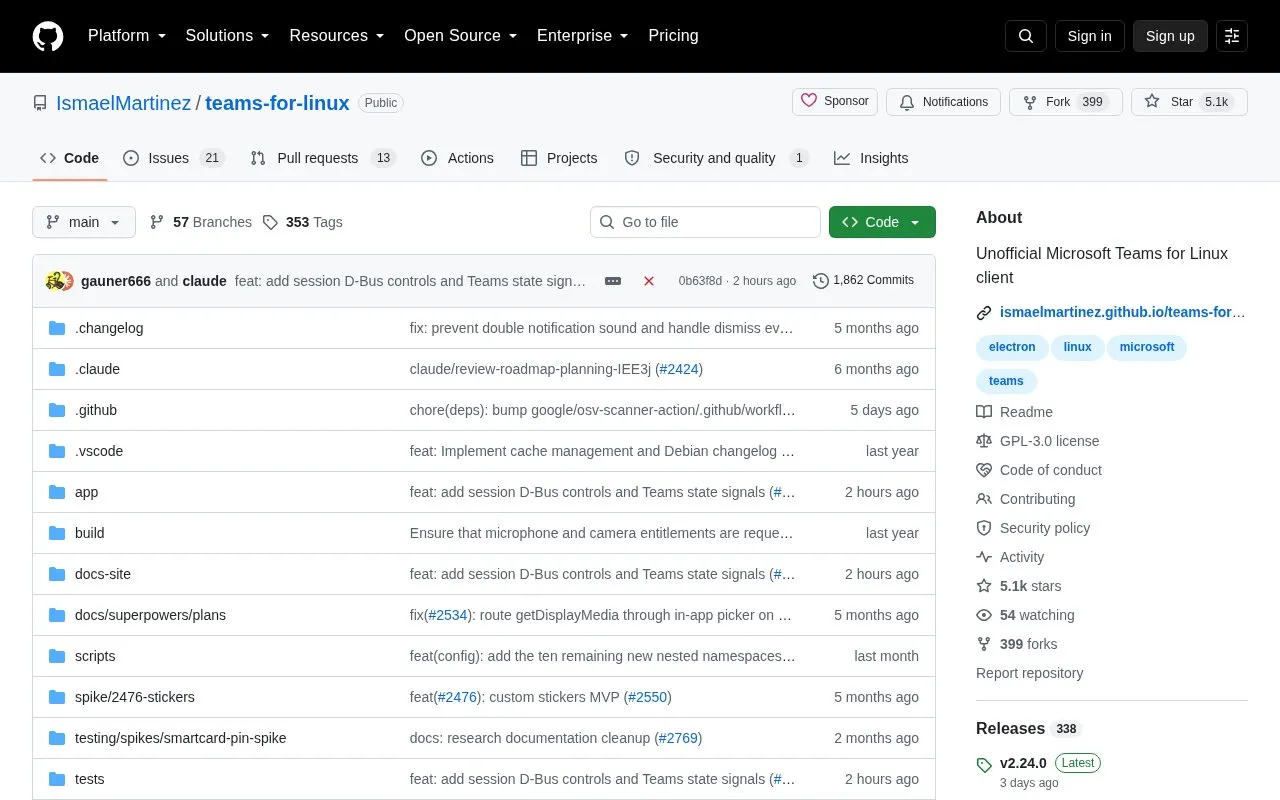
Teams for Linux is an unofficial desktop client that wraps the Microsoft Teams web version in an Electron application for Linux, adding system notifications, tray integration, custom backgrounds and themes, screen sharing support and multiple account profiles. It is an independent project and is not affiliated with Microsoft, and some features are limited by the Teams web app itself.
It can be installed from dedicated Debian and RPM package repositories or downloaded from GitHub releases as AppImage, deb, rpm, snap or tar.gz, and configured through a file at ~/.config/teams-for-linux/config.json.
Key features
System notifications through desktop integration
System tray integration, with badge support varying by desktop environment
Custom backgrounds and themes
Screen sharing support
Multiple account profiles for work and personal accounts
Install via package repositories or AppImage, deb, rpm, snap, tar.gz
Best for: Linux users who want a native desktop wrapper for the Microsoft Teams web app with tray, notification and multi-profile support.
Good for
Open source under GPL-3.0
Several installation formats, including Debian and RPM repositories and AppImage, snap and tar.gz downloads
Supports running multiple account profiles
Configuration available through a config.json file
Watch out for
Independent project not affiliated with Microsoft, with some features limited by the Teams web app
Electron's contextIsolation and sandbox features are disabled to allow Teams DOM access
No. The project describes itself as independent and not affiliated with Microsoft.
How can I install it?
Through the dedicated Debian/DEB and RHEL/Fedora/RPM package repositories at teamsforlinux.de, or by downloading GitHub releases as AppImage, deb, rpm, snap or tar.gz.
What sandboxing options exist given Electron sandboxing is disabled?
The project lists Flatpak, Snap package confinement, Firejail with a provided script, and AppArmor/SELinux, which most Linux distributions include, as system-level sandboxing alternatives.
Is something wrong or out of date?
Tell us and an editor will check it.
Own this website?
Claim the listing and suggest updates yourself. An editor checks every claim first.