
Touché
Touché provides a Touch Bar interface for Mac, with a downloadable app for supported macOS versions.
About Touché
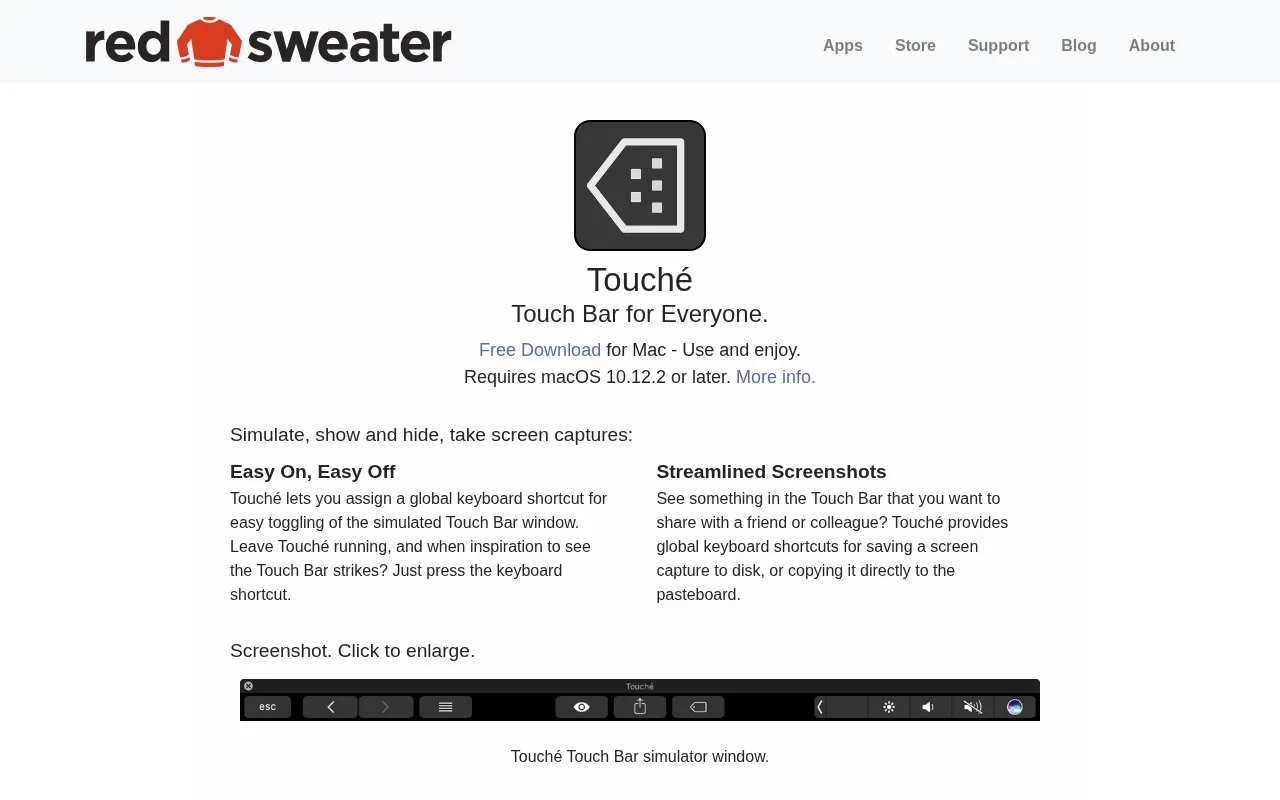
Touché is a Mac app that displays a simulated Touch Bar window. It can be shown and hidden with an assignable global keyboard shortcut, and includes shortcuts to save a Touch Bar capture to disk or copy it to the clipboard. It requires macOS 10.12.2 or later.
Key features
- Displays a simulated Touch Bar window on Mac
- Toggle the Touch Bar window with global keyboard shortcut
- Save Touch Bar screen capture to disk via shortcut
- Copy Touch Bar screen capture to clipboard via shortcut
Best for: Mac users who need to view and capture a simulated Touch Bar on supported macOS versions.
Good for
- Keyboard shortcuts for toggling the Touch Bar window
- Choice of saving captures to disk or copying to clipboard
Watch out for
- Requires macOS 10.12.2 or later
Touché at a glance
- Website
- redsweater.com/touche
- Category
- Software & Utilities › Mac Apps
- Type
- Website
- Pricing
- Not confirmed. Check the site
- Platforms
- macOS, Web
- Open source
- Not stated
- Language
- English
- Last checked
- Oct 5, 2026 · Online when checked
- Listed
- Oct 5, 2026
Popular in Mac Apps
Well-known listings from the same topic.
Adiumadium.imTheBoringNotchtheboring.nameThe Unarchivertheunarchiver.comOsaurusosaurus.aiBetter Shotbettershot.siteShotSolveshotsolve.com


Touché FAQ
What macOS version does Touché require?
macOS 10.12.2 or later.
How can I show or hide the simulated Touch Bar?
Assign a global keyboard shortcut to toggle the Touch Bar window.
How can I capture the Touch Bar display?
Use global keyboard shortcuts to save a screen capture to disk or copy it to the clipboard.
Is something wrong or out of date?
Tell us and an editor will check it.
Own this website?
Claim this listing
Claim the listing and suggest updates yourself. An editor checks every claim first.