
Transnomino
Transnomino batch-renames files on Mac, with its page listing version 10.1.0 and macOS 14 requirements.
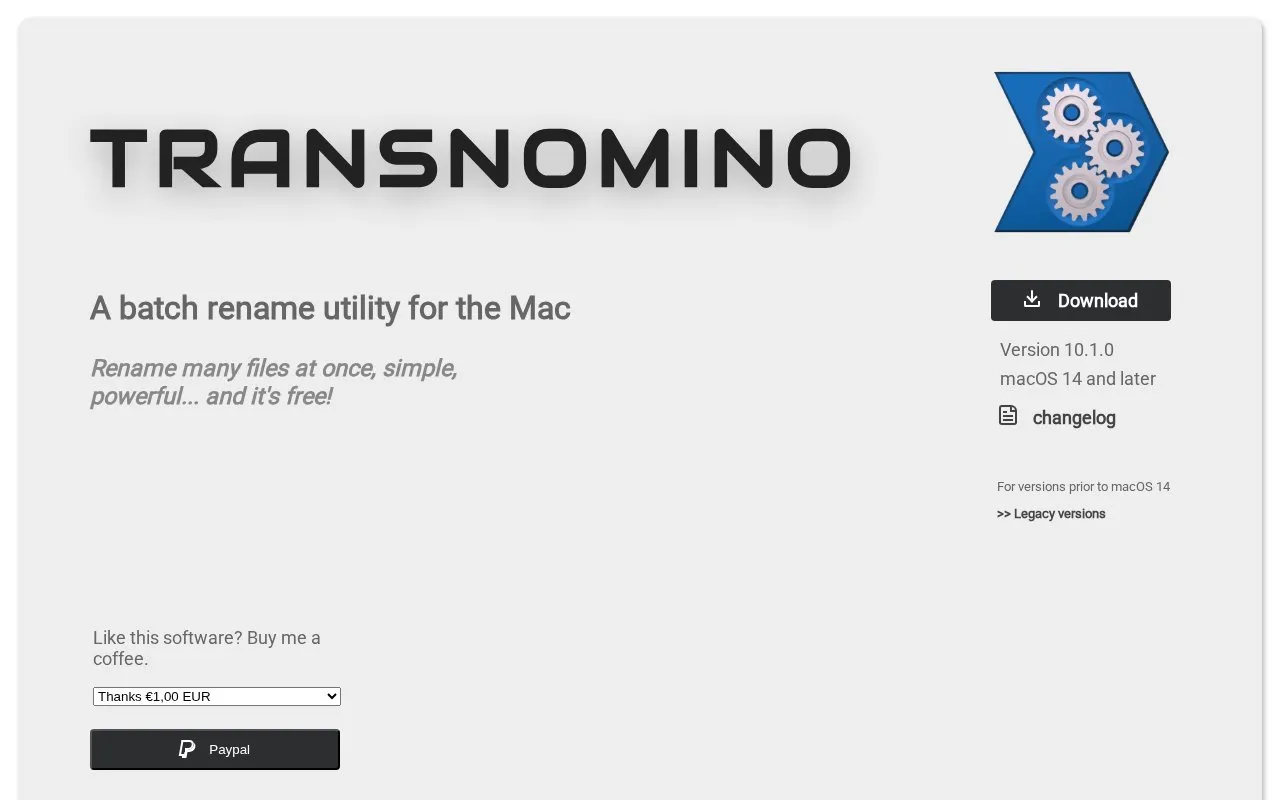
About Transnomino
Transnomino batch-renames files on Mac. Users can sequence multiple renaming actions and preview results in real time, with actions applied to the filename, extension, path, or full path.
It supports find-and-replace with wildcards, regular expressions, numbering, case changes, trimming, and insertion of attributes such as creation date, ID3 tags, and EXIF data. Path renaming can organize files into directories by date, including photos by date and GPS location. Version 10.1.0 requires macOS 14 and later, with legacy versions listed for earlier systems.
Key features
- Sequence multiple rename actions with real-time preview
- Find and replace with wildcards and regular expressions
- Insert file attributes like EXIF, ID3, creation date into names
- Organize files into folders by date and GPS location
- Convert filenames for Windows compatibility
- Add sequential numbering in decimal, hex, or Roman numerals
- Preview results in real time while building rename sequences
- Supports automation and use of file attributes in names
- Lists legacy versions for macOS versions before macOS 14
- Current version 10.1.0 requires macOS 14 and later
Transnomino at a glance
- Website
- transnomino.com
- Category
- Software & Utilities › Mac Apps
- Type
- Website
- Pricing
- Not confirmed. Check the site
- Platforms
- macOS, Web, Windows
- Open source
- Not stated
- Language
- English
- Last checked
- Oct 5, 2026 · Online when checked
- Listed
- Oct 5, 2026
Popular in Mac Apps
Well-known listings from the same topic.


Transnomino FAQ
What macOS version does Transnomino require?
Can Transnomino organize files into folders while renaming?
Can file metadata be added to filenames?
Tell us and an editor will check it.
Claim the listing and suggest updates yourself. An editor checks every claim first.