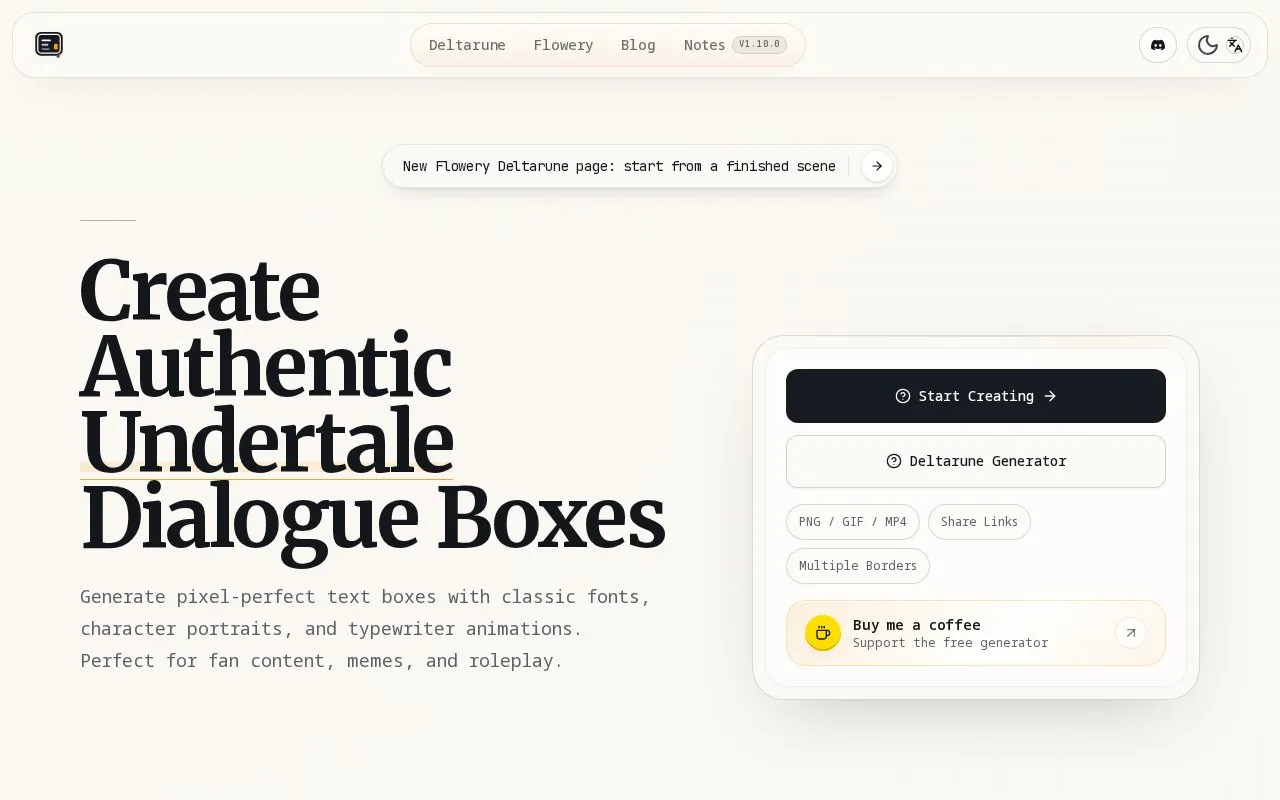
Undertale Text Gen is a browser-based tool for building Undertale- and Deltarune-style dialogue boxes. You type dialogue, pick a font and character portrait, choose a border style, preview the letter-by-letter typewriter animation, and export the result as a PNG, GIF, or MP4 with typing sound. Finished boxes can also be shared via links or collected in a stack of up to 30 items. The site describes itself as free and accepts optional donations; the homepage does not state terms for commercial use of the output.
Key features
Pixel fonts: Determination Mono, Sans Comic Style, Papyrus Decorative
Portrait library with Undertale, Deltarune and AU sprites, plus uploads
Typewriter animation preview with adjustable reveal speed and timing
Export as transparent PNG, looping GIF, or MP4 with sound
12 border presets covering official, AU, tribute and custom frames
Share links and a box stacker holding up to 30 boxes
Best for: Fans and creators making Undertale- or Deltarune-style dialogue images for fan content, memes, roleplay, or social posts.
Good for
Combines fonts, portraits, border styles and animation in one browser tool
Multiple export formats, including transparent PNG and MP4 with typing sound
Offers built-in character sprites alongside custom portrait uploads
Watch out for
Runs only in a web browser; no desktop or offline version is described
Box stacker is capped at 30 saved boxes
The homepage does not state commercial-use terms for generated images
Use backslash color codes in the text field, such as \yellow or \red, described on the site as changing the text color.
What export formats are supported?
PNG images with transparent or black backgrounds, looping GIFs, and MP4 video with typing sound. MP4 is exported separately so the video can keep sound.
How many boxes can I keep in the stack?
The Box Stacker shows a limit of 30 items, with an option to export or clear the stack.
Is something wrong or out of date?
Tell us and an editor will check it.
Own this website?
Claim the listing and suggest updates yourself. An editor checks every claim first.