A browser screen recorder that creates animated GIFs without uploading the captured content.
FreeOpen source
13 alternativesA free Windows screen recorder and animation editor for selecting frames and exporting GIFs.
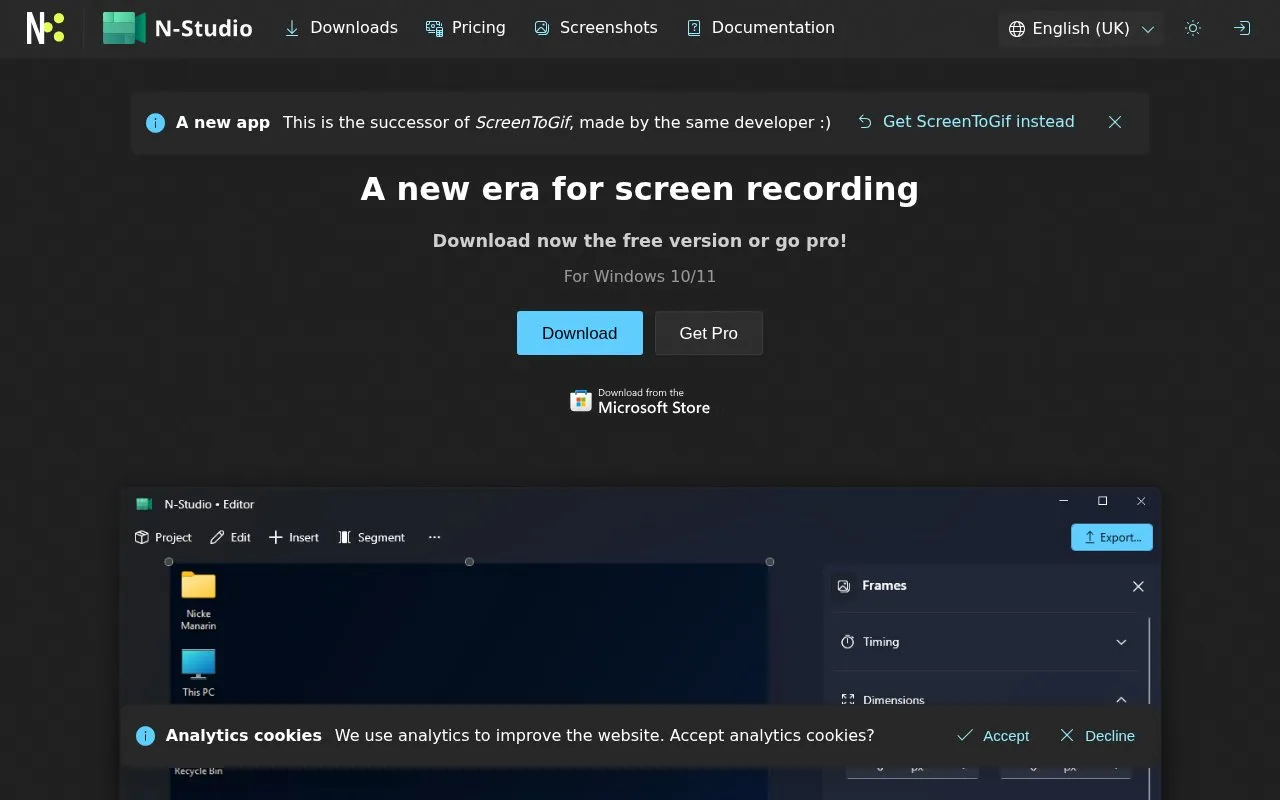
A free Windows screen recorder and animation editor for selecting frames and exporting GIFs.
ScreenToGif is an online tool in our Image Creation & Editing collection, part of the Design & Creative directory. ScreenToGif is free to use. It is listed as open source. Check the project documentation and licence before using or modifying its code.
Not quite what you need? Close alternatives include gifcap, Undertale Text Gen, and Graphite — compare them below.
Tools and sites you could use instead, ranked by how closely they match.
A browser screen recorder that creates animated GIFs without uploading the captured content.
Create Undertale and Deltarune dialogue boxes with pixel fonts, portraits, animations, and exports as PNG, GIF, or MP4.
Graphite offers vector graphics editing and animation in a browser, with exports to SVG, PNG, and JPG.
Gifsicle creates, edits, and optimizes GIF images and animations, including changing frames, timing, transparency, and playback options.
Collaigo creates photo collages in a browser with templates, frames, and grids, and exports images up to 4K.
Create animated GIFs from images with more than 70 animation options in this free online generator.
Well-known listings from the same topic.
Tell us and an editor will check it.
Claim the listing and suggest updates yourself. An editor checks every claim first.


