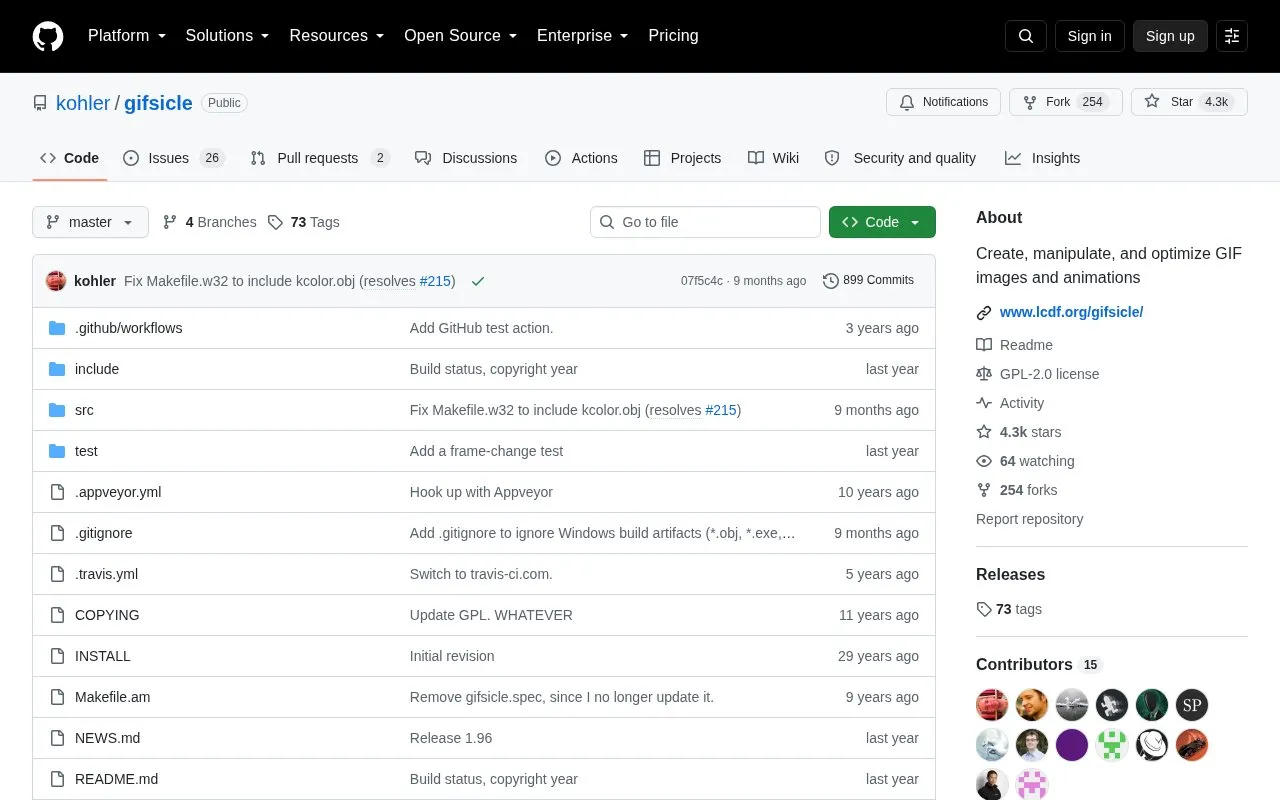
Gifsicle is a command-line tool that creates, manipulates and optimizes GIF images and animations. It can merge GIFs into an animation, split an animation into frames, edit individual frames, and adjust delays, looping, disposal, transparency, interlacing and colormaps.
It is distributed with Gifview, which displays GIFs on an X display as slideshows or real-time animations, and Gifdiff, which checks two GIF files for identical visual appearance.
Key features
Merge multiple GIFs into a GIF animation
Explode an animation into its component frames
Edit individual frames, delays, looping and disposal
Add transparency and turn interlacing on or off
Optimize animations for space and change colormaps
Flip and rotate images; add and remove comments
Best for: People comfortable building and using command-line software who need to edit or optimize GIF animations.
Good for
Open source code distributed under GNU General Public License Version 2
Combines frame editing, timing, looping, transparency and space optimization
Includes Gifview for display and Gifdiff for visual comparison
Watch out for
Gifview requires an X display and may need to be disabled without X11
Described Windows build with Visual C does not build Gifview
If ./configure does not exist, run autoreconf -i first, then run ./configure and make. Make install builds and installs to /usr/local by default.
How do I build Gifsicle on Windows using Visual C?
Change into the src directory and run nmake -f Makefile.w32. Gifview will not be built.
What do the companion programs do?
Gifview displays GIF images and animations on an X display as slideshows or real-time animations. Gifdiff checks two GIF files for identical visual appearance.
Is something wrong or out of date?
Tell us and an editor will check it.
Own this website?
Claim the listing and suggest updates yourself. An editor checks every claim first.