

Csprite provides a pixel-art editor for Linux and Windows, with repository details covering sprite editing and drawing.
Open source
24 alternativesQualityScaler upscales images and videos with AI, with project documentation covering features and usage.
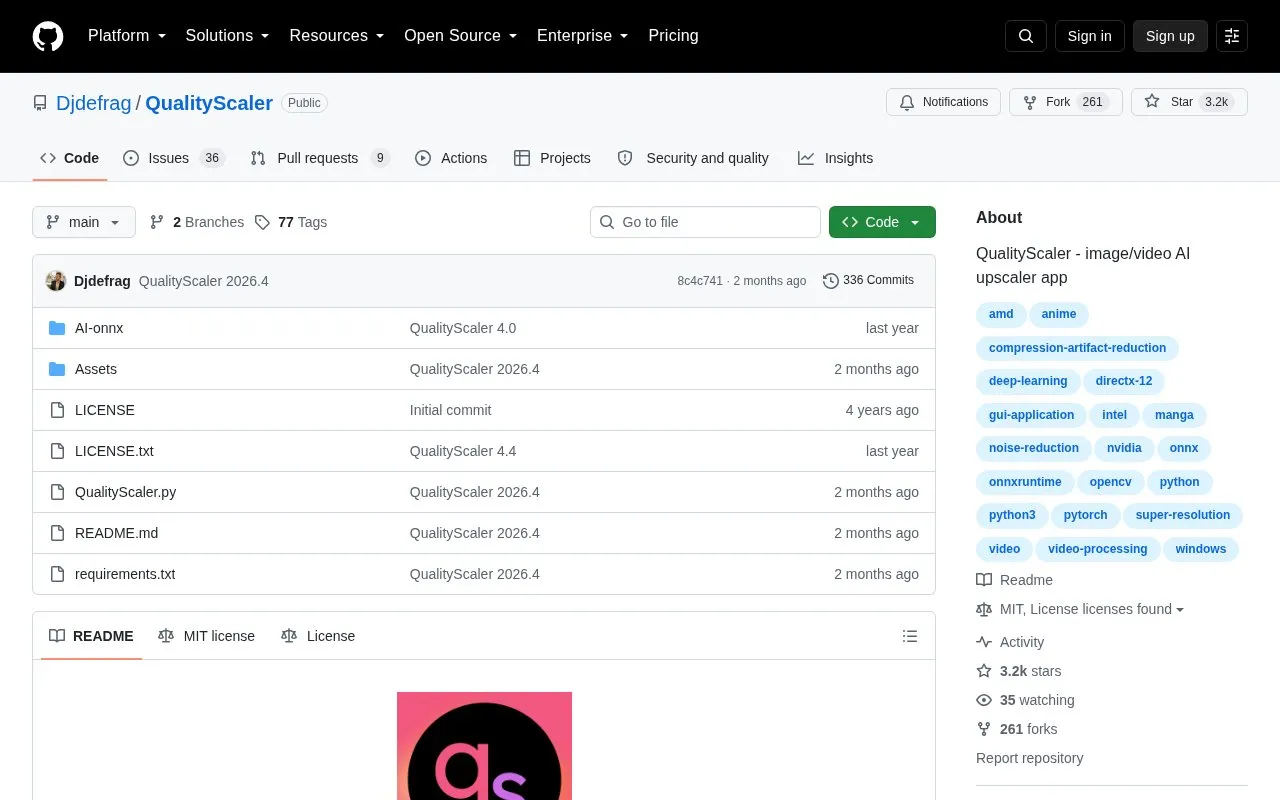
QualityScaler is a Windows app that uses AI models to upscale, enhance and de-noise photographs and videos. It supports images in jpg, png, tif, bmp, webp and heic and videos in mp4, webm, mkv, flv, gif, avi, mov, mpg, qt and 3gp, with options to resize before upscaling, interpolate with the original file, and stop and resume video jobs.
According to the project, processing runs locally on the PC with no internet connection required, and it supports multiple GPUs with automatic image tiling to manage VRAM use. It requires Windows 10 or 11, 8 GB or more RAM, and a DirectX12-compatible GPU with at least 4 GB VRAM.
Tools and sites you could use instead, ranked by how closely they match.
Csprite provides a pixel-art editor for Linux and Windows, with repository details covering sprite editing and drawing.
This repository includes waifu2x and tools for converting 2D video into stereo 3D video.
Final2x provides image super-resolution on Windows, macOS, and Linux, with options to use built-in or custom models.
PyDPainter is a pixel art painting program written in Python, inspired by classic Deluxe Paint software.
Real-ESRGAN develops algorithms for general image and video restoration.
Tiler assembles a composite image from a collection of smaller images used as tiles.
Well-known listings from the same topic.
Tell us and an editor will check it.
Claim the listing and suggest updates yourself. An editor checks every claim first.


