

Tiler assembles a composite image from a collection of smaller images used as tiles.
Open source
24 alternativesPhotoGIMP adjusts the GIMP 3 layout for people familiar with Photoshop.
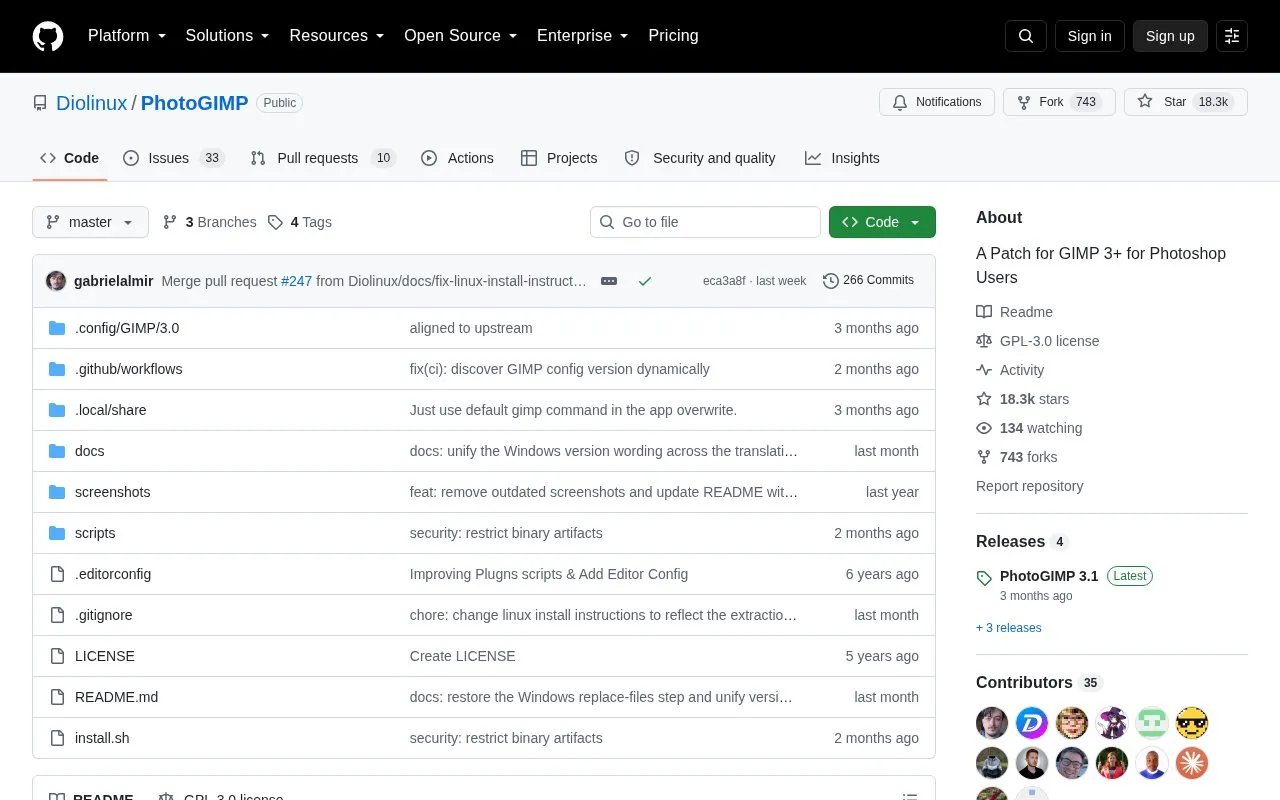
PhotoGIMP is a free, community-driven patch that changes the layout of GIMP 3 to resemble Adobe Photoshop. It reorganizes the tool positions, applies a custom splash screen, sets default options to maximize the canvas area, and follows Adobe's documented Windows Photoshop keyboard shortcuts. It also adds a desktop file that gives the application its own icon and name in the system menu.
The patch requires GIMP 3.0 or newer and must be installed after GIMP has been opened and closed once so its configuration folders exist. Installation overwrites GIMP's configuration files. The included install.sh script backs up the current configuration automatically, and the source recommends saving a manual backup if custom settings need to be kept. The installation steps shown are for Linux, covering both Flatpak and native GIMP installs.
Tools and sites you could use instead, ranked by how closely they match.
Tiler assembles a composite image from a collection of smaller images used as tiles.
This repository includes waifu2x and tools for converting 2D video into stereo 3D video.
Rembg is a tool to remove images background.
This Krita plugin adds image generation, inpainting, and outpainting to painting and editing workflows, with optional text prompts.
Real-ESRGAN develops algorithms for general image and video restoration.
Final2x provides image super-resolution on Windows, macOS, and Linux, with options to use built-in or custom models.
Well-known listings from the same topic.
Tell us and an editor will check it.
Claim the listing and suggest updates yourself. An editor checks every claim first.


