USBTreeView
USB Device Tree Viewer displays USB device information based on Microsoft’s USBView sample application, according to its page.
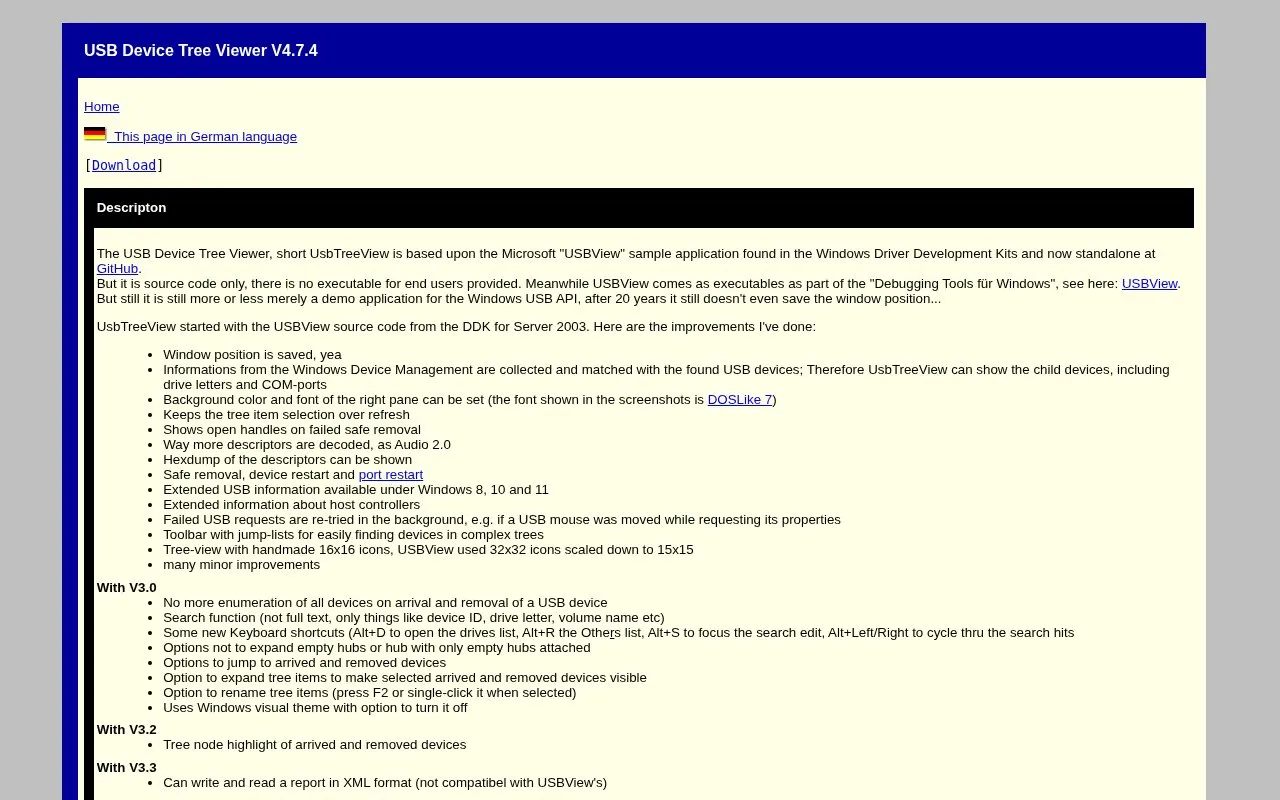
About USBTreeView
USB Device Tree Viewer (UsbTreeView) is a Windows tool that displays USB device information and the USB device tree. It is based on Microsoft's USBView sample application from the Windows Driver Development Kits, with additions such as saved window position, retained tree selection across refreshes, and matching of Windows Device Management data against detected USB devices so child devices, drive letters and COM ports can be shown. It can perform safe removal, device restart and port restart, display open handles when safe removal fails, decode a wider range of descriptors including Audio 2.0 and UVC 1.5 with H.264, and show descriptor hexdumps.
Other capabilities include a search function for items such as device ID, drive letter or volume name, reading and writing reports in XML format, high-DPI support, and context menu entries for opening device registry keys and network properties. USB4 and Thunderbolt information comes from Device Manager only. Extended USB information requires Windows 8, 10 or 11; SuperSpeedPlus 10 or 20 Gbit/s display requires Windows 11 24H2 or later; the Windows 8 device notifications used since V4.7 do not work under Windows 7 and older.
Key features
- Shows USB device tree with descriptors decoded, including Audio 2.0 and UVC 1.5 with H.264
- Matches Windows Device Management data to show child devices, drive letters and COM ports
- Performs safe removal, device restart and port restart; shows open handles on failed removal
- Search by device ID, drive letter or volume name; read and write XML reports
- Options for renamed devices, dark mode, custom fonts and high-DPI screens
- Bluetooth device list with delete option; read speed test for disk devices
- Extends Microsoft's USBView sample with saved window position and persistent tree selection across refreshes
- Decodes more descriptors than USBView and can display descriptor hexdumps
- Can read and write reports in XML format and supports high-DPI displays
- Windows-only; extended USB information requires Windows 8, 10 or 11
- USB4 and Thunderbolt information comes from Device Manager only
- SuperSpeedPlus 10 or 20 Gbit/s display requires Windows 11 24H2 or later
USBTreeView at a glance
- Category
- Software & Utilities › System Utilities
- Type
- Website
- Pricing
- Not confirmed. Check the site
- Platforms
- Web, Windows
- Open source
- Not stated
- Last checked
- Oct 5, 2026 · Online when checked
- Listed
- Oct 5, 2026
Popular in System Utilities
Well-known listings from the same topic.


USBTreeView FAQ
What is USB Device Tree Viewer based on?
Does it work on Windows 7?
Can it show drive letters and COM ports?
Tell us and an editor will check it.
Claim the listing and suggest updates yourself. An editor checks every claim first.