

Userscripts
Userscripts provides an open-source userscript manager for Safari, as described by its project page.
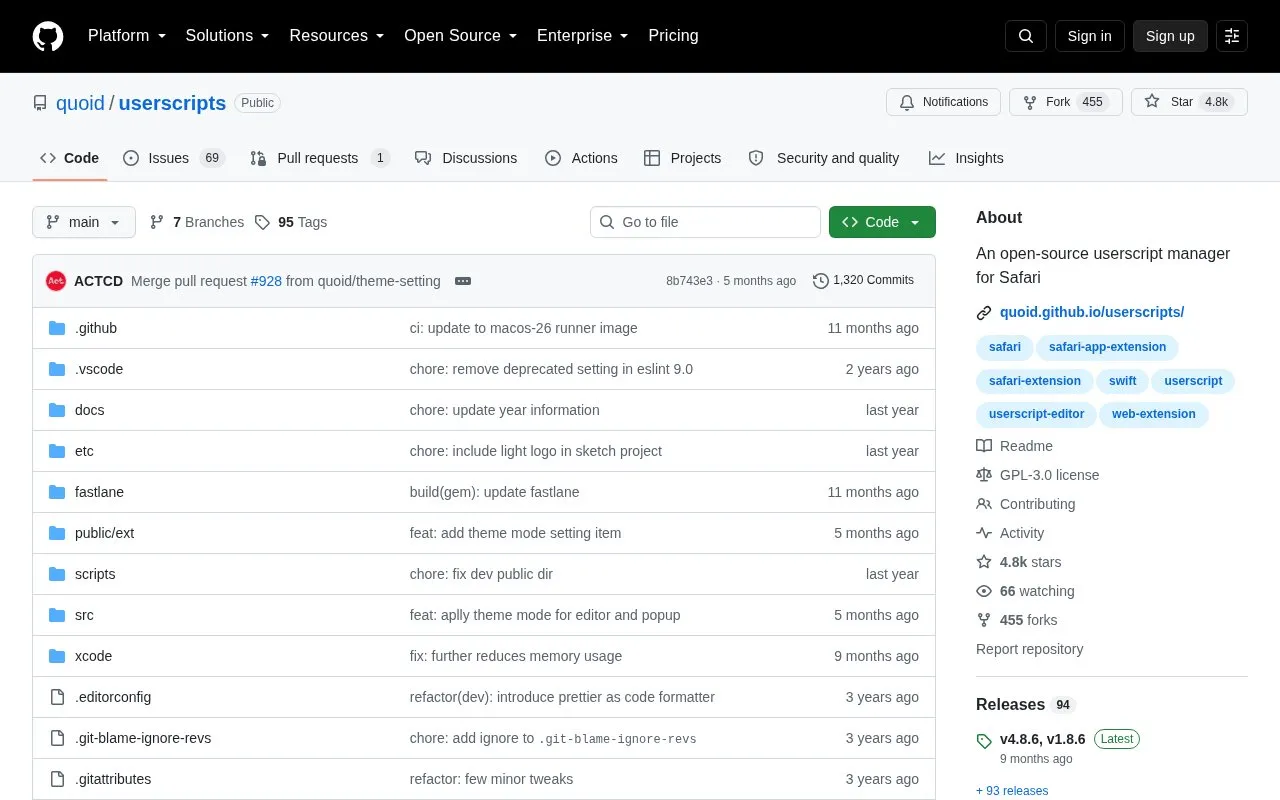
About Userscripts
Userscripts is an open-source userscript manager and editor for Safari on macOS and iOS/iPadOS. It installs .user.js scripts through the extension popup or by saving files to a designated directory, and can use an iCloud folder to share scripts between devices, with a built-in editor on macOS.
It is installed through Apple's App Store and requires iOS 15.1 or higher, or macOS 12 with Safari 14.1 or higher. The iOS version has no built-in editor, and iCloud syncing may have delays or file eviction.
Key features
- Manages Safari userscripts from selectable local directory
- Installs scripts from .user.js URLs via extension popup
- Installs scripts by saving .user.js files to directory
- Includes script editor in macOS version
- Syncs scripts between macOS and iOS via iCloud folder
- Uses automatic default directory on macOS and recent iOS
Best for: Safari users on macOS and iOS who want to run and manage userscripts.
Good for
- Open-source userscript manager for Safari
- Works on both macOS and iOS/iPadOS
- Supports sharing scripts via selectable iCloud folder
Watch out for
- Requires iOS 15.1 or higher, or macOS 12 with Safari 14.1 or higher
- iOS version does not include the macOS script editor
- iCloud sync can have delays and files may be evicted by optimization
Userscripts at a glance
- Website
- github.com/quoid/userscripts
- Category
- Software & Utilities › Browser Extensions
- Type
- Open-source project
- Pricing
- Not confirmed. Check the site
- Open source
- Yes · Source code
- Language
- English
- Last checked
- Oct 5, 2026 · Online when checked
- Listed
- Oct 5, 2026
Guides for Browser Extensions
Userscripts alternatives
Tools and sites you could use instead, ranked by how closely they match.

ScriptCat provides a browser extension and userscript manager for customizing web pages, removing ads, and automating tasks.
Open source
24 alternatives
Manage browser tabs with Prune, an extension listed for Chrome, Firefox, and Safari.
Open source
24 alternatives
Read webpage content aloud with Read Aloud, a browser extension described in the repository.
Open source
24 alternatives
Userscript-Plus finds available user scripts and user styles for the current webpage, drawing on Greasy Fork according to its project description.
Open source
24 alternatives
ChromeXt adds userscript and developer tools support to Chromium-based and WebView-based browsers.
Open source
24 alternatives
AdGuard’s Disable AMP userscript opens supported AMP and Yandex Turbo pages at their original non-AMP addresses.
Open source
24 alternativesPopular in Browser Extensions
Well-known listings from the same topic.
Popupblocker by Joofthanaddons.mozilla.org/firefox/addon/popupblockerallEnhancementscplx.appViolentmonkeyviolentmonkey.github.ioMomentummomentumdash.comMission Controlmission-control.appSession Buddysessionbuddy.com


Userscripts FAQ
How do I install a userscript on iOS?
Visit a .user.js URL in Safari and open the extension popup to see an installation prompt, or save a .user.js file directly to the Userscripts directory. The URL path must end with .user.js.
Do I need to set a userscripts directory on macOS?
No, if you are not syncing between devices. It uses a default directory automatically, and you only need to select a location to store scripts elsewhere.
Can I sync scripts between macOS and iOS?
Yes, by selecting an iCloud folder as the directory, though syncing may be delayed and files may be evicted; on macOS 15 / iOS 18 set the folder to "keep downloaded".
Is something wrong or out of date?
Tell us and an editor will check it.
Own this website?
Claim this listing
Claim the listing and suggest updates yourself. An editor checks every claim first.