

WireHole combines WireGuard, Pi-hole, and Unbound in a Docker Compose project for a managed VPN with ad blocking and DNS caching.
Web UI
WireHole UI combines WireGuard, Pi-hole, and Unbound in a Docker Compose project for deploying a managed VPN with ad blocking and DNS caching.
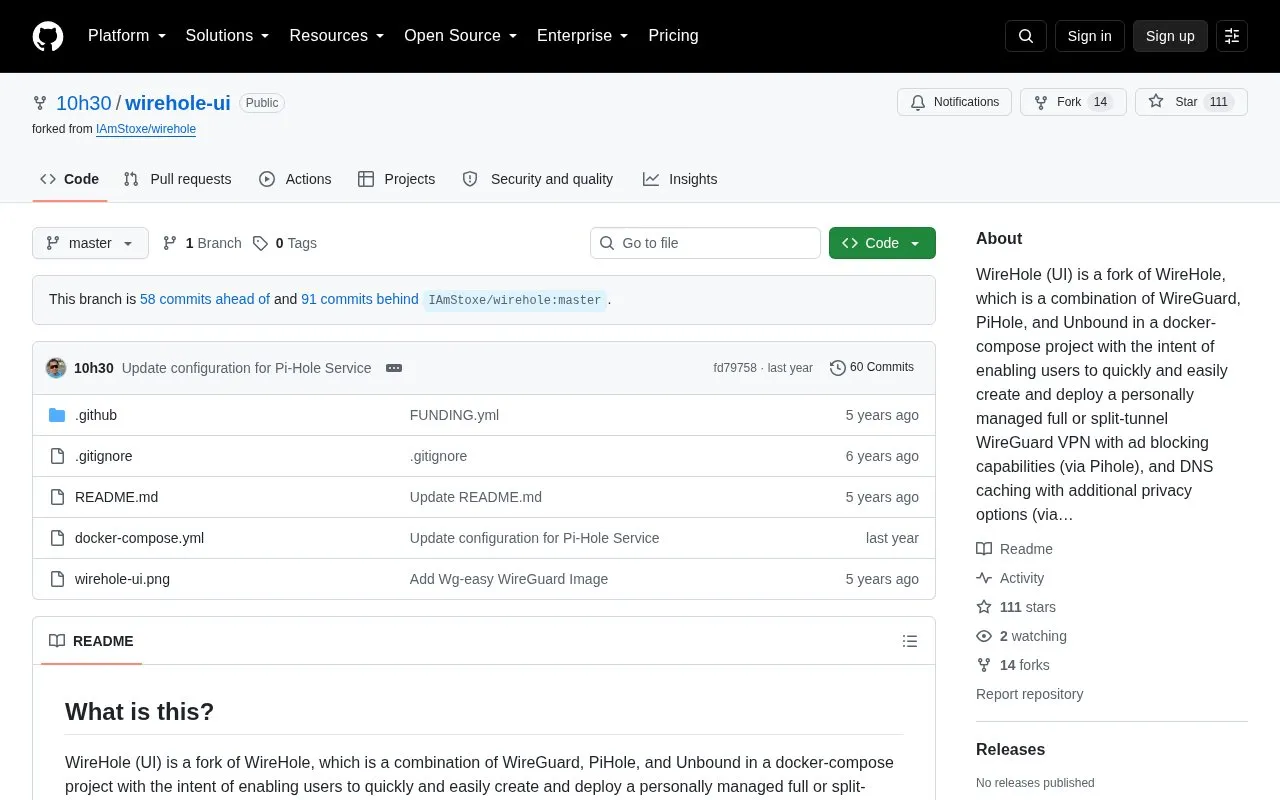
About Web UI
Web UI is a fork of WireHole that combines WireGuard, Pi-hole and Unbound in a single docker-compose project, intended to let users create and deploy a personally managed full or split-tunnel WireGuard VPN with ad blocking and DNS caching. The fork adds a web interface for WireGuard client management, using the wg-easy Docker image in place of the Linuxserver WireGuard image. Setup involves cloning the repository, editing docker-compose.yml (for example the WG_HOST address and any password) and running docker-compose up. The management interface is served on port 51821, and Pi-hole's admin page is reached at http://10.2.0.100/admin while connected to the VPN. By default any WireGuard client can reach the web interface unless a password is set, and the Pi-hole password is blank unless it is configured.
Key features
- Bundles WireGuard, Pi-hole ad blocking and Unbound DNS caching in one stack
- Lists, creates, edits, deletes, enables and disables WireGuard clients
- Displays a client's QR code and allows downloading its configuration file
- Shows statistics on which clients are connected
- Gravatar support for client images
- Raspberry Pi image option noted in the setup instructions
Best for: Users comfortable with Docker and command-line configuration who want to host and manage their own WireGuard VPN with ad blocking and DNS caching.
Good for
- Combines VPN, ad blocking and DNS caching in a single docker-compose project
- Adds a web interface for WireGuard client management instead of manual key handling
- Supports both full-tunnel and split-tunnel configurations
Watch out for
- By default any WireGuard client can reach the web interface unless a password is set
- The Pi-hole admin password is blank unless it is set in docker-compose.yml
- Deployment requires cloning the repository and editing docker-compose.yml manually
Web UI at a glance
- Website
- github.com/10h30/wirehole-ui
- Category
- Privacy & Security › VPNs
- Type
- Open-source project
- Pricing
- Not confirmed. Check the site
- Open source
- Not stated
- Language
- English
- Last checked
- Oct 6, 2026 · Online when checked
- Listed
- Oct 5, 2026
Web UI alternatives
Tools and sites you could use instead, ranked by how closely they match.

Gluetun runs a VPN client in a Docker container with multiple providers, OpenVPN or WireGuard, DNS over TLS, and built-in proxy servers.
Open source
24 alternatives
Use OpenVPN for secure business access and remote work, with self-hosted or cloud-managed options.

WireGuard Easy provides a web-based admin interface for installing and managing WireGuard on a Linux host.
Open source
24 alternatives
FlClash provides an open-source, ad-free multiplatform proxy client based on ClashMeta.
Open source
24 alternatives
This guide sets up Pi-hole and WireGuard on Ubuntu 24.04 using Google Cloud's free tier, with full-tunnel and split-tunnel configurations.
FreeOpen source
24 alternativesPopular in VPNs
Well-known listings from the same topic.
Cloudflare Tunnelsdevelopers.cloudflare.com/cloudflare-one/conne…WireGuardwireguard.comAmneziaamnezia.orgVPN Jantitvpnjantit.comNetBirdnetbird.ioMullvad VPNmullvad.net


Web UI FAQ
How do I deploy it?
Clone the repository, edit docker-compose.yml, and run docker-compose up. Change WG_HOST to your server's public address.
How do I restrict the VPN to a split tunnel?
Set the WireGuard client's AllowedIPs to 10.2.0.0/24 so that only the web panel and DNS traffic are tunneled.
Is the web interface protected by default?
No. Any WireGuard client has access to the web interface unless a password is set, and the Pi-hole password is blank unless configured.
Is something wrong or out of date?
Tell us and an editor will check it.
Own this website?
Claim this listing
Claim the listing and suggest updates yourself. An editor checks every claim first.