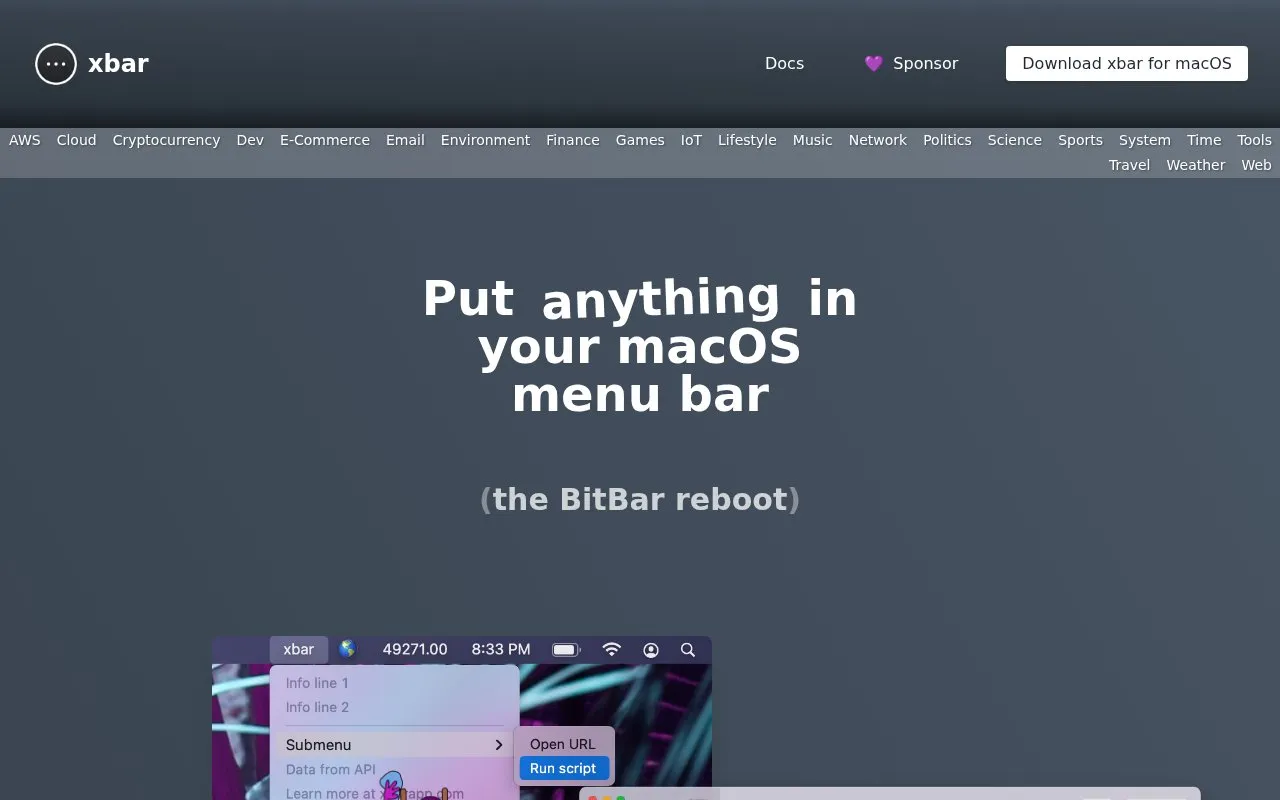
xbar places output from executable scripts and programs in the macOS menu bar. It provides pre-built plugins organized by categories such as system, network, weather, and finance, and supports writing custom plugins in any language.
It is available as a download for macOS. Example plugins display network status, an OKX price ticker, Bluetooth Trackpad battery percentage, and RSS feed items.
Key features
Places output from executable scripts in macOS menu bar
Provides pre-built plugins organized by category
Supports writing custom plugins in any language
Shows internal and external IP addresses and speedtest results
Generates TOTP codes from YubiKey OATH
Lists latest RSS feed items with links
Best for: Mac users who want script output and selected data visible in the menu bar.
Good for
Accepts custom plugins written in any language
Offers pre-built plugins organized by category
Covers varied uses such as network info, price tickers, and RSS feeds