

XMedia Recode
Windows video and audio converter with a large format list, device presets, batch jobs and basic editing. Free.
About XMedia Recode
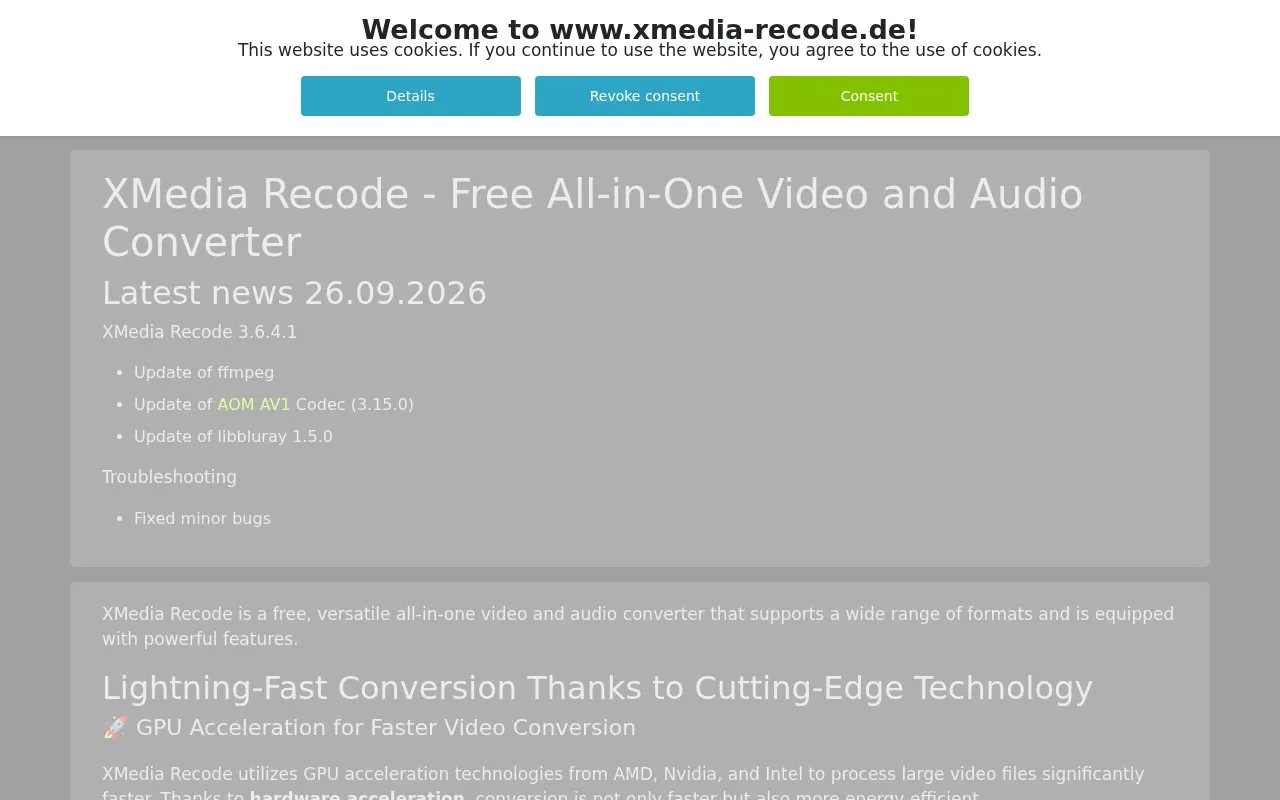
XMedia Recode is a free Windows application for converting video and audio files between formats. The homepage states that it supports a wide range of common formats, including AAC, AC3, FLAC, H.264, HEVC/H.265, SVT-AV1, Matroska (MKV), MP4, WebM, WMA, and WMV, and that it can convert unprotected DVDs and Blu-rays into digital formats.
The site also describes GPU acceleration using AMD, Nvidia, or Intel hardware, batch processing, subtitle handling, and basic editing such as cutting, rotating, and scaling video. It does not support copy-protected discs, and its editing functions are described as basic.
Key features
- Converts common audio and video formats such as MP4, MKV, HEVC, and FLAC
- Uses GPU acceleration from AMD, Nvidia, or Intel hardware
- Converts unprotected DVDs and Blu-ray discs into digital formats
- Batch processing to convert many files at once
- Adds or extracts SRT, ASS, and SSA subtitle files
- Basic cutting, rotating, and scaling of video, with audio volume and sampling rate adjustment
Best for: Windows users who need to convert many video or audio files between common formats and do not need advanced editing.
Good for
- Free to use, according to the listing and the homepage
- Supports a broad list of common audio and video formats
- Can use GPU acceleration from AMD, Nvidia, or Intel hardware
Watch out for
- Does not support copy-protected DVDs or Blu-rays
- Editing functions are basic, covering cutting, rotating, scaling, and audio adjustments
- Listed system requirements cover Windows 10 and Windows 11 only
XMedia Recode at a glance
- Website
- xmedia-recode.de/en
- Category
- Design & Creative › Video Editing & Animation
- Type
- Online tool
- Pricing
- Free
- Platforms
- Windows
- Open source
- Not stated
- Last checked
- Oct 7, 2026 · Online when checked
- Listed
- Oct 7, 2026
Guides for Video Editing & Animation

XMedia Recode alternatives
Tools and sites you could use instead, ranked by how closely they match.

Windows and Mac video converter with device presets, basic editing, compression and downloading. Free tier with paid Pro upgrades.
Freemium

Use Restream's free online video and audio tools, including a webcam test and format converter.
Free

Convert video and audio files in batches with FFmpeg Batch AV Converter, a desktop tool for FFmpeg.

HandBrake is a free, open-source video converter for Windows, macOS and Linux. It converts video files into commonly supported formats and codecs.
FreeOpen source
8 alternatives
Reduce video file sizes online with a free converter that supports MP4, AVI, MOV and MPEG formats.
Featured in
 8 sites


Best of
8 Best Free Video Converters for MP4 and Smaller Files
I'd start with HandBrake for a smaller, shareable video and Shutter Encoder for a job involving editing formats or a…
Popular in Video Editing & Animation
Well-known listings from the same topic.
Animakeranimaker.com8mb.video8mb.videoASM Lessonsgithub.com/FFmpeg/asm-lessonsCuttrcuttr.inVideo Cuttervideo-cutter-js.comMotionPlacesmotionplaces.com


XMedia Recode FAQ
Can it convert copy-protected discs?
No. The homepage states that XMedia Recode does not support copy-protected discs. It converts unprotected DVDs and Blu-rays.
Which operating systems are listed as supported?
The homepage lists Windows 10 and Windows 11 in its system requirements.
Is something wrong or out of date?
Tell us and an editor will check it.
Own this website?
Claim this listing
Claim the listing and suggest updates yourself. An editor checks every claim first.