
Xnapper
Capture and annotate screenshots on Mac with Xnapper, which also provides text recognition.
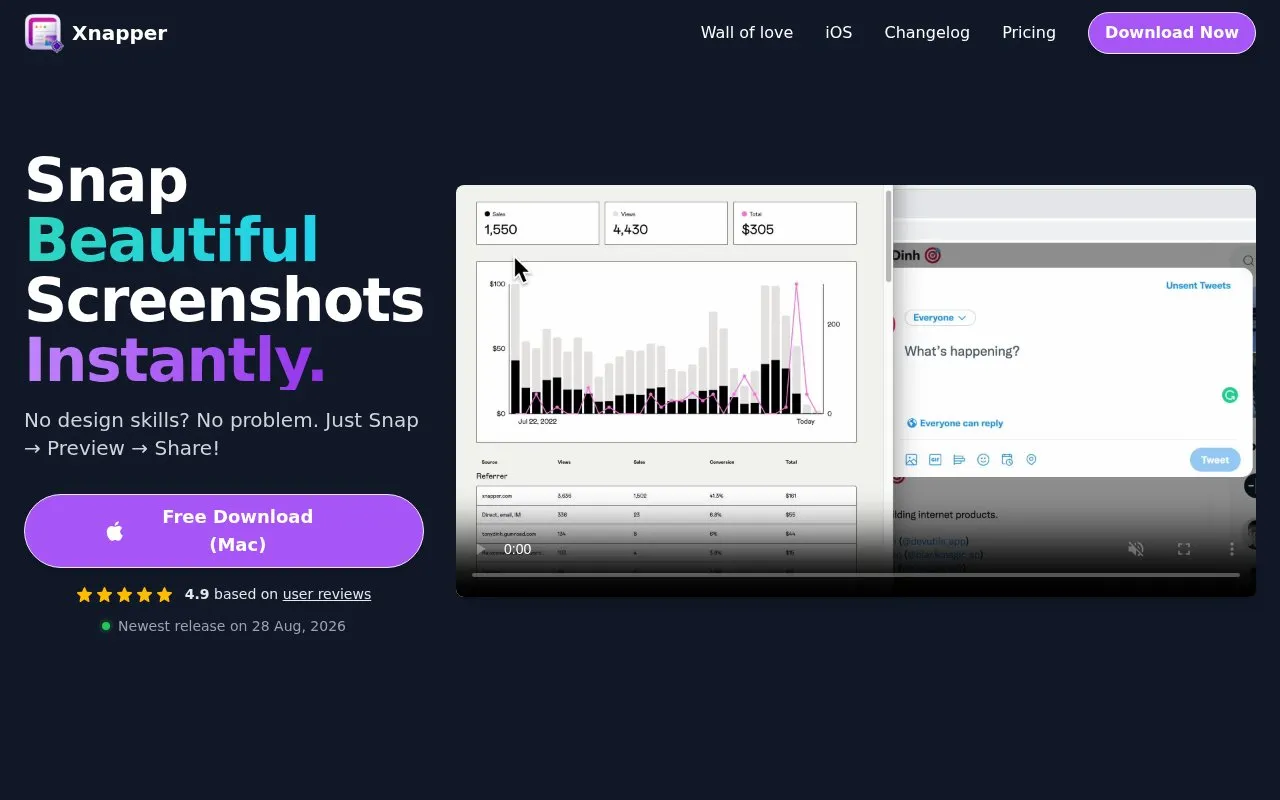
About Xnapper
Xnapper is a Mac screenshot app for capturing, previewing and sharing screenshots. It automatically balances screenshots and sets background colors, can hide items such as emails, credit cards, IP addresses and API keys with one click, and offers text recognition through the built-in macOS vision engine. It also includes annotations with arrows, shapes, text and blur, window capture, social media sizes, presets, screenshot history and output compression.
Xnapper is free to use, with a one-time payment to remove the watermark; the exact price is not stated. Cloud upload is listed as coming soon, and the app is presented as a Mac download.
Key features
- Automatic screenshot balance and background color adjustment
- One-click redaction of emails, credit cards, IP addresses and API keys
- On-device text recognition using the built-in macOS vision engine
- Annotations with arrows, shapes, text and blur
- Custom global shortcut, window capture, presets and screenshot history
- Social media sizes, image compression, open from file or clipboard
- Automates balance, background and redaction tasks
- Uses on-device macOS text recognition
- Free to use with a one-time payment to remove the watermark
- Presented as a Mac app with a Mac download
- Cloud upload is listed as coming soon
- Exact one-time payment price is not stated
Xnapper at a glance
- Website
- xnapper.com
- Category
- Software & Utilities › Mac Apps
- Type
- Online tool
- Pricing
- Not confirmed. Check the site
- Platforms
- macOS, Web
- Open source
- Not stated
- Last checked
- Oct 6, 2026 · Online when checked
- Listed
- Oct 5, 2026
Popular in Mac Apps
Well-known listings from the same topic.


Xnapper FAQ
Is Xnapper free?
What can automatic redaction hide?
Does Xnapper upload screenshots to the cloud?
Tell us and an editor will check it.
Claim the listing and suggest updates yourself. An editor checks every claim first.