

Wox provides an open-source launcher for Windows, macOS, and Linux, according to its project page.
Open source
24 alternativesYASB Reborn is a configurable status bar for Windows, written in Python.
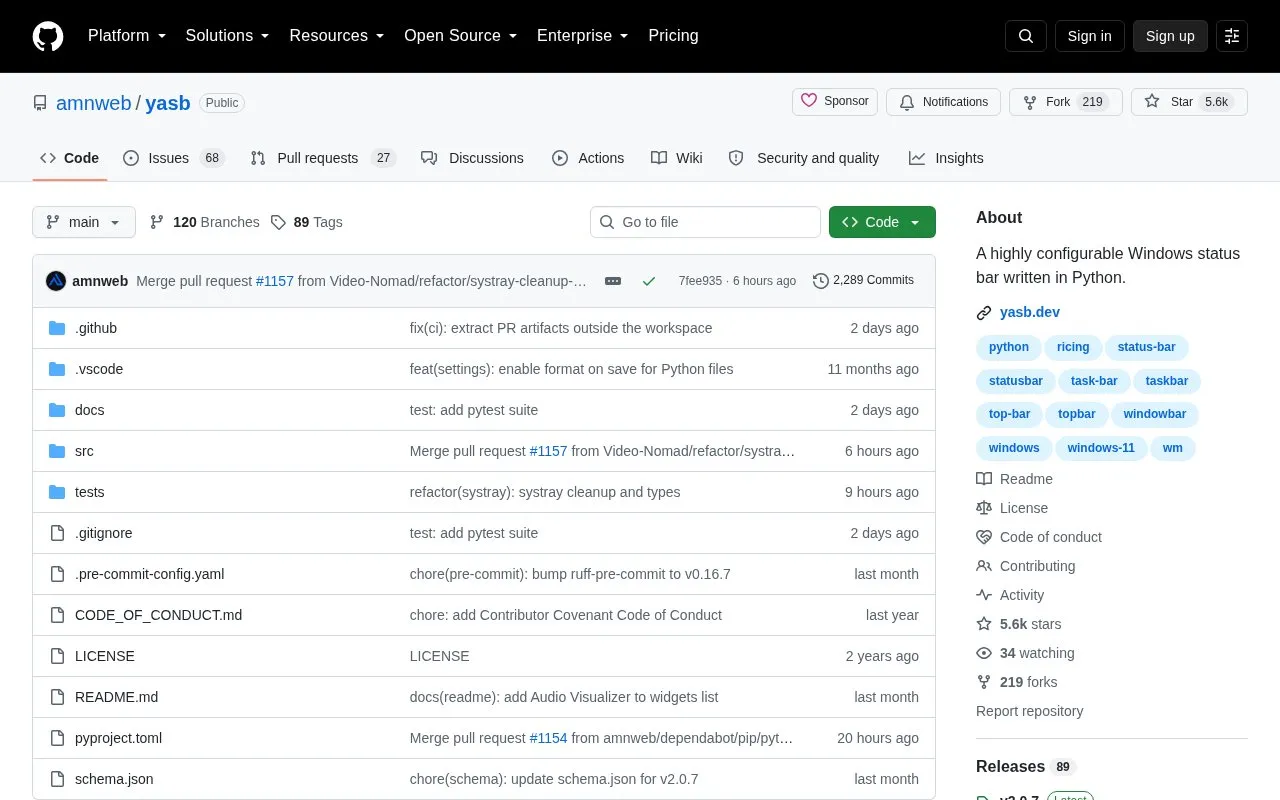
YASB (Yet Another Status Bar), also listed as YASB Reborn, is a status bar for Windows written in Python. It is designed to be configured and themed, and it supports a large set of widgets that display system and application information in the bar.
The homepage lists widgets for system information such as CPU, GPU, memory, disk, battery, network traffic, and Bluetooth. It also lists widgets for media controls, notifications, a clock, a taskbar and launchpad, and integrations with GlazeWM, OBS Studio, and Libre Hardware Monitor. Some widgets connect to external services, including the Open-Meteo API for weather, GitHub notifications, and usage data for Claude, Codex, and GitHub Copilot. The page does not describe the privacy handling of these connections. The homepage excerpt does not include the full system requirements, which are in the installation documentation.
Tools and sites you could use instead, ranked by how closely they match.
Wox provides an open-source launcher for Windows, macOS, and Linux, according to its project page.
Install Windows apps from the command line with Scoop, which aims to keep setup minimal.
OneClick-macOS provides tools and instructions for setting up a macOS virtual machine in QEMU with KVM acceleration on Linux or Windows.
Winbindex indexes Windows binaries and links to files hosted on Microsoft's public symbol server.
This repository collects terminal emulators, according to its title and description.
Flow Launcher provides quick file search and app launching on Windows, with community-made plugins.
Well-known listings from the same topic.
Tell us and an editor will check it.
Claim the listing and suggest updates yourself. An editor checks every claim first.


