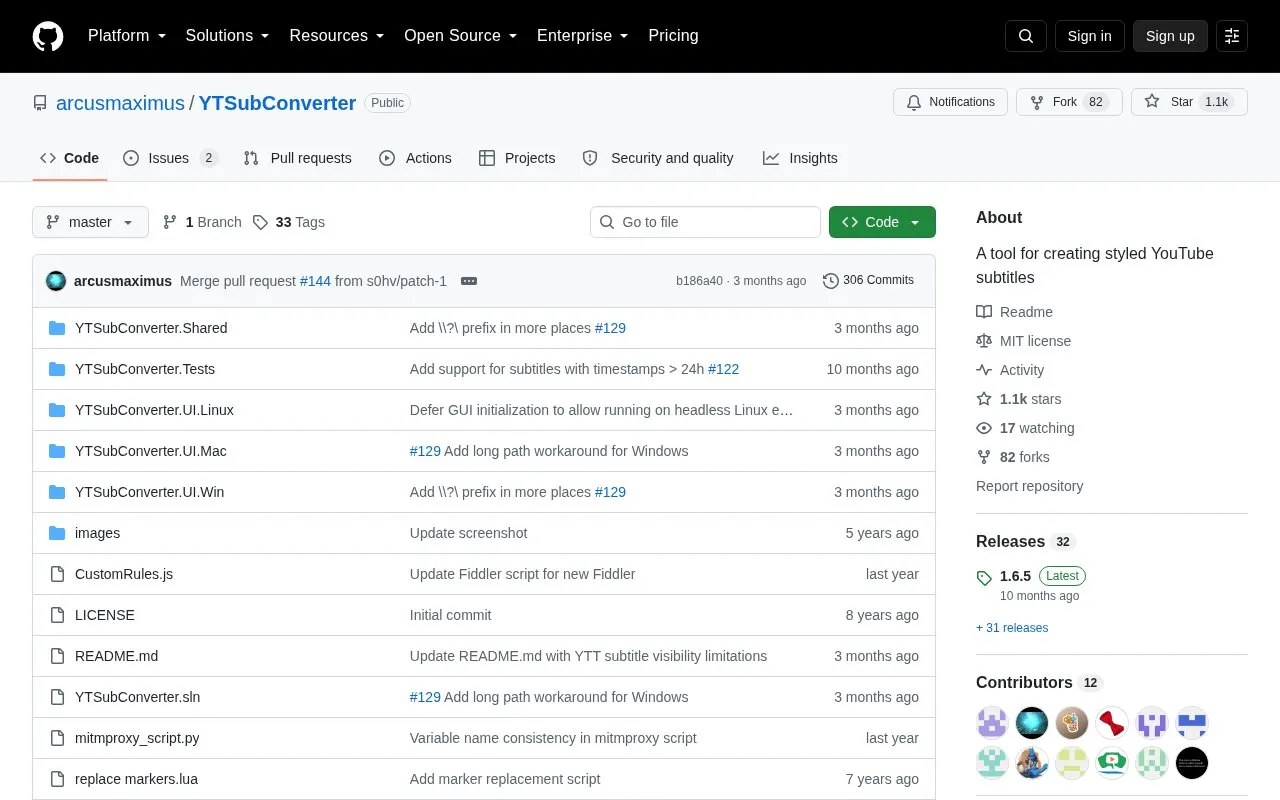
YTSubConverter creates styled YouTube subtitles by converting subtitle files to SRV3/YTT for upload. It primarily converts .ass files made in Aegisub to .ytt, and also converts .sbv to .srt and between .ttml and .ytt. Output can include bold, italic, underline, colors, positioning, karaoke timing, vertical text and ruby text.
It is available for Windows, macOS and Linux. Use is limited by YouTube behavior, including restricted fonts, font-size rules, and that karaoke and transitions require an .ass source.
Key features
Converts .ass subtitle files to .ytt for YouTube upload
Converts .sbv files to .srt for editing
Converts between .ttml and .ytt formats
Produces bold, italic, underline, colors, positioning and karaoke timing
Offers glow, bevel, soft shadow and hard shadow options
Supports vertical text and ruby text
Best for: YouTube creators who prepare subtitles in Aegisub and need to upload them as styled .ytt files.
Good for
Available for Windows, macOS, and Linux
Approximates Aegisub subtitle appearance on YouTube
Enables YTT features not available in YouTube's built-in editor
Watch out for
YouTube limits fonts and defaults unallowed fonts to Roboto
Font size cannot go below 75% and Android app ignores size settings
Launch the program, open the .ass file and click Convert. On Windows, you can also drag the .ass file onto the .exe. Both produce a .ytt file ready for upload.
Can I add styling to existing unstyled YouTube subtitles?
Yes. Open the .sbv file downloaded from YouTube's editor, click Convert, then open the resulting .srt file in Aegisub to add styling.
Why convert TTML to YTT if YouTube accepts TTML?
Converting to .ytt gives access to more features and workarounds for YouTube bugs, though karaoke and transitions still require .ass.
Is something wrong or out of date?
Tell us and an editor will check it.
Own this website?
Claim the listing and suggest updates yourself. An editor checks every claim first.