

VacuumTube wraps YouTube Leanback for desktop use, with a built-in ad blocker and other interface enhancements.
Open source
24 alternativesBrowse Invidious from a terminal interface and select YouTube audio or video for playback.
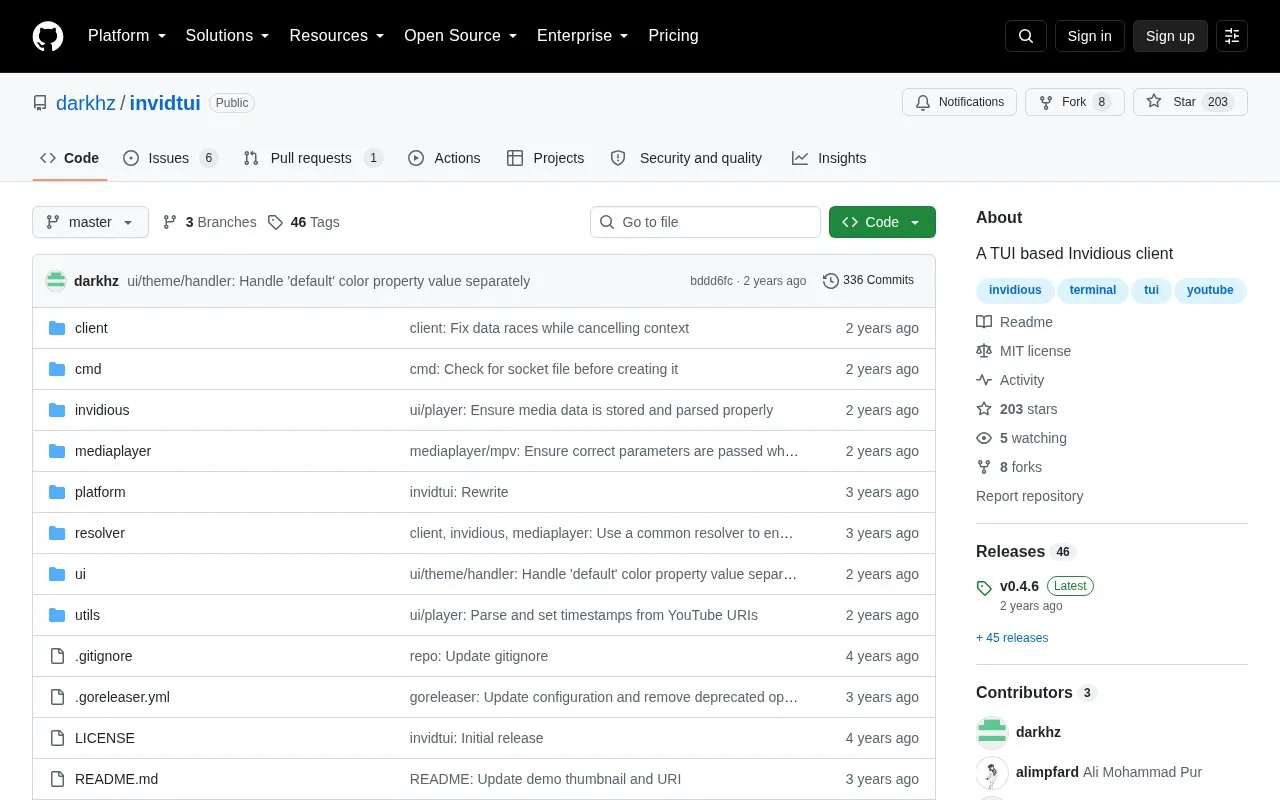
invidtui is a terminal-based Invidious client that fetches data from Invidious instances for selecting and playing YouTube audio and video. It supports search and browsing of videos, playlists and channels with history, resolution control, m3u8 playlist viewing and editing, audio/video downloads, instance selection via the Invidious API, and account authentication for feeds, playlists and subscriptions.
It is tested on Linux and Windows and should work on macOS. Its wiki documentation is out of date.
Tools and sites you could use instead, ranked by how closely they match.
VacuumTube wraps YouTube Leanback for desktop use, with a built-in ad blocker and other interface enhancements.
Video Speed Controller adjusts playback speed for HTML5 video and audio elements across websites.
Watch YouTube Shorts through the normal desktop interface with this Chromium and Firefox extension.
Hide selected parts of YouTube’s interface with toggles in this browser extension.
yt-neuter provides uBlock filters for hiding unwanted YouTube interface elements.
This cross-browser plugin hides selected YouTube interface features associated with extended viewing.
Well-known listings from the same topic.
Tell us and an editor will check it.
Claim the listing and suggest updates yourself. An editor checks every claim first.


