

This browser extension removes distracting YouTube elements to help users focus while watching videos.
Open source
24 alternativesVideo Speed Controller adjusts playback speed for HTML5 video and audio elements across websites.
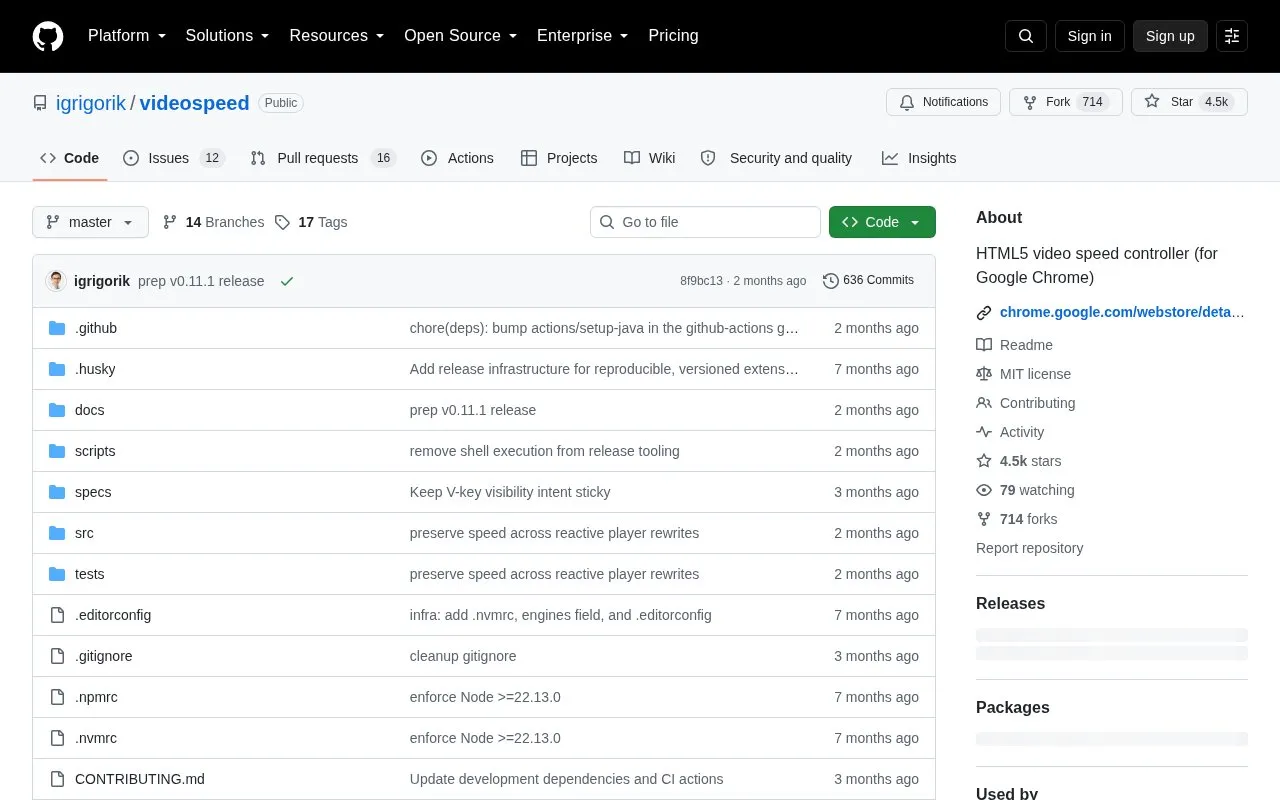
Video Speed Controller is an open source browser extension for Google Chrome that adjusts playback speed for HTML5 video and audio elements on websites. The homepage describes it as working on any site that uses HTML5 media, with examples including YouTube, Netflix, Coursera, podcasts, and local files. It lets users set speeds from 0.07x to 16x in configurable increments.
Users can set a default speed for specific domains, disable the controller on selected sites, and optionally keep the last speed across sessions and tabs. The extension can reapply a chosen speed when a site's player tries to reset it. Keyboard shortcuts can be fully remapped in the settings page. The source is released under the MIT License.
Tools and sites you could use instead, ranked by how closely they match.
This browser extension removes distracting YouTube elements to help users focus while watching videos.
yt-neuter provides uBlock filters for hiding unwanted YouTube interface elements.
Browse Invidious from a terminal interface and select YouTube audio or video for playback.
Sort, filter, and graph comments from a YouTube video by entering its link in this web app.
yt2pod monitors YouTube channels and publishes selected videos as audio podcast episodes.
Search online archives for lost YouTube videos with this video-finding project.
Well-known listings from the same topic.
Tell us and an editor will check it.
Claim the listing and suggest updates yourself. An editor checks every claim first.


