

yt-local provides a local browser interface for browsing and playing YouTube videos.
Youtubevideofinder
Search online archives for lost YouTube videos with this video-finding project.
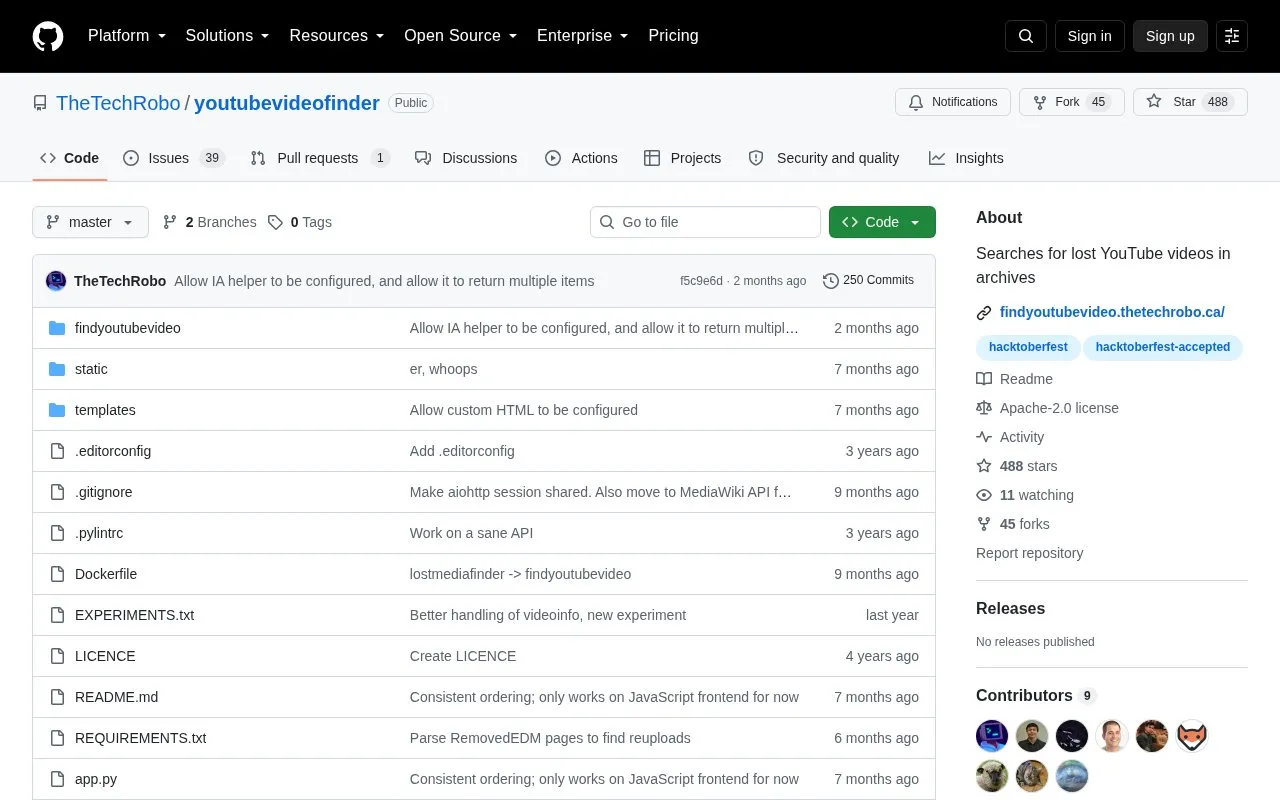
About Youtubevideofinder
Youtubevideofinder searches various sources for archived YouTube content, including lost or unavailable videos. It provides a frontend and a Python module called findyoutubevideo.
Deployment uses an included Dockerfile, with configuration through config.yml based on config.template.yml. Some scrapers are disabled by default because they require further configuration such as authentication.
Key features
- Searches various sources for archived YouTube content
- Provides Python module findyoutubevideo with docstrings
- Runs frontend in Docker on port 8000
- Enables or disables scrapers through config.yml
- Supports added scraper classes in finder.py
- Uses HYPERCORN_ environment variables for server settings
Best for: People who can run Docker or Python code and need to look for archived copies of YouTube videos.
Good for
- Open source under Apache License 2.0 and accepts contributions
- Includes Dockerfile and example configuration file
- Searches various places for archived content from one project
Watch out for
- No setup.py or PyPI package; module API is not yet stable
- Running outside Docker is marked as unsupported
- Some scrapers are disabled by default and need authentication
Youtubevideofinder at a glance
- Category
- Social & Communities › YouTube Tools
- Type
- Open-source project
- Pricing
- Not confirmed. Check the site
- Open source
- Yes · Source code
- Language
- English
- Last checked
- Oct 6, 2026 · Online when checked
- Listed
- Oct 5, 2026
Youtubevideofinder alternatives
Tools and sites you could use instead, ranked by how closely they match.

Yark archives YouTube channels and provides command-line tools for managing the resulting collection.
Open source
24 alternatives
Piped offers an alternative, privacy-friendly frontend for watching YouTube videos.
Open source
24 alternatives
Tube Archivist provides a self-hosted server for organizing and watching YouTube media.
Open source
24 alternatives
Scan YouTube comments for spam, then filter, search, delete, or report matching comments on channels.
Open source
24 alternatives
yt-fts searches YouTube channel subtitles from the command line to support full-text transcript searches.
Open source
24 alternativesPopular in YouTube Tools
Well-known listings from the same topic.
Youtube Multiplieryoutubemultiplier.comFilmotfilmot.comRecoverMy.Videorecovermy.videoYT Comment Viewercommentviewer.complaylist.toolsplaylist.toolsInvidiousinvidious.io


Youtubevideofinder FAQ
Can it be used as a Python module?
Yes, the code is in findyoutubevideo with docstrings, but there is no setup.py or PyPI package and the API is not yet stable.
How is the frontend run?
With Docker using the included Dockerfile, by default on port 8000, configured with HYPERCORN_ environment variables.
How is it configured?
Create config.yml from config.template.yml and set a global User-Agent; individual scrapers can be enabled or disabled.
Is something wrong or out of date?
Tell us and an editor will check it.
Own this website?
Claim this listing
Claim the listing and suggest updates yourself. An editor checks every claim first.