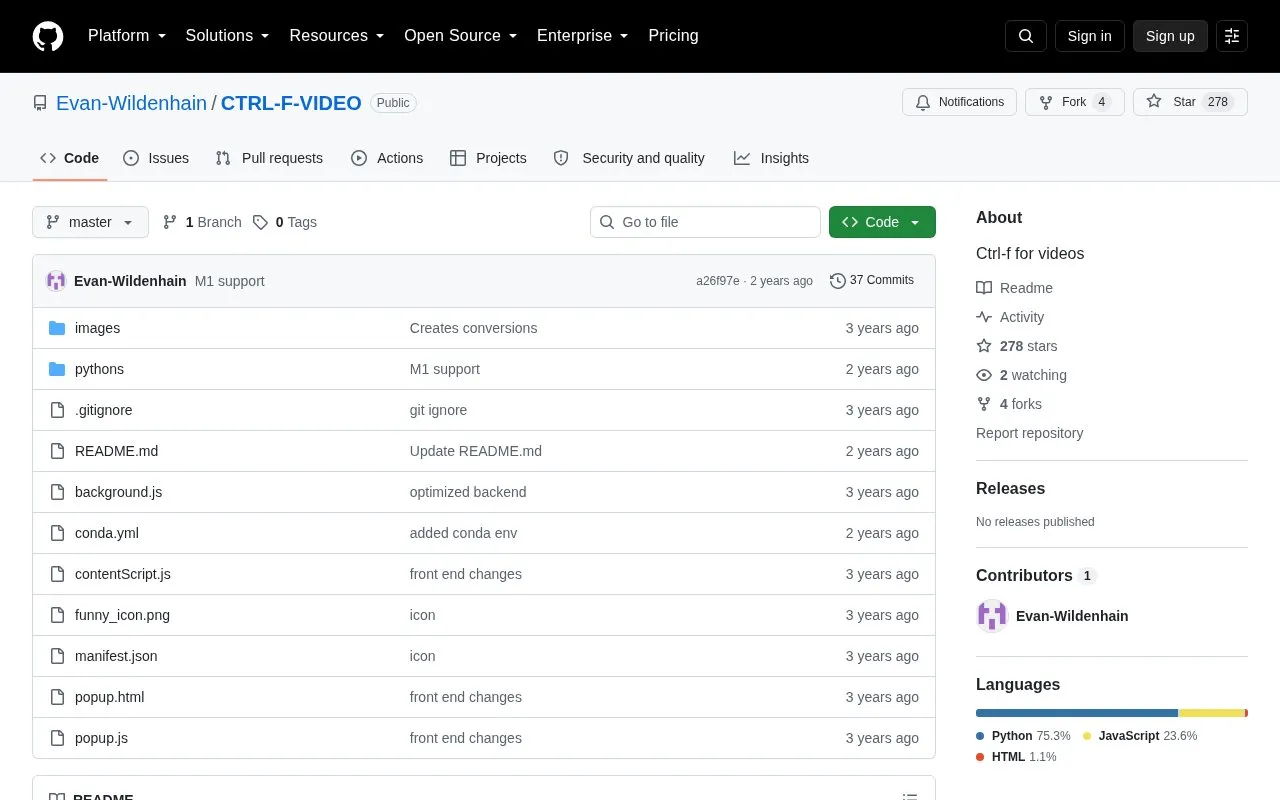
CTRL-F-VIDEO is a Chrome extension with a local Python component that searches the spoken words in YouTube videos. It transcribes the audio to text with OpenAI Whisper, so a user can type a word or phrase and see where it is said. Matches are marked on the video's timebar and in the transcript results.
The author reports that a 5-minute video takes about 16 seconds to process on an RTX 3090. Results are saved as JSON, so later searches on the same URL return from the cache. The phonetic and similarity matching options are described by the author as of limited value because Whisper is accurate on its own. The tool works only on YouTube, and it requires running a local Flask API.
Key features
Speech-to-text transcription using OpenAI Whisper, with faster-whisper credited for speed
Local Flask API that runs the transcription model on your own GPU
Color-coded markers for direct, similar, and phonetically identical matches
Saved JSON results reused for later searches on the same YouTube URL
Timebar highlights showing where matches occur in the video
Option to remove colored markers from the YouTube timebar
Best for: People who want to find specific spoken words or phrases in YouTube videos and are willing to install a Chrome extension and run a local Python server.
Good for
Uses Whisper transcription, which the author says makes the similarity-matching options rarely needed
Repeat searches on the same URL return quickly from cached results
Direct, similar, and phonetic matches are shown in different colors
Watch out for
Works only on YouTube as of the source
The first search may not highlight the timebar if you leave the page while the model runs
The author describes the phonetic similarity option as pretty much useless given Whisper's accuracy
The source states that it works only for YouTube as of now.
Why might the timebar not highlight matches on the first search?
If you leave the page while the model is running, the timebar may not highlight. Searching again uses the cached results, which load immediately.
How is the extension set up?
Import the project folder into Chrome using the Load unpacked option in the extensions page. Then run "python app.py" from the pythons folder to start the Flask API that runs the model locally.
Is something wrong or out of date?
Tell us and an editor will check it.
Own this website?
Claim the listing and suggest updates yourself. An editor checks every claim first.