
Zen
Use Zen as a free, minimal web text editor that stores writing locally in the browser, according to its product page.
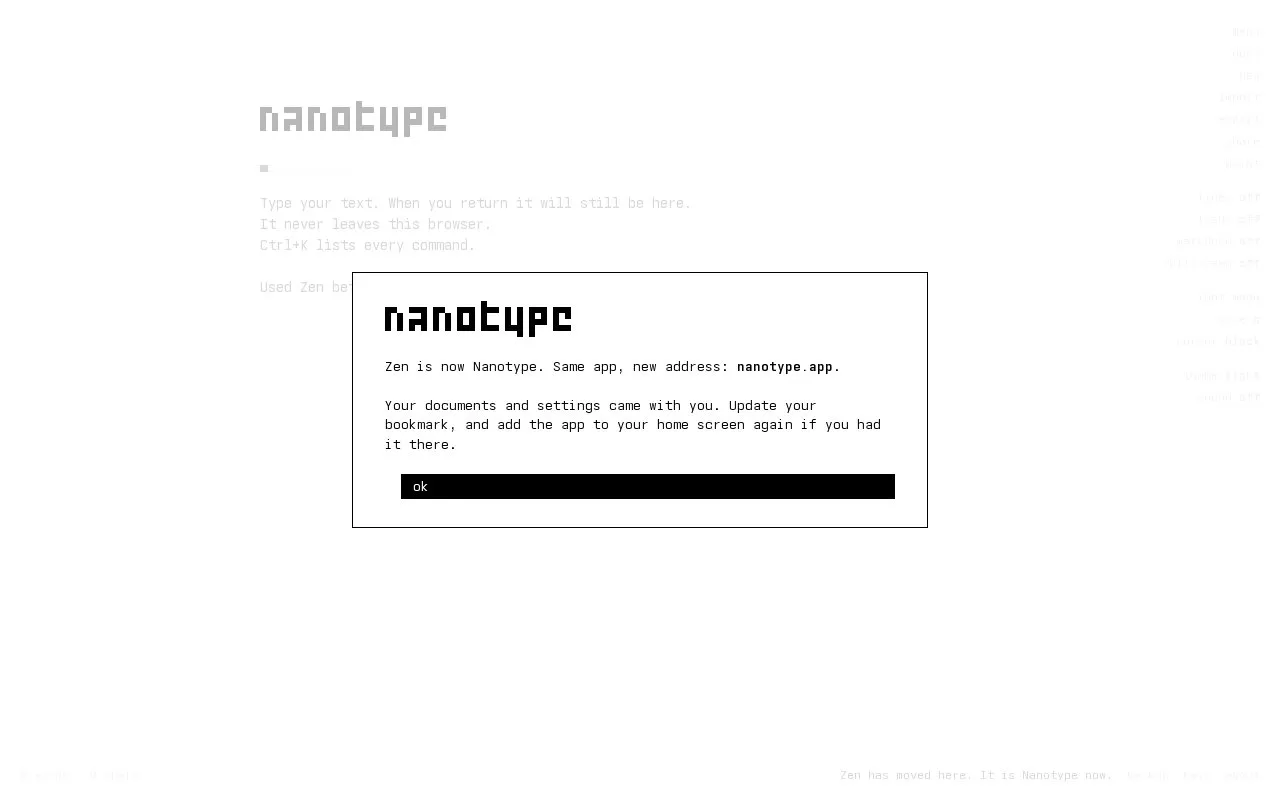
About Zen
Nanotype (previously branded as Zen) is a free, minimal web text editor built for private writing. All content is stored exclusively in the user's browser, with no server-side storage, account requirement, or outbound transmission of written text. It supports plain text and Markdown editing, works offline after the first visit, and can be installed as a standalone web app. The editor provides shareable links that embed the full document text directly in the URL, with optional private links secured by a user-held seed word that the service never stores or accesses. Usage and command tracking uses cookie-free PostHog, but written text is never included in this tracking. Optional local folder backup is available for Chrome, Edge, and Brave on desktop, and iOS users can add the app to their home screen to prevent storage from being cleared after 7 days.
Key features
- Stores all writing exclusively in the user's browser, no server storage
- Works offline after first visit, no internet required for editing
- Installable as a standalone web app on supported devices
- Share links embed full document text directly in the URL
- Private links locked by user-held seed words, not stored by the service
- Supports plain text and Markdown editing with live preview
Best for: It is best suited for users seeking a private, account-free minimal text editor for plain text and Markdown writing, with optional self-contained shareable links.
Good for
- No server storage or account requirement keeps all user text private by default
- Share links are self-contained with no stored copy of text on the service
- Optional folder backup enables persistent, cross-device accessible local copies
Watch out for
- Text stored in browser local storage is lost if browser data is cleared
- Local storage does not sync across devices by default
- Private share links are permanently inaccessible if the seed word is lost
Zen at a glance
- Website
- zen.unit.ms
- Category
- Software & Utilities › Text Editors
- Type
- Website
- Pricing
- Not confirmed. Check the site
- Platforms
- Web
- Open source
- Not stated
- Last checked
- Oct 8, 2026 · Online when checked
- Listed
- Oct 5, 2026
Guides for Text Editors

Popular in Text Editors
Well-known listings from the same topic.
Google Docsgoogle.com/docs/aboutProton Docsproton.me/drive/docsVertex42vertex42.comNotepad++notepad-plus-plus.orgLibreOfficelibreoffice.orgSublime Textsublimetext.com


Zen FAQ
Is my writing stored on Nanotype's servers?
No, all text is stored exclusively in your browser's local storage, and no written content is ever sent to Nanotype's servers.
How do private share links work?
Private links are locked with a seed word that Nanotype never sees or stores; you must share the seed word separately for recipients to unlock the text.
Can I access my documents across multiple devices?
By default, browser local storage does not sync across devices, but optional folder backup on supported desktop browsers or iOS home screen installation enables persistent storage that follows you.
Is something wrong or out of date?
Tell us and an editor will check it.
Own this website?
Claim this listing
Claim the listing and suggest updates yourself. An editor checks every claim first.