

On this page
LocalSend vs PairDrop at a glance #
| Factor | LocalSend | PairDrop |
|---|---|---|
| Price | Free; no required subscription | Free; no required subscription |
| Account | Not required | Not required |
| Main interface | Native desktop/mobile app | Browser web app; optional PWA |
| Platforms | Windows, Mac, Linux, Android, iOS | Modern browsers across desktop and mobile systems |
| Installation | App on the sending and receiving devices | Open the web page on both devices |
| Offline use | Works over a local network without internet | Public service needs its web/signaling services reachable |
| Distant devices | Main app is designed for local transfers | Pairing and public rooms connect peers beyond nearby discovery |
| File types | General files and text | General files and text |
| Storage | Receiver saves the incoming file | Receiver accepts/downloads the incoming file |
| Encryption | HTTPS between devices | WebRTC encryption in transit |
| Relay | No third-party transfer server in the local app flow | TURN relay may carry traffic across restrictive networks |
| Extra routes | CLI and local sharing options | Pairing codes, rooms, CLI and share-menu integrations |
| Open source | Apache-2.0 project | Open-source project that can be self-hosted |
| Maintenance route | Official releases, stores and repository | Public service and project releases/issues |
| Server trust | Local devices handle the native transfer | Official FAQ says signaling still requires server trust |
See the LocalSend overview and PairDrop FAQ for their transfer models. Neither basic route creates a long-lived cloud library for recipients to browse later.
Installation: PairDrop is better for a machine you won't keep #
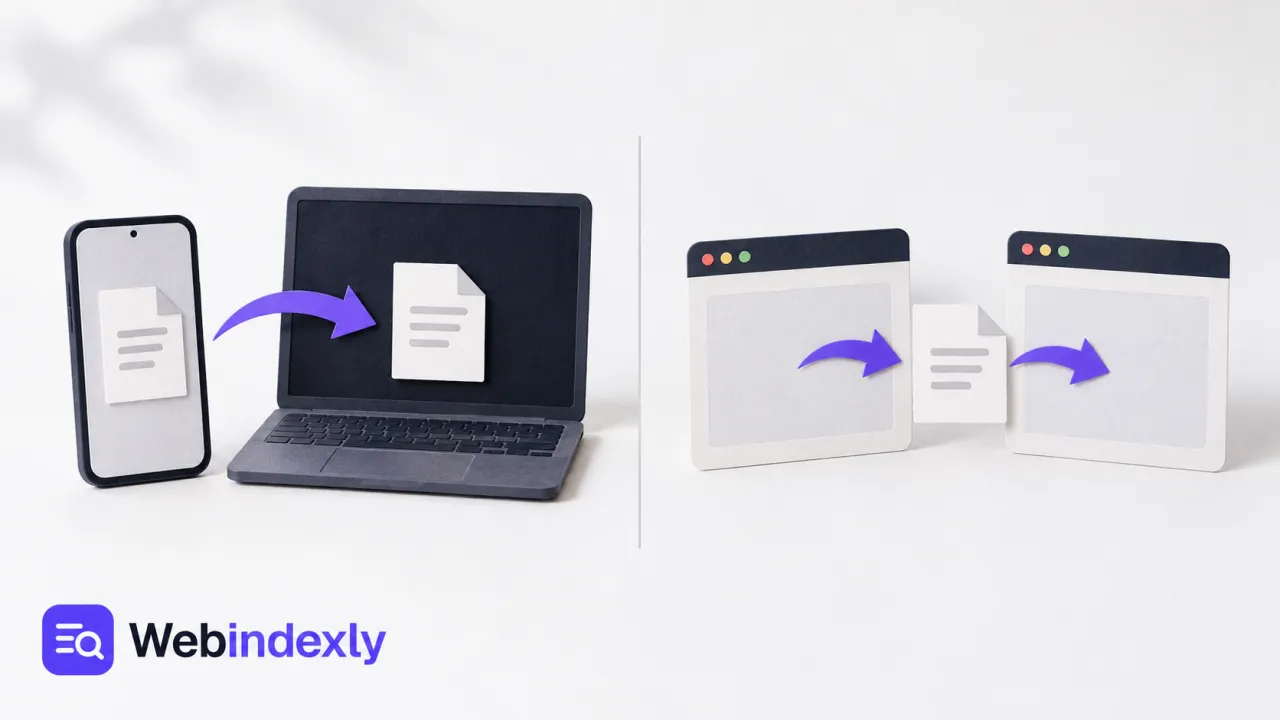
PairDrop is an attractive answer to a short-lived problem. You're on a borrowed laptop, need one file on your phone and don't want to install a dedicated sender. Opening a page on both devices gets you to the transfer much sooner.
That also helps when you can't install software at all. A browser route can fit a managed machine, provided its policies permit the site and peer connection. It doesn't override an organization's controls; it simply avoids needing a desktop installer.
LocalSend asks for the app on both ends. For a machine you own and use daily, I'd accept that setup. Once installed, the phone and desktop share one repeatable routine. You don't have to find the correct web service each time you move a screenshot.
Consider the recipient too. Sending a file to your own PC is different from asking a colleague to install an app for one document. PairDrop reduces that request to opening a web page. LocalSend becomes easier when both people already have it.
An optional PWA can make PairDrop easier to reopen, but its web connection model still applies. Installing the web app doesn't turn the public service into a fully offline native sender.
Winner for a borrowed or installation-restricted machine: PairDrop.
Offline use: LocalSend keeps the job inside the local network #
LocalSend's native transfer uses the network between the devices without needing the internet. That's the decisive feature when you're moving files at a desk with unreliable connectivity, or using a local network that has no outside connection.
Both devices still need a route to each other. “Connected to Wi-Fi” alone doesn't guarantee that: guest networks can separate clients. I'd use LocalSend on a network I control when offline work is the goal. The file doesn't need to make a trip through a hosted account service.
PairDrop uses a signaling service to introduce browser peers. Even when the file itself travels directly between two local devices, the public page and connection setup depend on that service. When peers sit behind different network address translation setups, a TURN server may relay the encrypted traffic.
This is why I'd avoid choosing PairDrop solely from the phrase “peer to peer.” That describes the connection technology, but the complete workflow still has services around it. For a café transfer with working internet, that may be fine. For a guaranteed no-internet routine, LocalSend is the cleaner answer.
Neither route is a substitute for a persistent backup. A file transfer creates a copy where you send it; it doesn't promise ongoing folder synchronization or scheduled recovery points. For notes, the Joplin backup guide covers a different job.
Winner for transfer without an internet connection: LocalSend.
Beyond the same room: PairDrop offers more connection choices #
LocalSend is designed around nearby devices on a local network. For your phone, desktop and tablet, that's usually the whole problem. A simple app that does that job is easier to maintain than a remote-sharing system you never use.
PairDrop's project description includes pairing codes and public rooms. These give the browser app more ways to connect peers that aren't discovered together. I'd consider it when the devices don't share the straightforward local route LocalSend expects.
The convenience has a condition: both sides need to remain present for the transfer. This isn't an email-style attachment delivery where a recipient opens a link after the sending laptop has shut down. If you want asynchronous remote downloading, use a service built around stored links and check its expiry and allowance.
For a one-off remote peer connection, PairDrop's extra routes are the better fit. For recurring file movement within your house or workspace, they add no advantage. Decide whether the recipient is available now before choosing the transfer model.
Don't assume that a relay is automatically faster or slower than your own network. Actual time depends on the connection and file. The useful decision here is whether the route exists and can stay available long enough to finish.
Winner for pairing beyond simple local discovery: PairDrop.
Trust: encrypted transfer doesn't remove every decision #
LocalSend uses HTTPS between devices with certificates generated for the connection. The native local route doesn't depend on a third-party transfer server. I'd favor that model for files moving among devices I control, where keeping the operation inside the local network is part of the requirement.
PairDrop encrypts files in transit through WebRTC, but its security FAQ says users still need to trust the signaling server. It describes zero-trust signaling and connection verification as planned work. That's a more precise picture than calling every browser peer transfer private simply because there's no stored file library.
Self-hosting PairDrop lets an organization choose its service infrastructure, but someone must operate it. That isn't a reason to recommend a server to a person who needs one screenshot on their phone. For a private local handoff, LocalSend asks for less infrastructure.
On either tool, confirm the intended recipient. A device's displayed name is part of finding it, not a guarantee that it belongs to the person beside you. Keep the receiving device visible during the handoff and accept only the request you expect.
For account passwords, don't send an unprotected spreadsheet because a transfer tool encrypts the connection. The password-manager shortlist covers a more appropriate place to store those records.
Winner for keeping a routine transfer independent of a public service: LocalSend.
What users say #
A September 2026 LocalSend discussion described a phone and tablet that could see each other while a Windows PC couldn't join the same discovery flow. Maintainer Tien Do Nam asked whether sharing through a link worked, helping separate a network route problem from discovery. The user reported that it did.
I like that troubleshooting distinction. A missing peer doesn't automatically mean the app cannot transfer a file. It can mean the devices can connect but aren't finding each other through the usual announcement route. Work out which part failed before changing several settings at once.
PairDrop's appeal is its light setup: the project's documentation focuses on instant sending without signup, with rooms and pairing where nearby discovery isn't enough. Its own FAQ also acknowledges that a TURN relay can slow transfers when peers sit behind different networks. I'd choose it for convenience, with LocalSend as the more direct routine for devices I own.
Choose LocalSend if… #
- You regularly move files between your own phone and computer.
- Your devices use a mixture of operating systems.
- The transfer must work without internet access.
- You want the native local operation to avoid a public service.
- Installing an app on both devices is straightforward.
Choose PairDrop if… #
- You're sending from a borrowed or temporary machine.
- A desktop installation is inconvenient or unavailable.
- Both devices can keep a modern browser open during the transfer.
- Pairing codes or public rooms solve your connection setup.
- A one-off handoff matters more than an offline daily routine.
Alternatives to both #
KDE Connect fits a broader phone-and-desktop setup with clipboard and device controls. Quick Share is worth checking for supported Android and Windows hardware. LANDrop offers another dedicated local sender.
For the file itself, free screenshot tools can help reduce a bug report to the image the recipient needs. A whole video isn't always necessary to show a misplaced button.
FAQ #
Does LocalSend work without internet?
Yes. The native app transfers over a local network without needing an internet connection. The devices must still be able to communicate on that network. A guest Wi-Fi network that isolates devices can prevent discovery and transfers even while both devices appear connected.
Does PairDrop store my files on its server?
Its official FAQ says files are sent between peers and aren't stored in a server database. A TURN server can relay encrypted traffic when the connection needs it. The signaling service still participates in setting up the connection, so “no stored files” doesn't mean no service involvement.
Can I use PairDrop on a phone?
Yes, a supported modern mobile browser can use PairDrop. Keep the page available until the transfer finishes and follow the device's save behavior for the received item. The optional PWA offers another way to reopen it, while retaining the browser-based connection model.
Can LocalSend replace cloud file synchronization?
It can replace a cloud upload used only to move a file between nearby devices. It doesn't provide a persistent shared library or continuous folder synchronization. Choose it for a handoff you initiate; keep synchronization and backup as separate decisions.
Related reading #
Best Free File Transfer Tools for Phones and Computers, How to Transfer Files with LocalSend from a Phone to a Computer, Localsend, Pairdrop Pairdrop Net, More options.
Sources #
Directory details
| Directory detail | LocalSend | PairDrop |
|---|---|---|
| What it is | LocalSend provides free, open-source, cross-platform file sharing with nearby devices. | PairDrop shares files and links with nearby devices using peer-to-peer transfer. |
| Website | ||
| Type | Online tool | Website |
| Topic | ||
| Pricing | Not confirmed | Not confirmed |
| Platforms | Android, iOS, Linux, macOS, Web, Windows | Web |
| Open source | Yes | Yes |
| Language | English | English |
| Alternatives |


