

ai-i18n
ai-i18n translates application localization files with language models and commits changed translations through GitHub Actions.
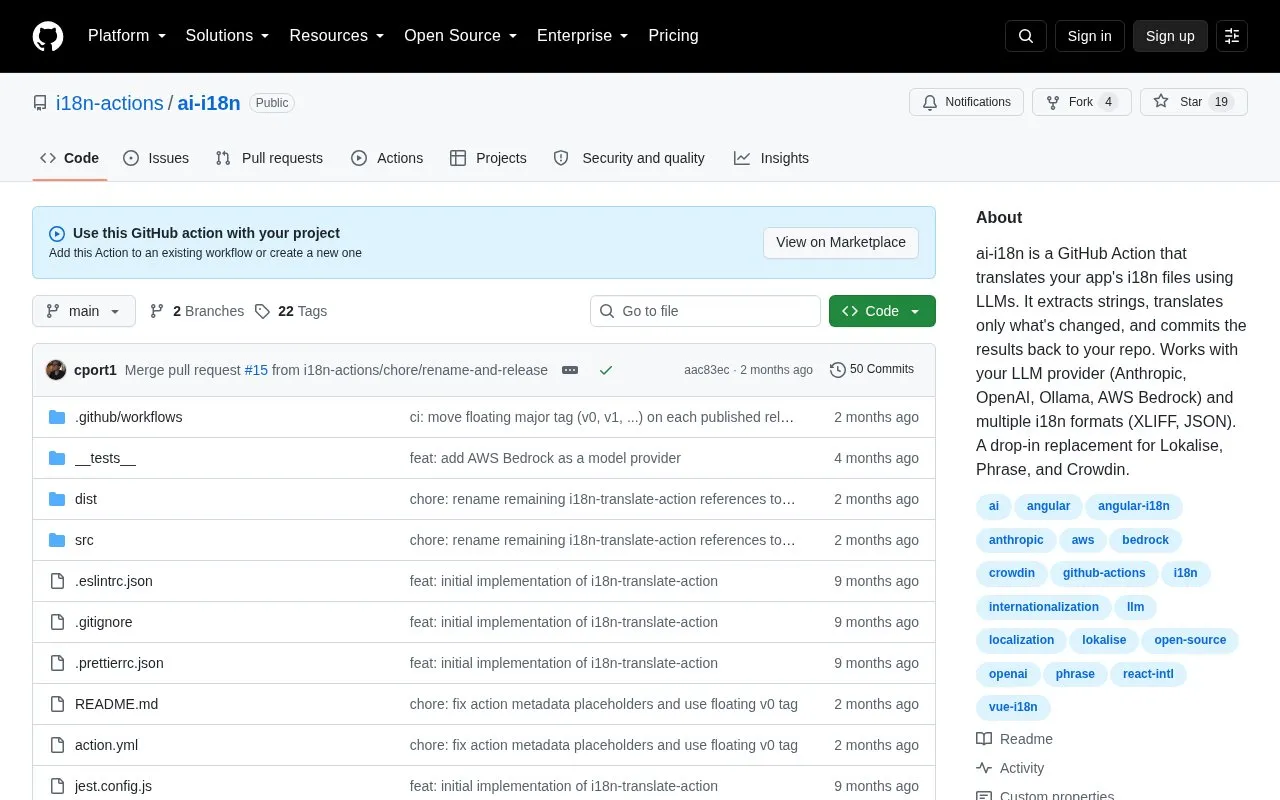
About ai-i18n
ai-i18n is a GitHub Action that translates app localization files using large language models. It extracts strings from supported files, translates only strings that have changed, and commits the results back to the repository. It can run on push, on commit, or on a schedule. Users supply their own LLM provider: Anthropic, OpenAI, Ollama, or AWS Bedrock. Hosted providers require an API key, typically stored as a GitHub secret. Ollama is self-hosted and requires no API key. Source strings are sent to the selected provider.
Supported file formats are XLIFF 1.2, XLIFF 2.0, and flat or nested JSON. The format is auto-detected and can be overridden. Placeholders and XLIFF inline elements are extracted, preserved, and rebuilt after translation. The action states CLDR-aware ICU MessageFormat handling for 20+ languages. AWS Bedrock users must enable the target model in their account for the chosen region, and some models require a cross-region inference profile ID.
Key features
- Translates only new or modified strings, tracked by content hashing
- Preserves placeholders and XLIFF inline elements during translation
- Reads XLIFF 1.2, XLIFF 2.0, and flat or nested JSON files
- Auto-detects file format, with an option to set it manually
- CLDR-aware ICU MessageFormat handling for 20+ languages
- Connects to Anthropic, OpenAI, Ollama, and AWS Bedrock models
Best for: Development teams that keep app localization files in GitHub repositories and want LLM-based translation automated within GitHub Actions workflows.
Good for
- Re-translates only changed strings, which limits repeated API calls
- Supports several LLM providers, including self-hosted Ollama models
- Keeps placeholders and XLIFF inline elements intact during translation
Watch out for
- Hosted providers require the user's own API key or AWS account access
- Bedrock models must be enabled per region, and some need inference profile IDs
- Ollama requires a self-hosted model server reachable at the configured URL
ai-i18n at a glance
- Category
- Development › Developer Tools
- Type
- Open-source project
- Pricing
- Not confirmed. Check the site
- Open source
- Not stated
- Language
- English
- Last checked
- Oct 6, 2026 · Online when checked
- Listed
- Oct 5, 2026
Guides for Developer Tools


ai-i18n alternatives
Tools and sites you could use instead, ranked by how closely they match.

Efficient fine-tuning of quantized language models is the focus of QLoRA, a method documented in this repository.
Open source
24 alternatives
Gitingest turns a Git repository into a plain text digest designed for use with language model prompts.

Change just one letter and get github repo context to use as context for your LLM.

Neural networks in pure C are provided by notorch, a software library in this repository.
Open source
24 alternatives
Neofuzz provides Python developers with a library for fuzzy text search.
Open source
24 alternativesHandyAI offers developer utilities for token counting, prompt analysis, JSON tool use conversion, and cost calculation.
Free
24 alternativesPopular in Developer Tools
Well-known listings from the same topic.
AppDevToolsappdevtools.comCommand Not Foundcommand-not-found.comTestFlighttestflight.apple.com/join/A8GwCnq8Sourcegraphabout.sourcegraph.comProject Wallaceprojectwallace.comCarbon Calculatorwebsitecarbon.com


ai-i18n FAQ
Which translation file formats are supported?
XLIFF 1.2 (.xliff, .xlf), XLIFF 2.0 (.xliff, .xlf), and JSON in flat or nested form (.json). The format is auto-detected and can be set manually with a format option.
Does Ollama require an API key?
No. The action states that no API key is required for Ollama. The user runs the model on their own server and sets the ollama-url value to point to it.
Why might an AWS Bedrock translation fail?
The target model must be enabled in the Bedrock Model access settings for the chosen region. Some models require a cross-region inference profile ID instead of the plain foundation-model ID.
Is something wrong or out of date?
Tell us and an editor will check it.
Own this website?
Claim this listing
Claim the listing and suggest updates yourself. An editor checks every claim first.