Amethyst automatically tiles windows on macOS, following a layout approach similar to xmonad.
Amethyst
Amethyst is a tiling window manager for macOS.
About Amethyst
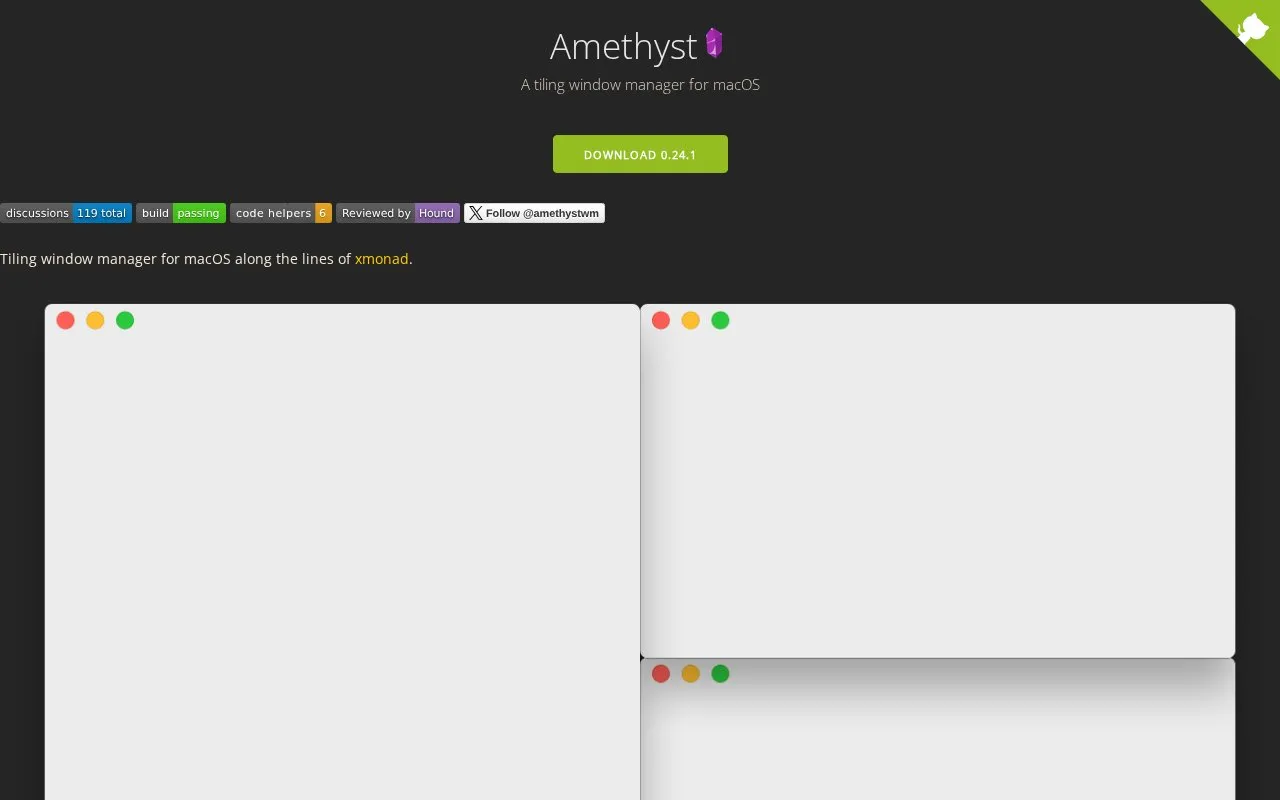
Amethyst is a tiling window manager for macOS along the lines of xmonad. It organizes open windows into selectable layouts operated with keyboard shortcuts, including control across Spaces and connected screens. It is available by direct download from the releases page or with Homebrew using brew install --cask amethyst.
Pricing is not clearly stated.
Key features
- Cycle forward and backward through selectable window layouts
- Tall, Wide, Fullscreen and other selectable layouts
- Keyboard control for focus, swapping windows and main pane size
- Throw focused window to numbered Spaces and adjacent Spaces
- Focus screens and move windows between screens
- Toggle floating for focused window and toggle global tiling
Watch out for
- Only supported on macOS 10.15 and later
- Must be given accessibility API permission in Privacy and Security settings
- Predictable Space navigation needs automatic Spaces rearrangement turned off
Amethyst at a glance
- Website
- ianyh.com/amethyst
- Category
- Software & Utilities › Mac Apps
- Type
- App
- Pricing
- Not confirmed. Check the site
- Platforms
- macOS
- Details verified
- Oct 22, 2026 · Official source
- Open source
- Not stated
- Last checked
- Oct 5, 2026 · Online when checked
- Listed
- Oct 5, 2026
Amethyst alternatives
Tools and sites you could use instead, ranked by how closely they match.
Open source
24 alternativesAeroSpace tiles windows on macOS using a window-manager approach modeled after i3.
Open source
24 alternativesPopular in Mac Apps
Well-known listings from the same topic.
Adiumadium.imTheBoringNotchtheboring.nameThe Unarchivertheunarchiver.comOsaurusosaurus.aiBetter Shotbettershot.siteShotSolveshotsolve.com
Is something wrong or out of date?
Tell us and an editor will check it.
Own this website?
Claim this listing
Claim the listing and suggest updates yourself. An editor checks every claim first.


