
Amplitude Soundboard
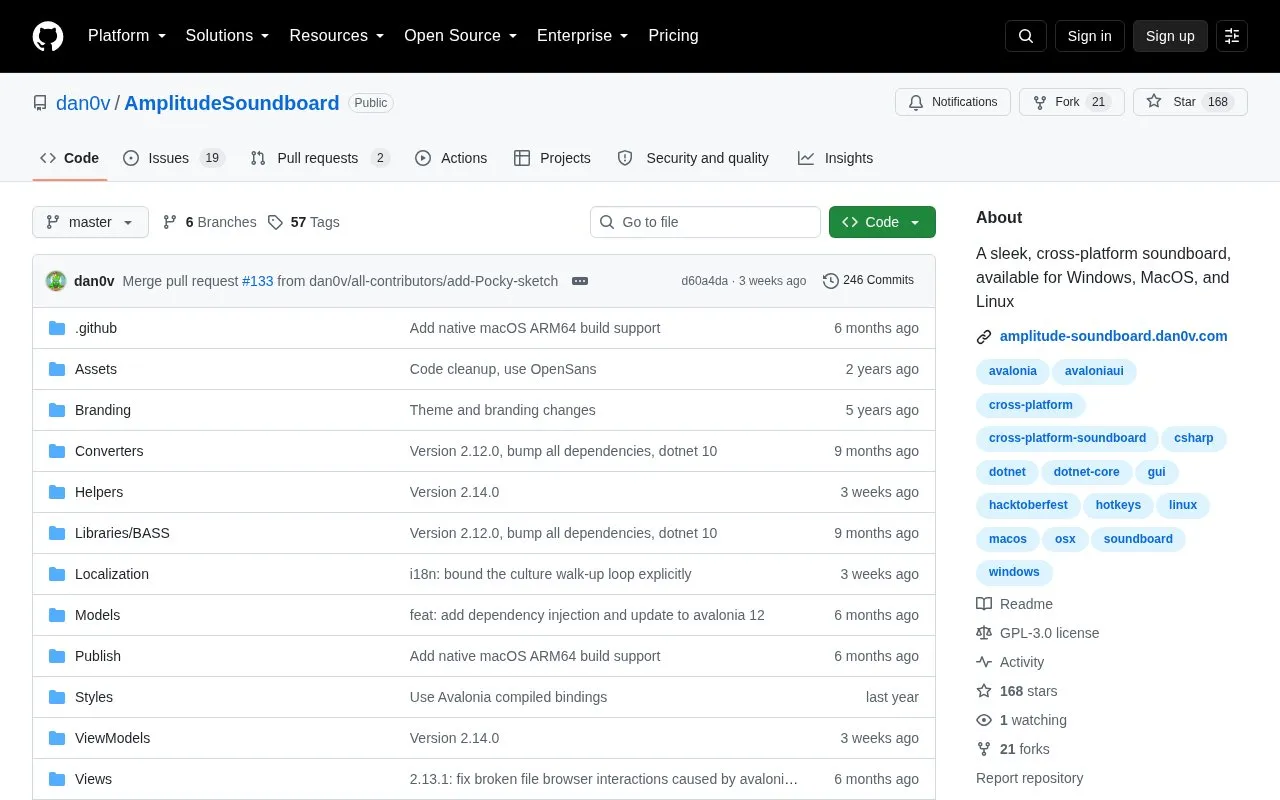
Amplitude Soundboard provides soundboard controls for Windows, macOS, and Linux, with hotkeys noted in its project topics.
About Amplitude Soundboard
Amplitude Soundboard is an open source soundboard application for Windows, macOS, and Linux. It organizes audio clips in a grid view that users can customize. Each clip can be triggered with a custom hotkey or a button press, and each clip can have its own output device and volume. The app supports many common audio formats, offers light and dark themes, and can update itself automatically if the user chooses.
Several setup steps depend on the operating system. Hotkeys on macOS require granting accessibility permission and restarting the app. On Linux, hotkeys work only under X11, not Wayland. The macOS builds are not signed with an Apple Developer ID, so macOS may show a security warning before the app opens. To play sound through a microphone input, users need separate virtual audio routing software, such as Virtual Audio Cable on Windows, BlackHole on macOS, or a PulseAudio sink on Linux. The interface is available in several languages, and localization is described as a work in progress.
Key features
- Plays AAC, AIFF, ALAC, FLAC, M4A, MP3, MP4, OGG, OPUS and WAV files
- Customizable grid view of sound clips
- Triggers clips with custom hotkeys or a button press
- Per-clip output device and volume settings
- Light and dark theme options
Best for: People who want a cross-platform clip-playing soundboard with hotkey triggers and are willing to complete some manual setup for hotkeys or microphone routing.
Good for
- Open source, with a public repository and a license file
- Available for Windows, macOS, and Linux
- Output device and volume can be set separately for each clip
Watch out for
- Linux hotkeys work only under X11, not Wayland
- macOS hotkeys need accessibility permission and a restart, and unsigned builds may trigger a security warning
- Playing sound through a microphone input requires separate virtual audio software
Amplitude Soundboard at a glance
- Category
- Music & Audio › Audio Editing & Production
- Type
- Open-source project
- Pricing
- Not confirmed. Check the site
- Platforms
- Linux, macOS, Windows
- Open source
- Yes · Source code
- Language
- English
- Last checked
- Oct 6, 2026 · Online when checked
- Listed
- Oct 5, 2026
Guides for Audio Editing & Production
Amplitude Soundboard alternatives
Tools and sites you could use instead, ranked by how closely they match.

This curated list gathers software, services, and resources for creating and distributing music, with music-production topics in its repository.
Open source
16 alternatives
Schism Tracker is an open-source reimplementation of Impulse Tracker for sample-based music composition.
Open source
12 alternatives
MAIM creates real-time digital distortion effects by circuit-bending MP3 and Opus encoders in an audio plugin.
Open source
16 alternatives
FamiStudio is an NES music editor, with its GitHub repository providing source code, compiled releases, and bug-reporting information.
Open source
12 alternatives
Resanance is soundboard software that assigns hotkeys to sounds and works with applications that accept audio input.

The OpenMPT repository mirrors source for a Windows tracker and libopenmpt, a library that renders tracker formats to audio streams.
Open source
13 alternativesPopular in Audio Editing & Production
Well-known listings from the same topic.
Basic Pitchbasicpitch.spotify.comWebChuck IDEccrma.stanford.edu/~tzfeng/webchuck-ideVO Padsvo.odgn.netWebSynthswebsynths.comsamplv1samplv1.sourceforge.ioSoundboardGuyssoundboardguys.com


Amplitude Soundboard FAQ
Do hotkeys work on Linux under Wayland?
No. According to the project, hotkeys currently work only under X11, not Wayland.
How can I play clips through a microphone input?
Set up a virtual audio cable and select it as the clip output device. The project names Virtual Audio Cable for Windows, BlackHole for macOS, and a PulseAudio sink for Linux.
Why does macOS block the app from opening?
The macOS app is not signed with an Apple Developer ID. The project says to open System Preferences, go to Privacy & Security > General, and click Open Anyway.
Is something wrong or out of date?
Tell us and an editor will check it.
Own this website?
Claim this listing
Claim the listing and suggest updates yourself. An editor checks every claim first.