

Audio-WebUI provides a web interface for different neural networks related to audio.
Open source
20 alternativesApplio provides a voice conversion tool designed around ease of use and performance.
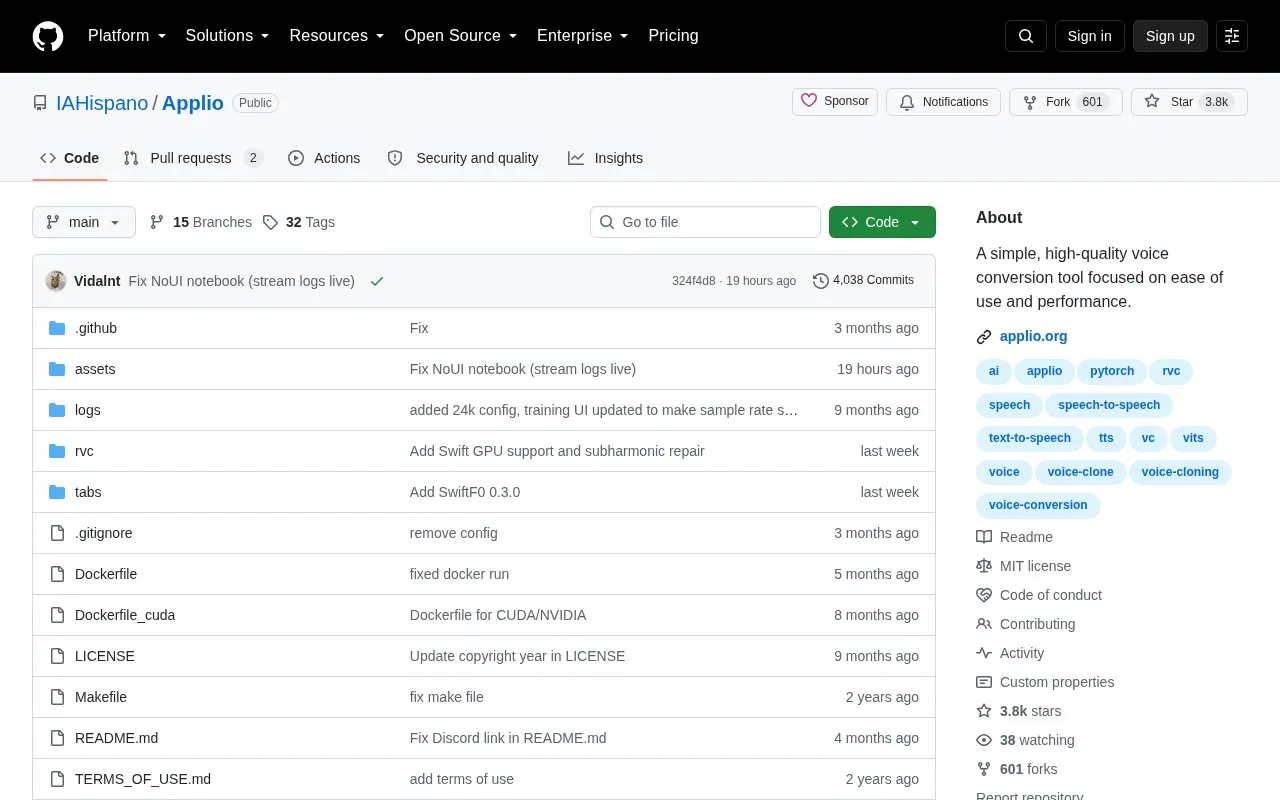
Applio is an open source voice conversion tool for changing speech from one voice to another, with support for text-to-speech and speech-to-speech tasks. It runs locally using install and launch scripts for Windows, Linux and macOS, opens a Gradio interface in the browser, and allows customization through plugins and configurations.
The code and model weights are under the MIT license, while use of the official version also requires compliance with additional Terms of Use. Commercial use is permitted only with appropriate rights and adherence to legal and ethical guidelines, and current development focuses on security patches, dependency updates and occasional improvements.
Tools and sites you could use instead, ranked by how closely they match.
Audio-WebUI provides a web interface for different neural networks related to audio.
TTS-WebUI is a Gradio and React interface with extensions for speech, audio, and music generation tools.
EmotiVoice provides a multi-voice text-to-speech engine with prompt controls.
ESPnet includes tools for end to end speech processing and related speech tasks.
Astica offers a cognitive intelligence API for visual, speech, and audio functions, with API keys and account tools on its dashboard.
Phonely’s voice agents answer business calls, book appointments, and handle customer support conversations.
Well-known listings from the same topic.
Tell us and an editor will check it.
Claim the listing and suggest updates yourself. An editor checks every claim first.


