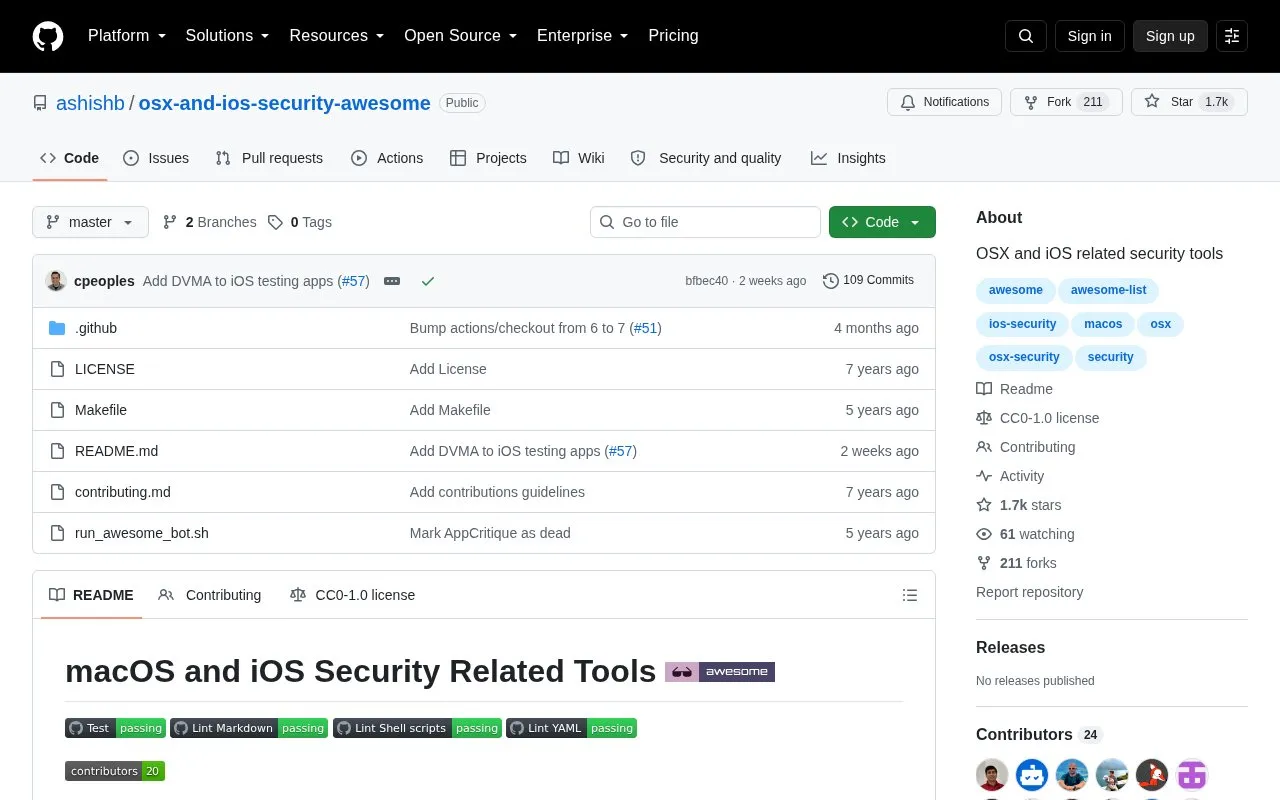
Awesome OSX Security is an open-source GitHub repository that lists security tools for macOS and iOS. The tools are grouped by platform and topic, with sections for macOS security, iOS security, and iOS jailbreaks, plus links to other awesome lists. Each entry gives a one-line description of the tool.
The list covers a range of tool types. macOS entries include forensic collection and parsing tools such as mac_apt and OSX collector, persistence monitors such as BlockBlock and KnockKnock, and configuration auditing tools such as LockDown and stronghold. iOS entries include app testing resources such as IDB and DVIA, along with iOS security tools such as libimobiledevice. Some entries are marked as not free, and some are marked as abandoned, so readers should check each tool's status before relying on it. The listed tools are separate third-party projects.
Key features
Forensic collection and artifact parsing tools for macOS, such as mac_apt
Persistence monitoring that alerts when new components are added, such as BlockBlock
Microphone and webcam access monitoring with alerts through OverSight
Security configuration auditing and remediation tools for macOS
iOS app security assessment and reverse engineering resources, such as IDB and iRET
Intentionally vulnerable iOS and mobile apps for security training, such as DVIA
Best for: Security researchers, forensic analysts, and macOS or iOS administrators who want a categorized starting point for finding security tools.
Good for
Tools are organized by platform and topic, which makes it easier to find tools for a specific area.
The repository is open source and hosted on GitHub.
Some entries state their status directly, such as whether a tool is not free or abandoned.
Watch out for
Several listed tools are marked as abandoned, including MIDAS and Mana Security.
Hopper is marked as not free, and some tools require separately installed software, such as Hopper, Ghidra, or IDA for REA.
Pricing is not stated for most listed tools, so the list does not show costs.