
This community guide collects recommendations for improving security and privacy on macOS.
Open source
24 alternativesThis guide collects Linux kernel and userland settings for improving security and usability, targeting Arch Linux and potentially other distributions.
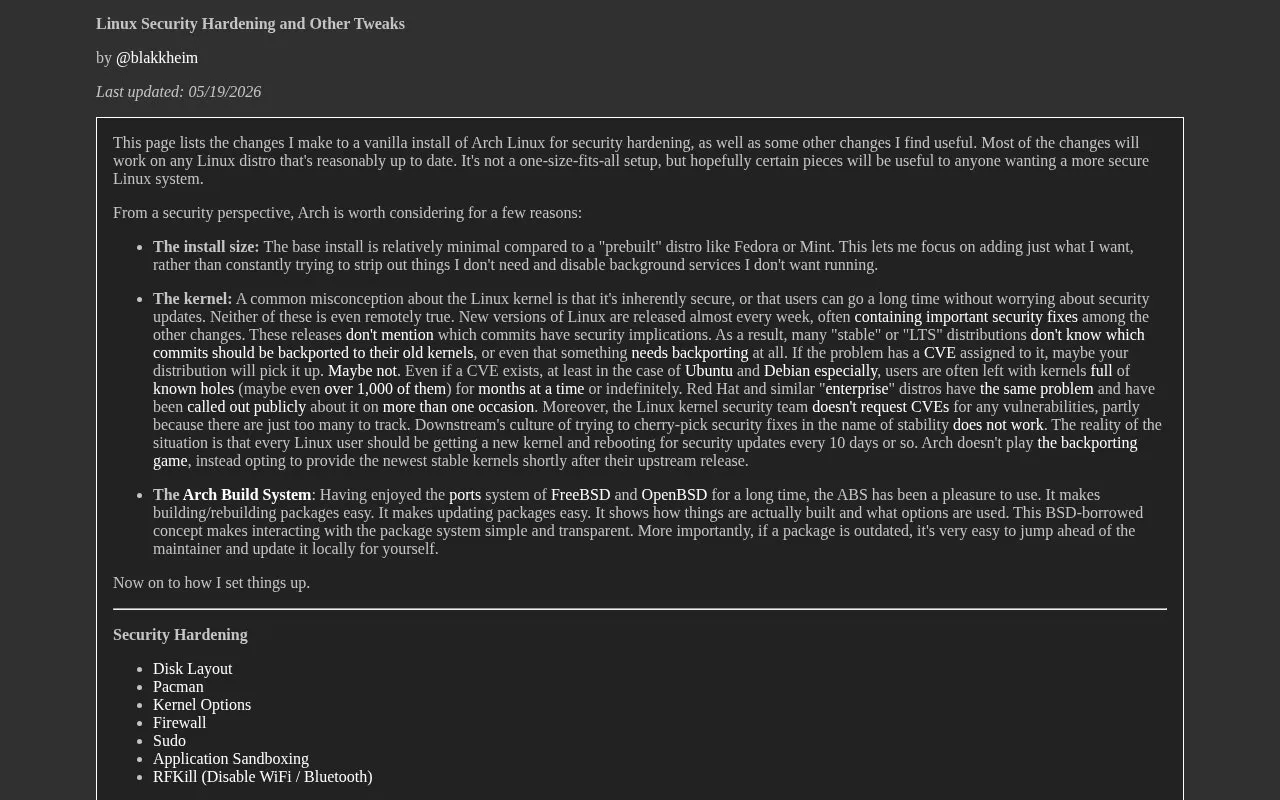
Linux Hardening is a personal guide by the author @blakkheim that lists the changes they make to a fresh install of Arch Linux for security hardening, along with other settings they find useful. The page explains the author's reasons for choosing Arch from a security standpoint, including its minimal base install, its handling of kernel updates, and the Arch Build System. The detailed sections in the excerpt cover disk layout, including full disk encryption with LVM and mount options such as noexec and nodev for /var, /home, /tmp and /dev/shm.
The author states that most changes should work on any reasonably up-to-date Linux distribution, but that the setup is not one-size-fits-all. The excerpt shows only the disk layout section in full. The table of contents lists further topics, such as the firewall, sudo, and application sandboxing, but the excerpt does not describe their contents. The page was last updated 05/19/2026. The source does not state any pricing, and the guide is not listed as open source.
Tools and sites you could use instead, ranked by how closely they match.
This community guide collects recommendations for improving security and privacy on macOS.
Tracee monitors runtime security events and supports forensic analysis with eBPF instrumentation.
Qubes OS is a free, open-source operating system for personal computers that uses compartmentalization as a security approach.
Follow this evolving guide for steps and configuration examples to secure a Linux server.
Set USB device authorization rules with USBGuard, a framework for controlling device access.
Authorize binary execution and file access on macOS with Santa, a system extension and policy tool.
Well-known listings from the same topic.
Tell us and an editor will check it.
Claim the listing and suggest updates yourself. An editor checks every claim first.


