
The MailTrackerBlocker extension for macOS Apple Mail blocks email trackers, read receipts, and tracking pixels.
Telemetry.md
Read the telemetry disclosure and settings for the Telemetry.md GitHub Gist.
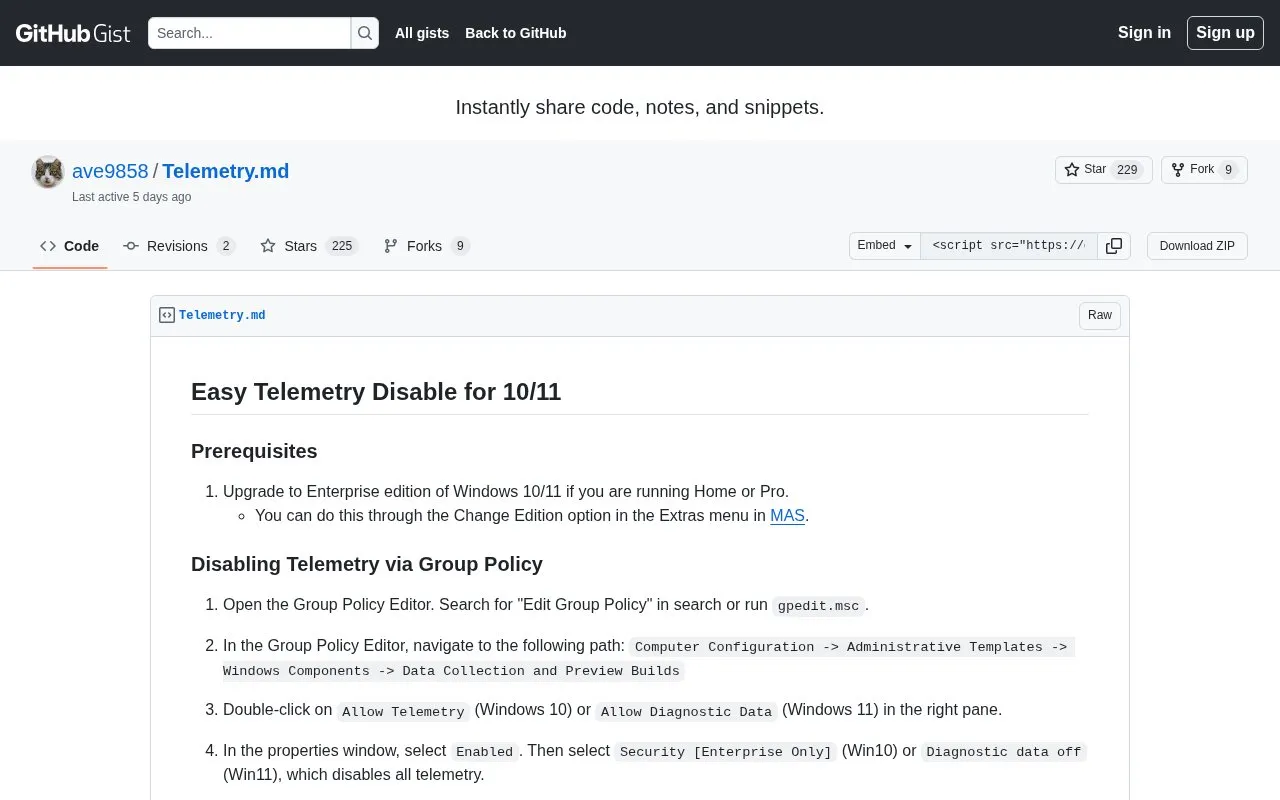
About Telemetry.md
This GitHub Gist is a written walkthrough for turning off Windows telemetry on Windows 10 and 11 through the Group Policy Editor. It states that the Enterprise edition is required, telling Home and Pro users to upgrade first, then walks through the Data Collection and Preview Builds policy, an optional step to disable Windows Error Reporting, and registry checks to confirm the settings took effect. The gist also carries a comment thread where readers report results and troubleshooting. The guide's outcome depends on the Windows edition and configuration in use; it does not present itself as a guarantee that no diagnostic data leaves the device.
Key features
- Step-by-step Group Policy instructions for disabling Windows telemetry
- States Enterprise edition of Windows 10 or 11 is a prerequisite
- Optional policy step to disable Windows Error Reporting
- Registry paths given for verifying AllowTelemetry and error reporting values
- Comment thread where readers report successes and failures
- Suggests gpupdate.exe /force when policy changes do not appear
Best for: Administrators and users on Enterprise editions of Windows 10 or 11 who want to turn off diagnostic data collection through Group Policy.
Good for
- Names the exact Group Policy path and settings for both Windows 10 and Windows 11
- Includes registry locations so users can check whether the changes applied
- Covers an optional additional step for Windows Error Reporting
Watch out for
- Requires Enterprise edition; Home and Pro users are told to upgrade first
- A commenter reported the AllowTelemetry registry value did not appear; the author could not explain why beyond suggesting gpupdate.exe /force
- Instructions are limited to Group Policy and do not cover other ways of changing these settings
Telemetry.md at a glance
- Category
- Privacy & Security › Desktop & OS Privacy
- Type
- Website
- Pricing
- Not confirmed. Check the site
- Platforms
- Web
- Open source
- Not stated
- Language
- English
- Last checked
- Oct 5, 2026 · Online when checked
- Listed
- Oct 5, 2026
Telemetry.md alternatives
Tools and sites you could use instead, ranked by how closely they match.
This guide collects Linux kernel and userland settings for improving security and usability, targeting Arch Linux and potentially other distributions.

1Blocker blocks ads, trackers, and unwanted web content in Safari on iPhone, iPad, and Mac, with rules and settings synced over iCloud.

Stay for Safari lists userscripts and ad blocking among its features, with ratings and reviews available on the App Store.
FreemiumPick
24 alternativesFollow this Linux hardening guide for steps to improve the security of a Linux system.

The Tor Project promotes online anonymity and tools to defend against tracking, surveillance, and censorship.
Popular in Desktop & OS Privacy
Well-known listings from the same topic.
wBlockapps.apple.com/app/wblock/id6746388723uBO Lite Safariapps.apple.com/app/ublock-origin-lite/id674534…Lockdown Privacylockdownprivacy.comFirejailfirejail.wordpress.comHyphanethyphanet.org


Telemetry.md FAQ
Do I need Windows Enterprise for this guide?
The guide says to upgrade Windows 10 or 11 Home or Pro to Enterprise first, using the Change Edition option in the Extras menu in MAS. The telemetry-off option is labelled Enterprise only for Windows 10.
How do I confirm telemetry was disabled?
Open regedit and go to HKEY_LOCAL_MACHINE\SOFTWARE\Policies\Microsoft\Windows\DataCollection. An AllowTelemetry value of 0 indicates telemetry is disabled. For error reporting, check HKEY_LOCAL_MACHINE\SOFTWARE\Policies\Microsoft\Windows\Windows Error Reporting, where Disabled should be 1.
What if the AllowTelemetry registry value does not appear?
The author suggests running gpupdate.exe /force. One commenter reported the change only took effect after rebooting and repeating the guide.
Is something wrong or out of date?
Tell us and an editor will check it.
Own this website?
Claim this listing
Claim the listing and suggest updates yourself. An editor checks every claim first.