
This guide collects Linux kernel and userland settings for improving security and usability, targeting Arch Linux and potentially other distributions.
Securely Wipe Disk
The ArchWiki guide covers securely wiping a disk, with related security articles and Arch Linux resources on the wiki.
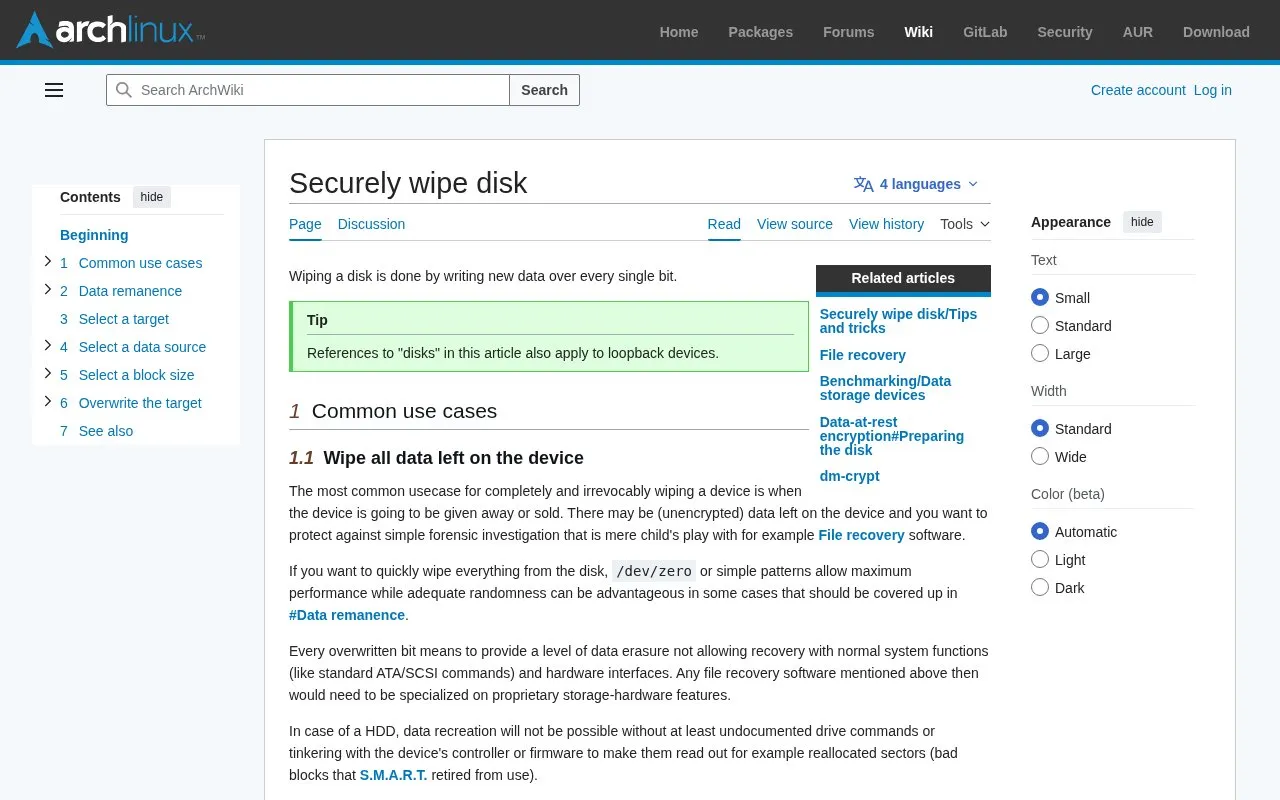
About Securely Wipe Disk
This ArchWiki page explains wiping a disk by writing new data over every bit. It covers wiping a device before it is sold or given away to block file-recovery software, using fast zero or pattern fills, and using random data from a strong random number generator to prepare a drive for block-device encryption. It also describes identifying target devices with fdisk.
It documents limits to software wiping, including flash memory and SSDs, sectors retired as bad, residual data handling, and unencrypted data copied by the operating system, programs, or filesystem.
Key features
- Explains overwriting every bit to prevent normal recovery
- Describes using /dev/zero or patterns for fast wiping
- Describes random data for preparing encrypted drives
- Explains locating target devices with fdisk -l
- Covers SSD and flash memory wiping challenges
- Discusses bad sectors and residual magnetism limits
Best for: People preparing a storage device for sale, disposal, or block-device encryption.
Good for
- Distinguishes fast zero-fill wiping from random-data preparation for encryption
- Explains hardware-specific issues for SSDs, flash memory, and retired sectors
- States a single full overwrite is sufficient on modern high-density drives
Watch out for
- Overwriting does not reliably wipe SSDs and other flash memory
- Software overwrite cannot reach sectors retired as bad
- Operating system and filesystem activity may copy unencrypted data elsewhere
Securely Wipe Disk at a glance
- Category
- Privacy & Security › Desktop & OS Privacy
- Type
- Website
- Pricing
- Not confirmed. Check the site
- Platforms
- Web
- Open source
- Not stated
- Language
- English
- Last checked
- Oct 5, 2026 · Online when checked
- Listed
- Oct 5, 2026
Securely Wipe Disk alternatives
Tools and sites you could use instead, ranked by how closely they match.

Consult ArchWiki guidance on clearing data from solid-state drives and memory cells.

Use the WhoAmI Project to configure enhanced privacy and anonymity for Debian- or Arch-based Linux distributions.

Suspicious Package provides a downloadable macOS disk image, with its page listing the current version and bundle identifier.
Follow this Linux hardening guide for steps to improve the security of a Linux system.

Cryptsetup and LUKS provide open-source disk encryption, including full-disk encryption.
Popular in Desktop & OS Privacy
Well-known listings from the same topic.
wBlockapps.apple.com/app/wblock/id6746388723uBO Lite Safariapps.apple.com/app/ublock-origin-lite/id674534…Stayapps.apple.com/app/stay-for-safari/id1591620171Lockdown Privacylockdownprivacy.comTor Browsertorproject.orgFirejailfirejail.wordpress.com


Securely Wipe Disk FAQ
When should I wipe a disk?
When the device will be given away or sold, to protect unencrypted leftover data against file-recovery software.
Should I fill a drive with zeros before setting up encryption?
No. Use random data from a strong random number generator, because non-random data weakens block-device encryption and can reveal usage patterns.
Is one full overwrite enough on a modern hard drive?
Yes. The guide states a single full overwrite with zeros or random data does not leave recoverable data on a modern high-density device.
Is something wrong or out of date?
Tell us and an editor will check it.
Own this website?
Claim this listing
Claim the listing and suggest updates yourself. An editor checks every claim first.