

The ArchWiki guide covers securely wiping a disk, with related security articles and Arch Linux resources on the wiki.
SuspiciousPackage
Suspicious Package provides a downloadable macOS disk image, with its page listing the current version and bundle identifier.
About SuspiciousPackage
Suspicious Package is a macOS application distributed as a downloadable disk image. The download page lists its current version (4.8, build 1457) and bundle identifier, and states that the image is signed with a Developer ID and notarized. The page does not describe what the application does, so this entry does not cover its functions.
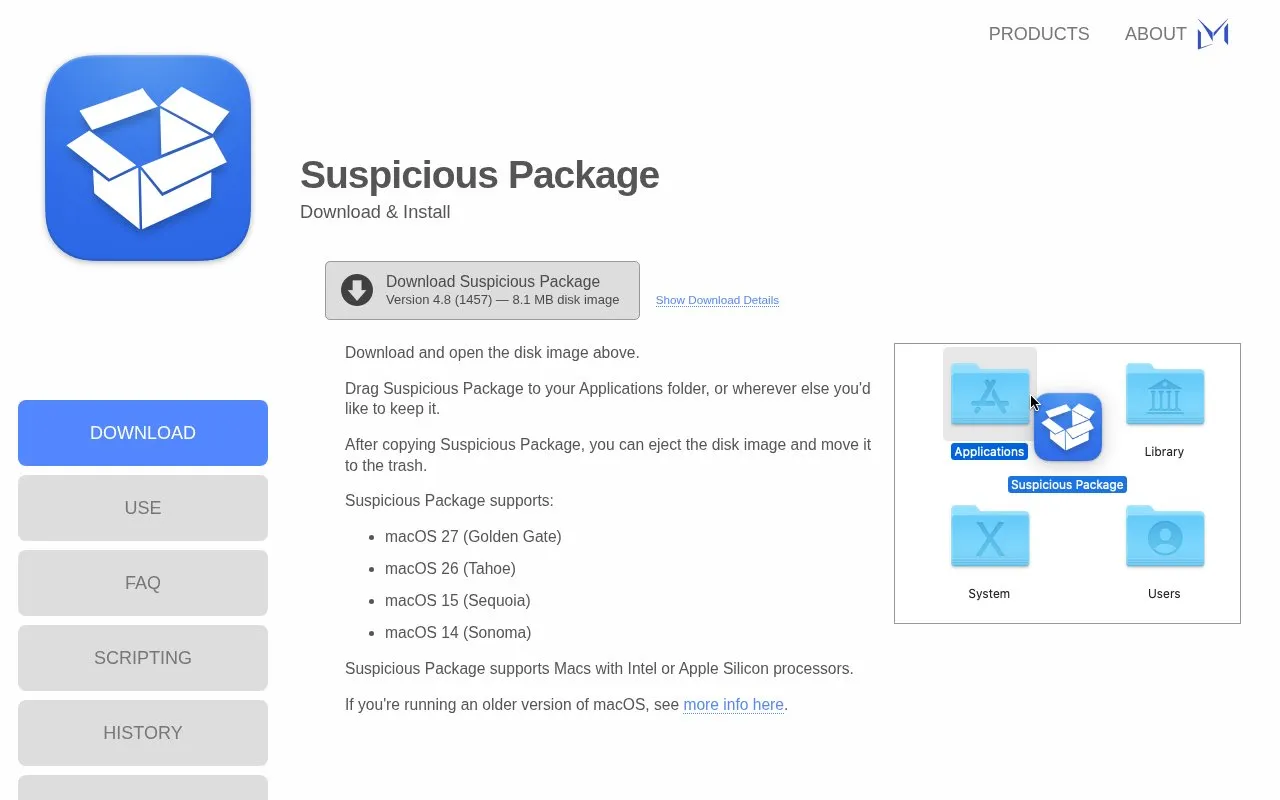
The page gives installation steps: open the disk image, drag the app to the Applications folder or another chosen location, then eject the image. It lists support for macOS 27, 26, 15, and 14 on both Intel and Apple Silicon Macs. Older macOS versions are referred to a separate page that is not included here.
Key features
- Distributed as a signed macOS disk image, version 4.8 (1457)
- Developer ID signed and notarized, according to the download page
- Download page lists file size and SHA256 hash
- Supports Intel and Apple Silicon Macs
- Lists support for macOS 27, 26, 15, and 14
Best for: Mac users who want to download and install the app directly from the developer's website.
Good for
- Download page lists a Developer ID signature and notarization status
- Download page publishes a SHA256 hash for checking the file
- Installation steps are short and listed on the page
Watch out for
- Supported only on macOS 27, 26, 15, and 14 according to this page
- Older macOS versions are not covered on this page
- The page does not describe the application's functions
- Source code is not published (open source: false)
SuspiciousPackage at a glance
- Category
- Privacy & Security › Desktop & OS Privacy
- Type
- Website
- Pricing
- Not confirmed. Check the site
- Platforms
- macOS, Web
- Open source
- Not stated
- Language
- English
- Last checked
- Oct 6, 2026 · Online when checked
- Listed
- Oct 5, 2026
SuspiciousPackage alternatives
Tools and sites you could use instead, ranked by how closely they match.

Cryptsetup and LUKS provide open-source disk encryption, including full-disk encryption.

Process macOS and iOS disk images or live machines with mac_apt to extract forensic data and metadata.
Open source
24 alternatives
Stay for Safari lists userscripts and ad blocking among its features, with ratings and reviews available on the App Store.
FreemiumPick
24 alternatives
Check file origin and cryptographic signing details from Finder with this macOS utility.

Monitor and control outgoing network connections on macOS with LuLu, a free, open-source firewall.
Popular in Desktop & OS Privacy
Well-known listings from the same topic.
wBlockapps.apple.com/app/wblock/id6746388723uBO Lite Safariapps.apple.com/app/ublock-origin-lite/id674534…Lockdown Privacylockdownprivacy.comTor Browsertorproject.orgFirejailfirejail.wordpress.comHyphanethyphanet.org


SuspiciousPackage FAQ
Which Macs and macOS versions are supported?
The page lists macOS 27 (Golden Gate), 26 (Tahoe), 15 (Sequoia), and 14 (Sonoma), on Macs with Intel or Apple Silicon processors. Older versions are described on a separate page.
How do I install it?
Download and open the disk image, drag Suspicious Package to your Applications folder or another location, then eject the disk image and move it to the Trash.
What information does the page provide for checking the download?
The page lists the code signature (Developer ID Application: Randy Saldinger), the notarization date, the download size in bytes, and the SHA256 hash of the disk image.
Is something wrong or out of date?
Tell us and an editor will check it.
Own this website?
Claim this listing
Claim the listing and suggest updates yourself. An editor checks every claim first.