

Add face-based authentication to Linux using Howdy, which works with built-in infrared emitters and cameras.
Open source
24 alternativesGet alerts when an app accesses a Mac microphone or camera with OverSight.
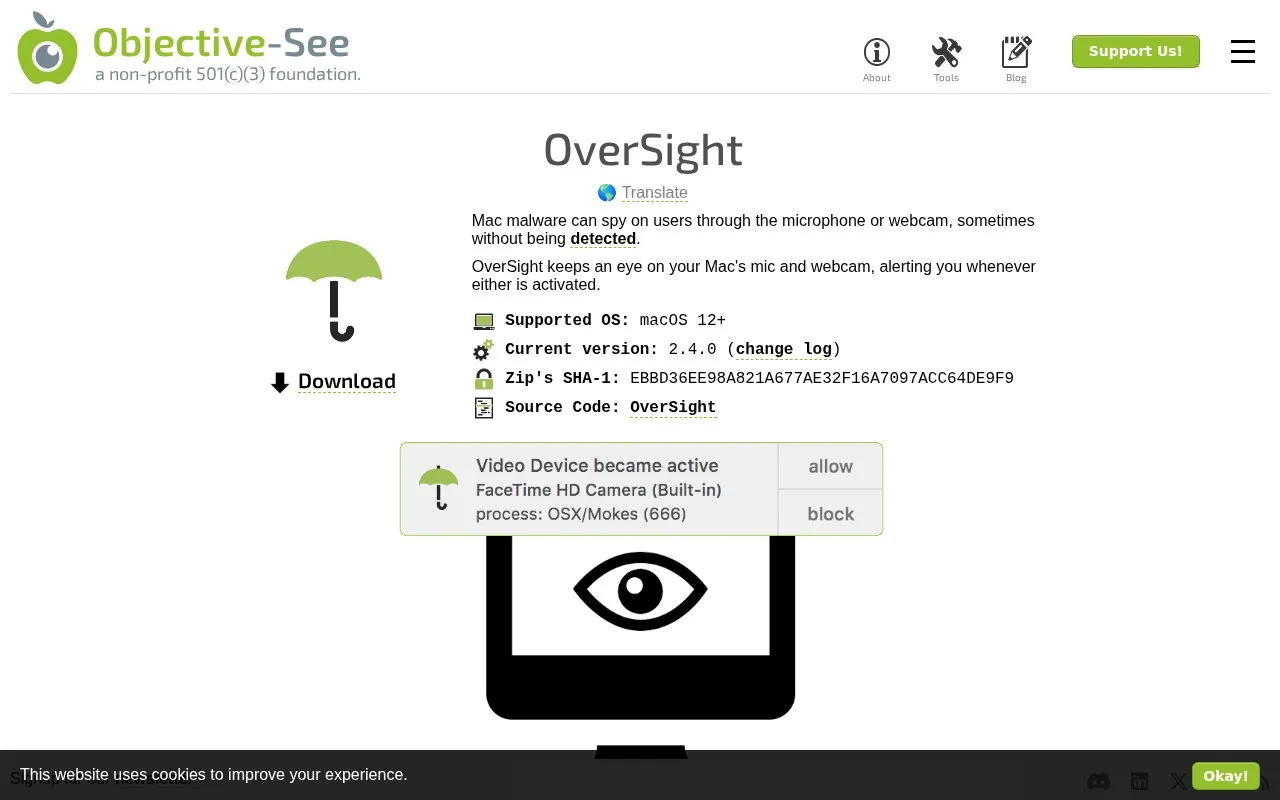
OverSight is a macOS privacy tool from Objective-See that monitors for unauthorized access to a computer's microphone and webcam. It sends alerts whenever either device is activated, including cases where malware surreptitiously piggybacks on existing active video call sessions (such as FaceTime, Skype, or Google Hangouts) to record audio or video without detection. The tool requires administrative user privileges to install and run, and supports macOS 12 and later. It runs continuously in the background by default, starting automatically at login, and offers configurable options including permanent allow rules for trusted apps, the ability to block suspicious processes, support for custom scripts to run on device access events, an option to hide its status bar icon, and the ability to ignore external microphone or camera devices.
Tools and sites you could use instead, ranked by how closely they match.
Add face-based authentication to Linux using Howdy, which works with built-in infrared emitters and cameras.
Check which software is persistently installed on a Mac with KnockKnock, a tool for inspecting startup items.
Tunnelblick is free, open-source macOS software for controlling OpenVPN connections, with downloads and support information on its site.
The MailTrackerBlocker extension for macOS Apple Mail blocks email trackers, read receipts, and tracking pixels.
Check file origin and cryptographic signing details from Finder with this macOS utility.
BlockBlock monitors for malware that installs itself persistently to run automatically after a restart or login.
Well-known listings from the same topic.
Tell us and an editor will check it.
Claim the listing and suggest updates yourself. An editor checks every claim first.


