Howdy

github.com/boltgolt/howdy Desktop & OS Privacy Open-source projectOpen source

Add face-based authentication to Linux using Howdy, which works with built-in infrared emitters and cameras.

github.com/boltgolt/howdy
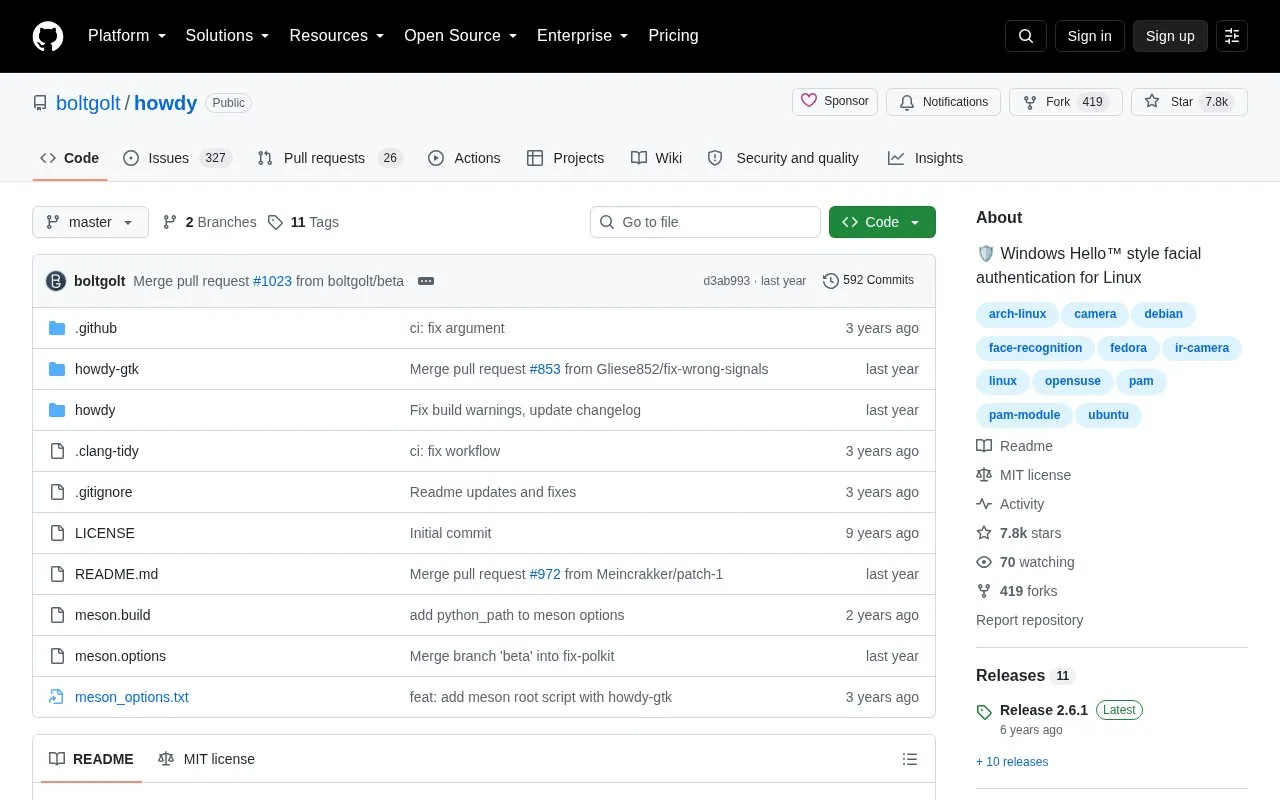
Howdy homepage screenshot

About Howdy

Howdy adds facial authentication to Linux using built-in IR emitters and cameras. It uses PAM, so face recognition can be used where a password is normally required, including login, lock screen, sudo, and su.

After installation, users enroll a face with sudo howdy add and manage models with the howdy command, including list, remove, test, snapshot, and config options. It is packaged for Debian/Ubuntu, Arch Linux, Fedora, and openSUSE, and needs compatible IR camera hardware.

Key features

  • Uses IR emitters and camera for facial recognition
  • Authenticates through PAM for login, lock screen, sudo, su
  • Adds face models with sudo howdy add
  • Lists, removes, or clears saved face models
  • Tests camera and recognition with howdy test
  • Takes camera input snapshot with howdy snapshot
Best for: Linux users with IR-equipped cameras who want face authentication for login and sudo prompts.
Good for
  • Works across login, lock screen, sudo, and su via PAM
  • Packaged for Debian/Ubuntu, Arch Linux, Fedora, and openSUSE
  • Includes command-line tools to add, list, and remove face models
Watch out for
  • Requires built-in IR emitters and camera to function
  • Arch Linux install needs additional configuration steps
  • Fedora 41 install may fail because of Python 2 dependency

Howdy at a glance

Type
Open-source project
Pricing
Not confirmed. Check the site
Platforms
Linux, Windows
Open source
Yes · Source code
Language
English
Last checked
Oct 5, 2026 · Online when checked
Listed
Oct 5, 2026

Howdy alternatives

Tools and sites you could use instead, ranked by how closely they match.

All 24 alternatives

Popular in Desktop & OS Privacy

Well-known listings from the same topic.

All 61

Howdy FAQ

How do I set up face recognition after installing Howdy?
Run sudo howdy add to add a face model, then open a new terminal and run sudo -i to test it.
Which Linux distributions have Howdy packages?
Debian/Ubuntu, Arch Linux, Fedora, and openSUSE, with build-from-source instructions for others.
How do I change Howdy settings?
Run sudo howdy config to open the central config file, which on most systems opens in nano where ctrl+x saves changes.
Is something wrong or out of date?

Tell us and an editor will check it.

Own this website?

Claim the listing and suggest updates yourself. An editor checks every claim first.

Claim this listing