

Use a YubiKey challenge-response at system startup to open a LUKS-encrypted disk volume.
Open source
24 alternativesHear when a computer sends requests to Google with Googerteller, which provides audible feedback about browsing activity.
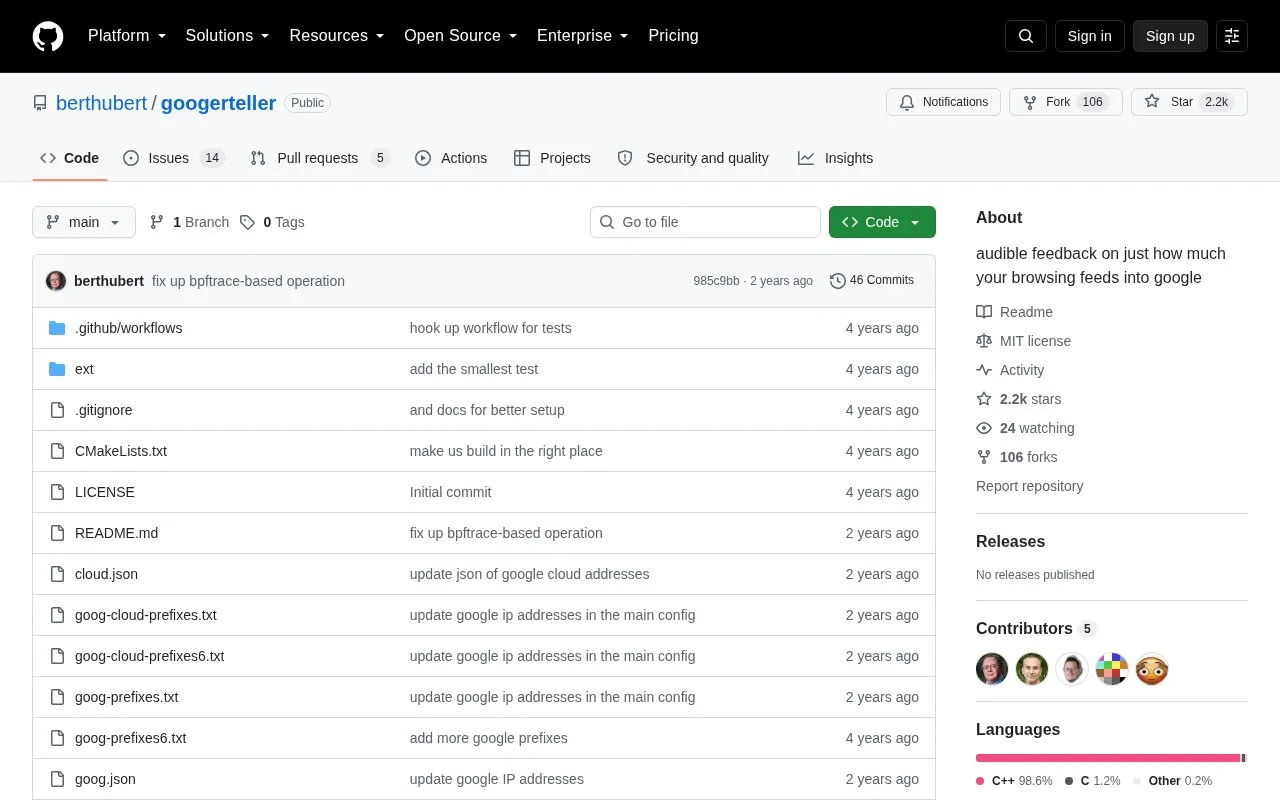
Googerteller makes a sound when the computer sends a packet to a Google service or a tracker listed in its configuration. It excludes Google Cloud customer addresses when identifying Google services.
It runs on Unix-derived systems such as Linux, OSX and FreeBSD by piping tcpdump output into the teller program, with an option on Linux to follow a single process using bpftrace. Tracker addresses are read from tracker.conf, and the audio channel and frequency per tracker can be set in teller.conf. Use requires a compiled binary, dependencies including a C++ compiler, CMake, libpcaudio and tcpdump, and sudo access.
Tools and sites you could use instead, ranked by how closely they match.
Use a YubiKey challenge-response at system startup to open a LUKS-encrypted disk volume.
Add face-based authentication to Linux using Howdy, which works with built-in infrared emitters and cameras.
Configure Ubuntu’s Uncomplicated Firewall through Gufw, a graphical firewall interface.
Set USB device authorization rules with USBGuard, a framework for controlling device access.
This community guide collects recommendations for improving security and privacy on macOS.
Block ads in Safari on Apple devices with wBlock, an open-source blocker that includes lists, scripts, and styles.
Well-known listings from the same topic.
Tell us and an editor will check it.
Claim the listing and suggest updates yourself. An editor checks every claim first.


