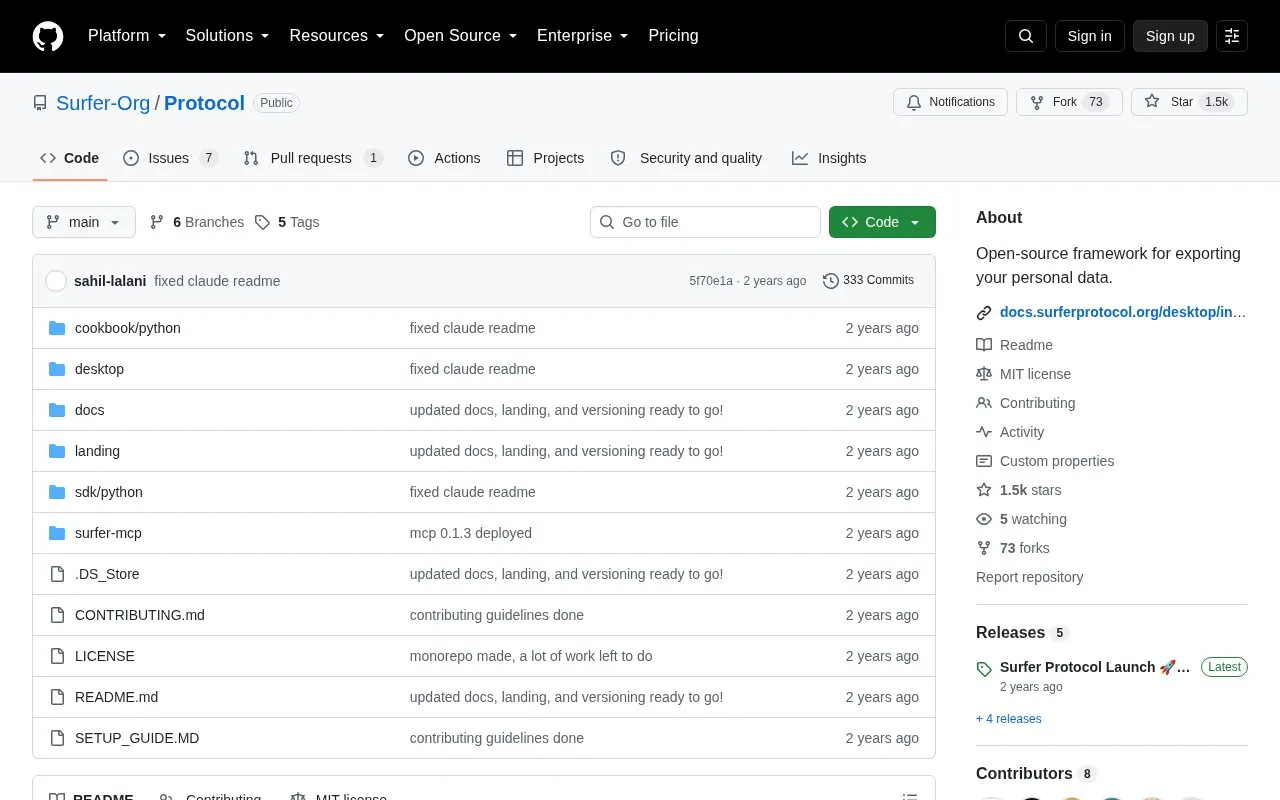
Surfer Protocol is an open-source framework for exporting personal data that is otherwise siloed across apps and platforms. It has two main parts: a desktop app that extracts data from supported services and a Python SDK for building applications on top of the exported data, plus a cookbook of SDK examples. The project is distributed under the MIT License.
Key features
Desktop app exports data from supported apps and services
Python SDK for building applications on exported personal data
Cookbook with examples of SDK usage
Supported sources include iMessages, Twitter Bookmarks, Notion, ChatGPT History
Also supports Gmail and LinkedIn Connections exports
Exported data saved to local storage
Best for: Developers and privacy-focused users who want to export their own data from specific platforms and build applications on it.
Good for
Open source under the MIT License
Combines a ready-made export app with a Python SDK for custom use
Exports are saved to the user's local storage
Watch out for
Only a limited set of platforms is currently supported
Reddit, GitHub, Discord and Spotify are listed as coming soon
Exporting requires signing in to the platform being scraped
Currently supported platforms are iMessages, Twitter Bookmarks, Notion, ChatGPT History, Gmail and LinkedIn Connections. Reddit, GitHub, Discord and Spotify are listed as coming soon.
How does the desktop app export data?
You click Export, the app waits for the target page to load, checks whether you are signed in and prompts you if not, then interacts with the platform's interface to scrape your data and save the export to local storage.
What license is the project released under?
It is distributed under the MIT License.
Is something wrong or out of date?
Tell us and an editor will check it.
Own this website?
Claim the listing and suggest updates yourself. An editor checks every claim first.