

Use a YubiKey challenge-response at system startup to open a LUKS-encrypted disk volume.
Open source
24 alternativesThis community guide collects recommendations for improving security and privacy on macOS.
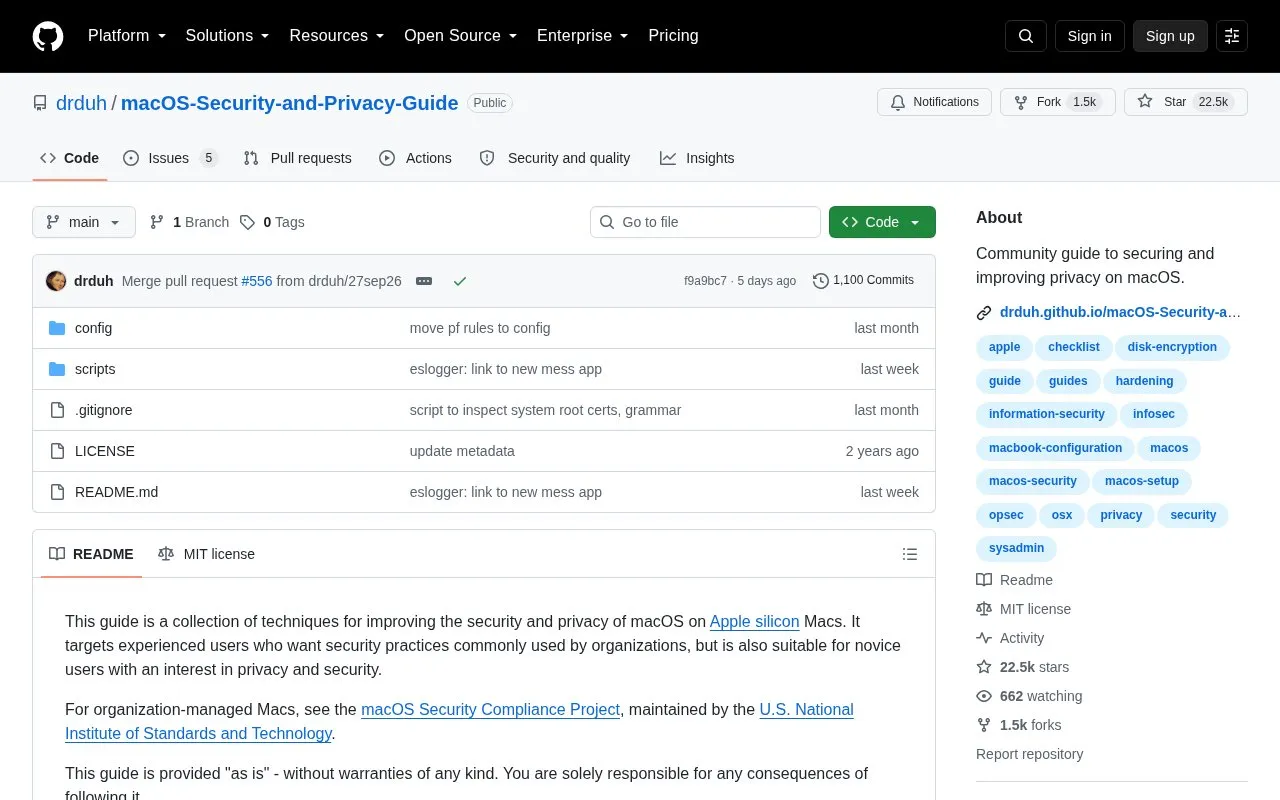
The macOS Privacy Guide is a community-maintained, open source repository hosted on GitHub that collects recommendations for improving security and privacy on macOS. It is focused on Apple silicon Mac users, with content spanning basic best practices to advanced configuration steps.

The guide walks users through creating a personalized threat model, securing hardware and initial system setup, configuring firewalls and full-disk encryption, hardening browser and network settings, and selecting privacy-focused tools for everyday use. It is suitable for both novice users new to privacy practices and experienced users seeking security standards commonly used by organizations.Tools and sites you could use instead, ranked by how closely they match.
Use a YubiKey challenge-response at system startup to open a LUKS-encrypted disk volume.
This guide collects Linux kernel and userland settings for improving security and usability, targeting Arch Linux and potentially other distributions.
Authorize binary execution and file access on macOS with Santa, a system extension and policy tool.
Set USB device authorization rules with USBGuard, a framework for controlling device access.
Tomb makes strong encryption easier for everyday use by creating locked folders that can be transported and hidden in a filesystem.
Cryptsetup and LUKS provide open-source disk encryption, including full-disk encryption.
Well-known listings from the same topic.
Tell us and an editor will check it.
Claim the listing and suggest updates yourself. An editor checks every claim first.


