

The ArchWiki guide covers securely wiping a disk, with related security articles and Arch Linux resources on the wiki.
SSD Memory Cell Clearing
Consult ArchWiki guidance on clearing data from solid-state drives and memory cells.
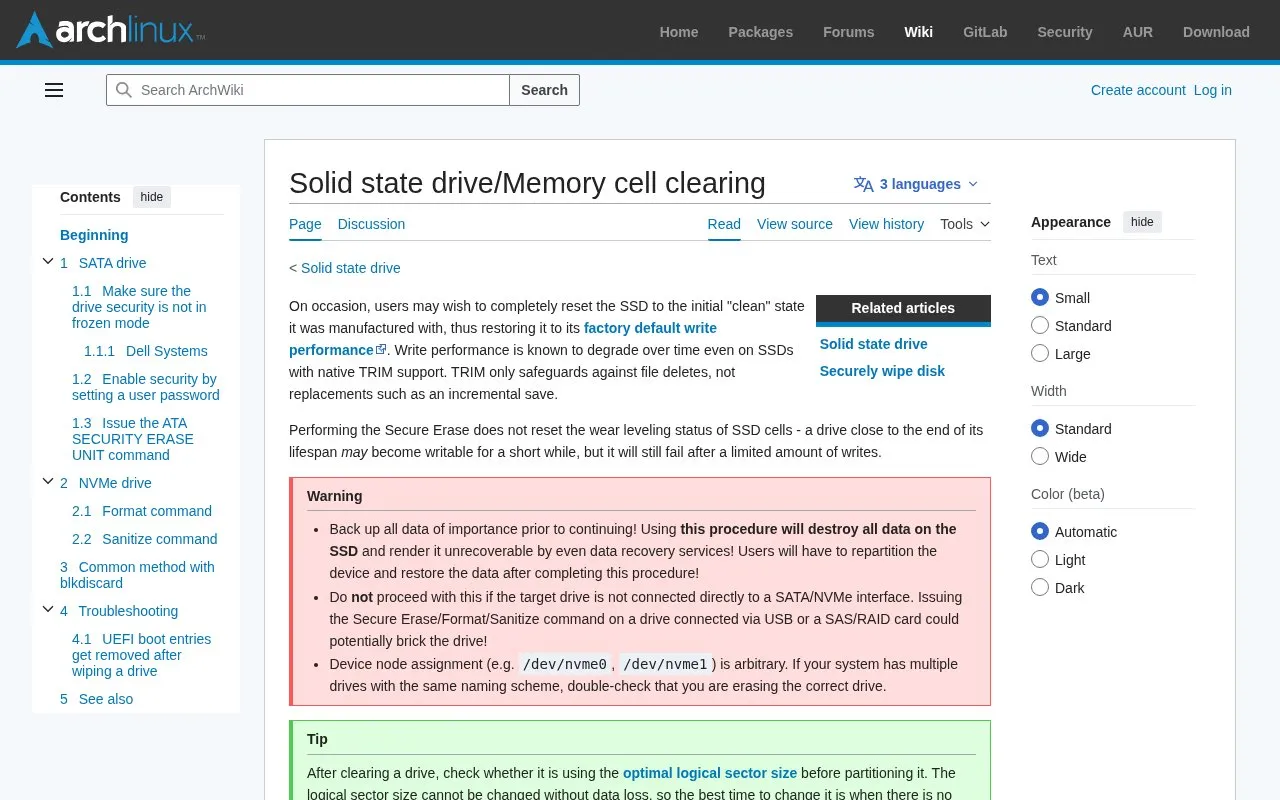
About SSD Memory Cell Clearing
The page describes how to reset a solid-state drive to its factory clean state using firmware-level Secure Erase, which can restore factory default write performance. It covers SATA ATA SECURITY ERASE UNIT and ENHANCED SECURITY ERASE UNIT with hdparm, including checking for frozen security state, setting a temporary user password, and issuing the erase command.
It warns the procedure destroys all data beyond recovery and requires repartitioning and restoring data afterward, and must only be used on drives directly connected via SATA/NVMe. Secure Erase does not reset cell wear-leveling status.
Key features
- Instructions for ATA SECURITY ERASE UNIT and ENHANCED SECURITY ERASE UNIT
- Commands to check if drive security is frozen
- Steps to set temporary user password with hdparm
- Workarounds for frozen state on Dell systems
- Guidance to verify correct device node before erasing
- Advice to check logical sector size after clearing
Best for: People maintaining Arch Linux systems who need to clear a directly connected SATA SSD.
Good for
- Explains restoration to factory default write performance
- Lists hdparm commands to check status and issue erase
- Notes the same ATA commands can zero out hard disk drives
Watch out for
- Erases all data beyond recovery and requires repartitioning and restore
- Requires direct SATA/NVMe connection; USB or SAS/RAID use may brick drive
- Does not reset wear-leveling status on aging drives
SSD Memory Cell Clearing at a glance
- Category
- Privacy & Security › Desktop & OS Privacy
- Type
- Website
- Pricing
- Not confirmed. Check the site
- Platforms
- Web
- Open source
- Not stated
- Language
- English
- Last checked
- Oct 5, 2026 · Online when checked
- Listed
- Oct 5, 2026
SSD Memory Cell Clearing alternatives
Tools and sites you could use instead, ranked by how closely they match.

Process macOS and iOS disk images or live machines with mac_apt to extract forensic data and metadata.
Open source
24 alternatives
Export personal data with Surfer Protocol, an open-source framework with a desktop app and Python SDK.
Open source
24 alternatives
Stay for Safari lists userscripts and ad blocking among its features, with ratings and reviews available on the App Store.
FreemiumPick
24 alternativesFollow this Linux hardening guide for steps to improve the security of a Linux system.

The Tor Project promotes online anonymity and tools to defend against tracking, surveillance, and censorship.
Popular in Desktop & OS Privacy
Well-known listings from the same topic.
wBlockapps.apple.com/app/wblock/id6746388723uBO Lite Safariapps.apple.com/app/ublock-origin-lite/id674534…Lockdown Privacylockdownprivacy.comFirejailfirejail.wordpress.comHyphanethyphanet.org1Blocker1blocker.com


SSD Memory Cell Clearing FAQ
Does Secure Erase reset SSD wear leveling?
No. A drive close to the end of its lifespan may become writable for a short while, but it will still fail after a limited amount of writes.
Does TRIM prevent all write-performance degradation?
No. TRIM only safeguards against file deletes, not replacements such as an incremental save.
Can I run Secure Erase over USB?
No. Do not proceed unless the drive is directly connected to a SATA/NVMe interface; using USB or a SAS/RAID card could potentially brick the drive.
Is something wrong or out of date?
Tell us and an editor will check it.
Own this website?
Claim this listing
Claim the listing and suggest updates yourself. An editor checks every claim first.